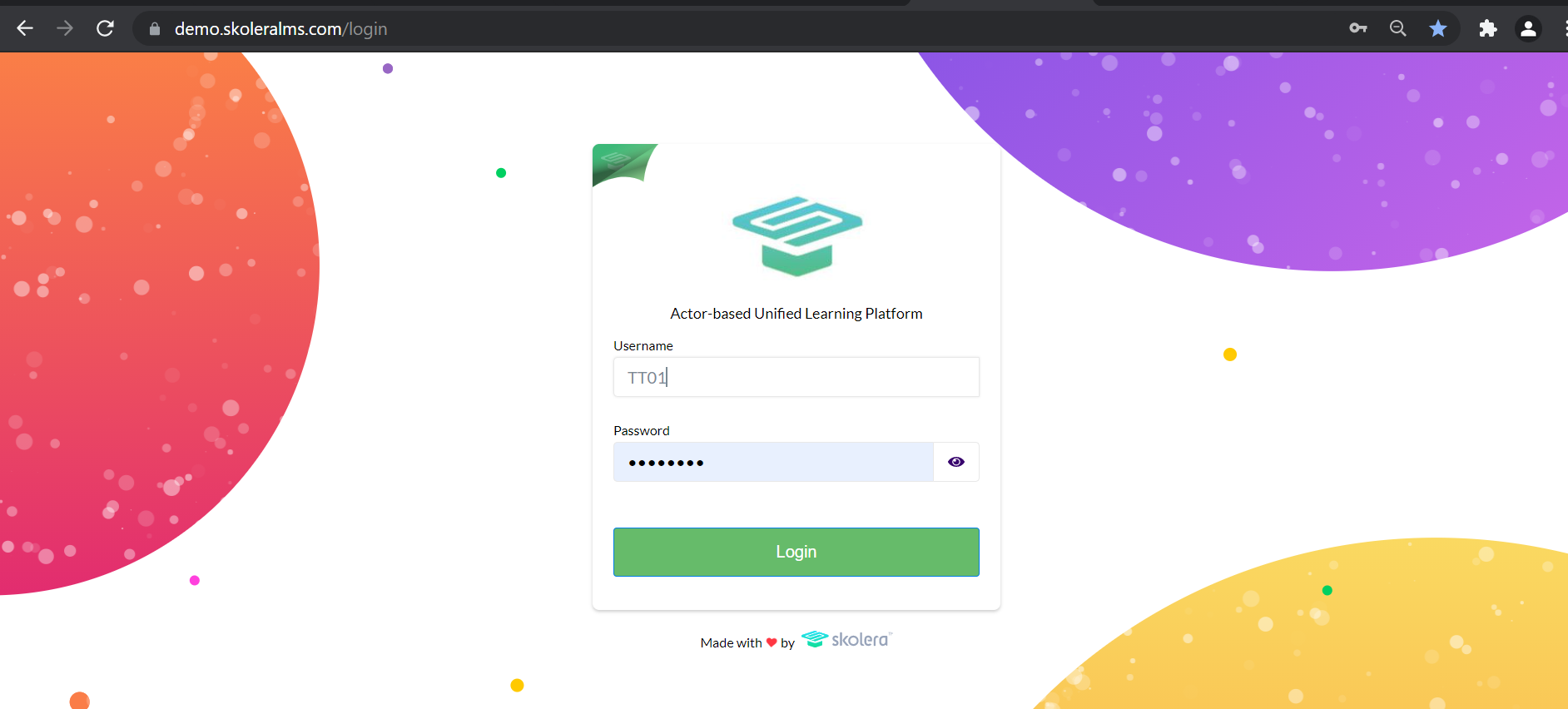
To Login To Your School on The Skolera's Platform:
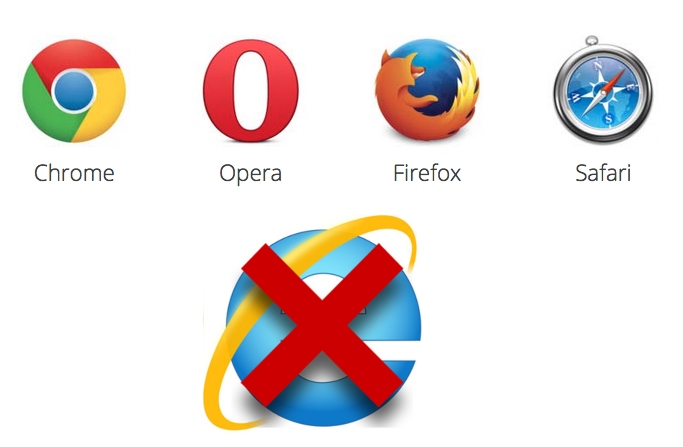
- Open a Web Browser (Example : Google Chrome, Fire Fox, Opera or Safari ) ,Don't Use Internet Explorer.
- In the URL At The Top Of The Browser Page, Write Your School URL That Provided By Your School Administration.(Example: demo.skoleralms.com).
- Enter Your Username And Password "Case Sensitive".
Your Default Password is >> Your Username Followed by Aa@1
Example: Username = TT01, Default Password is TT01Aa@1
"You Can Click On The Eye Icon Next To The Password To Reveal and Confirm The Entered Password".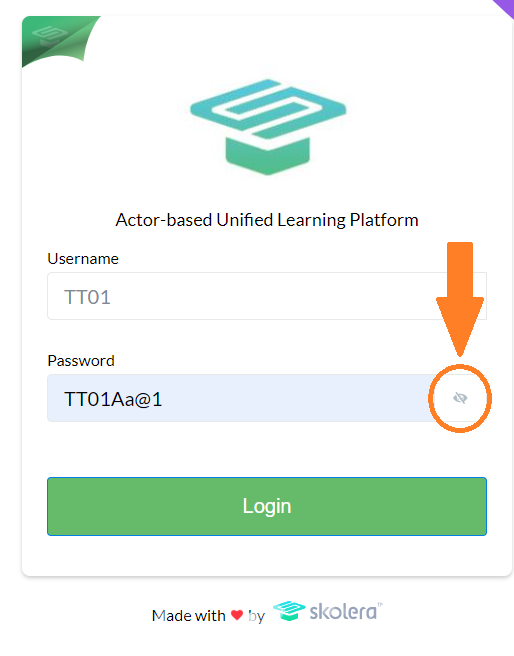
- And Then Click on Login.