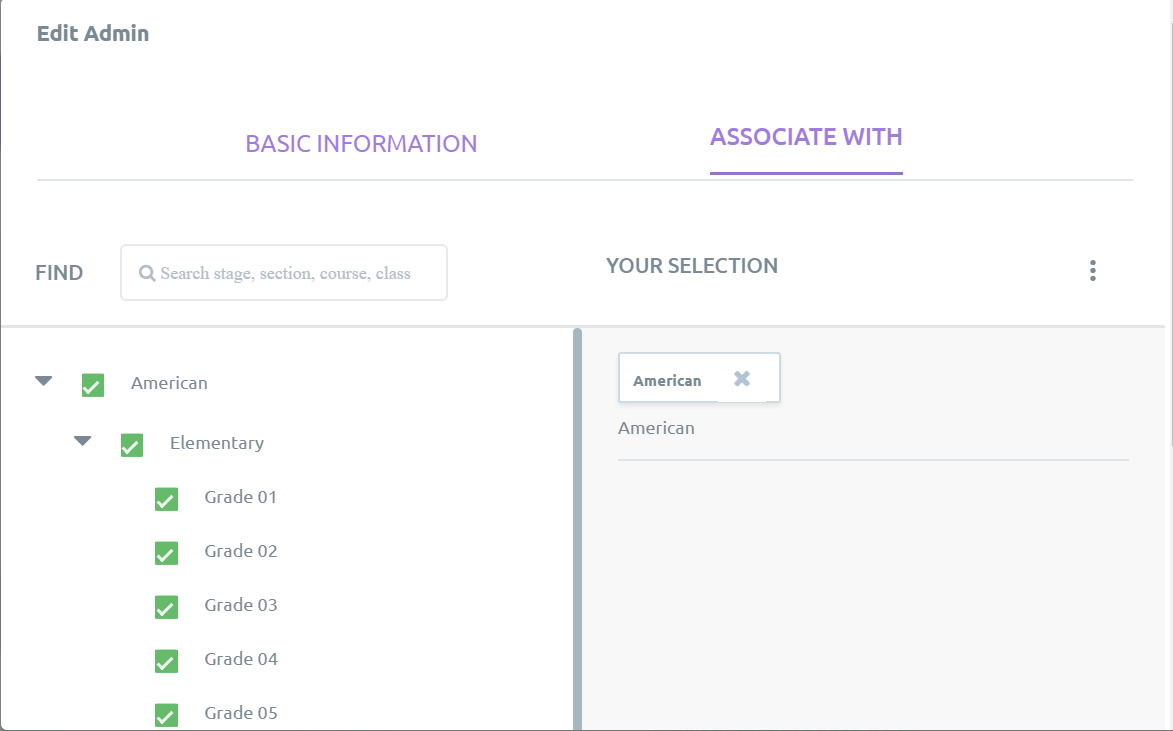
Admins can be assigned to specific sections to limit their scope of access.
To assign an admin to a section:
- Log onto Skolera as an admin
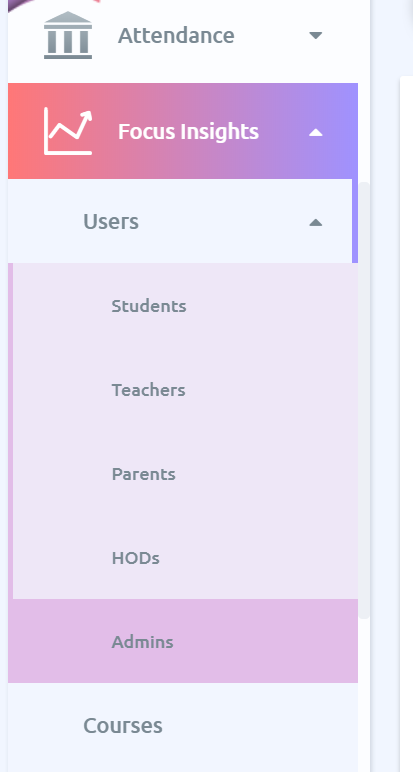
- Go to Focus Insights
- Expand the Users sub-menu
- Click on Admins
- Click on the 3dot menu next to an admin's name
- Click on Edit
- Select the Associate With tab
- Select the sections to associate the admin with using the selection check boxes.