
Sign into your Admin account
From the Navigation menu at the Left side
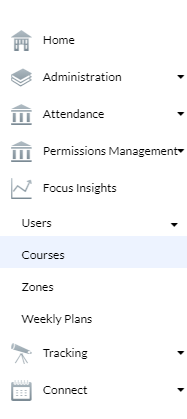
Press on Focus insights > Courses
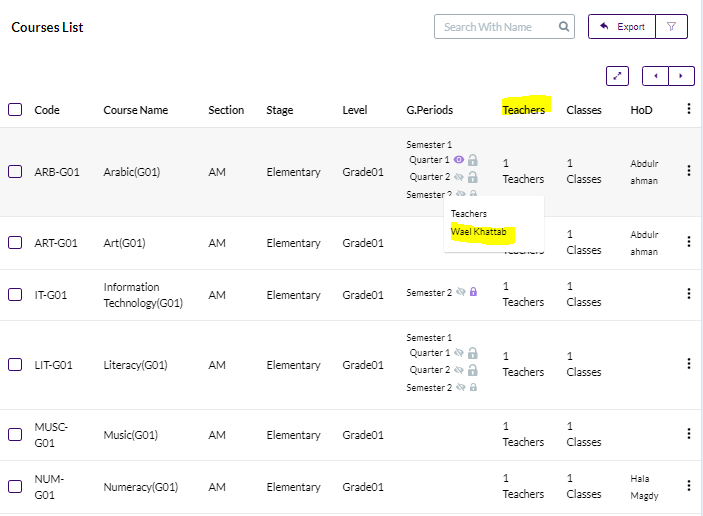
Press on the Number of Teachers assigned to the required Course to View the Teachers names
Press on the Teacher name
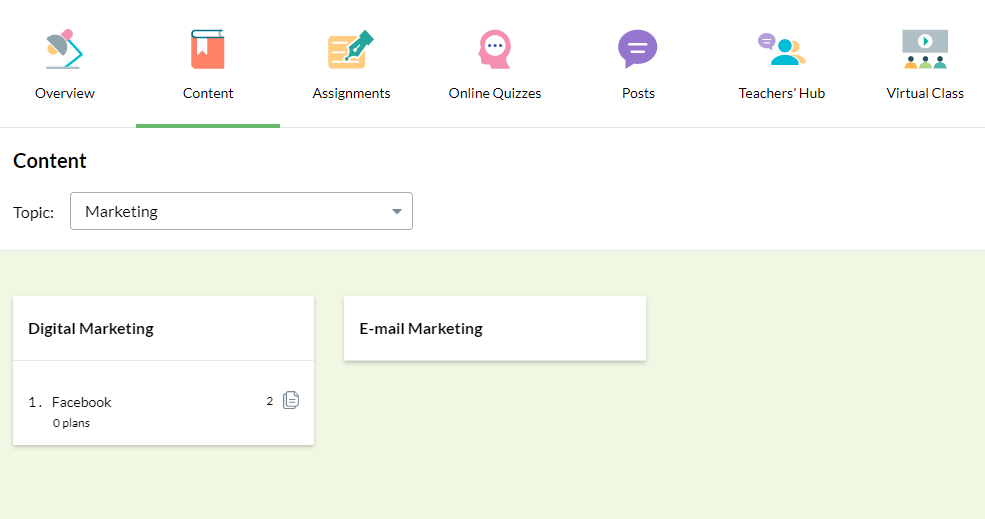
Now you are redirected to the interface of the Teacher
Press on Content
Choose the Topic / Subtopic and Press on the Lesson name to show the Content (Files) / Lesson plans
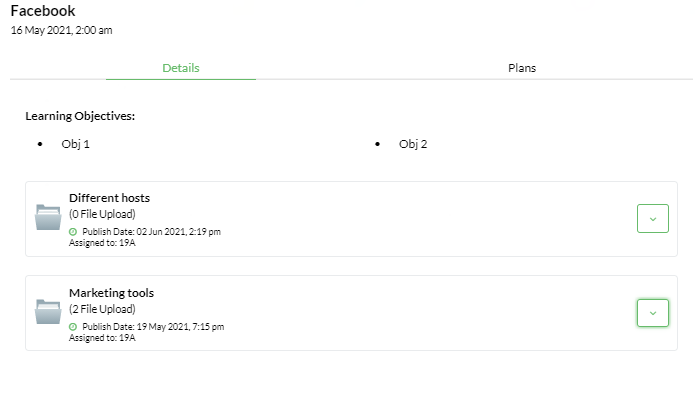
From the Details tab , you can view all the files uploaded
Press on the arrow beside the file name to View it or Download it
Click on View Content or the Download icon
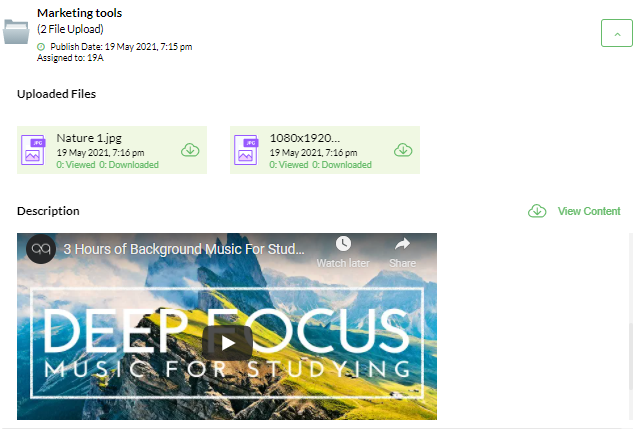
You can check how many students have Viewed / Downloaded the files from the counter found under each file .
You can also view the Lesson plans by pressing on the Plans tab