
To create an employee profile, you can follow these steps:
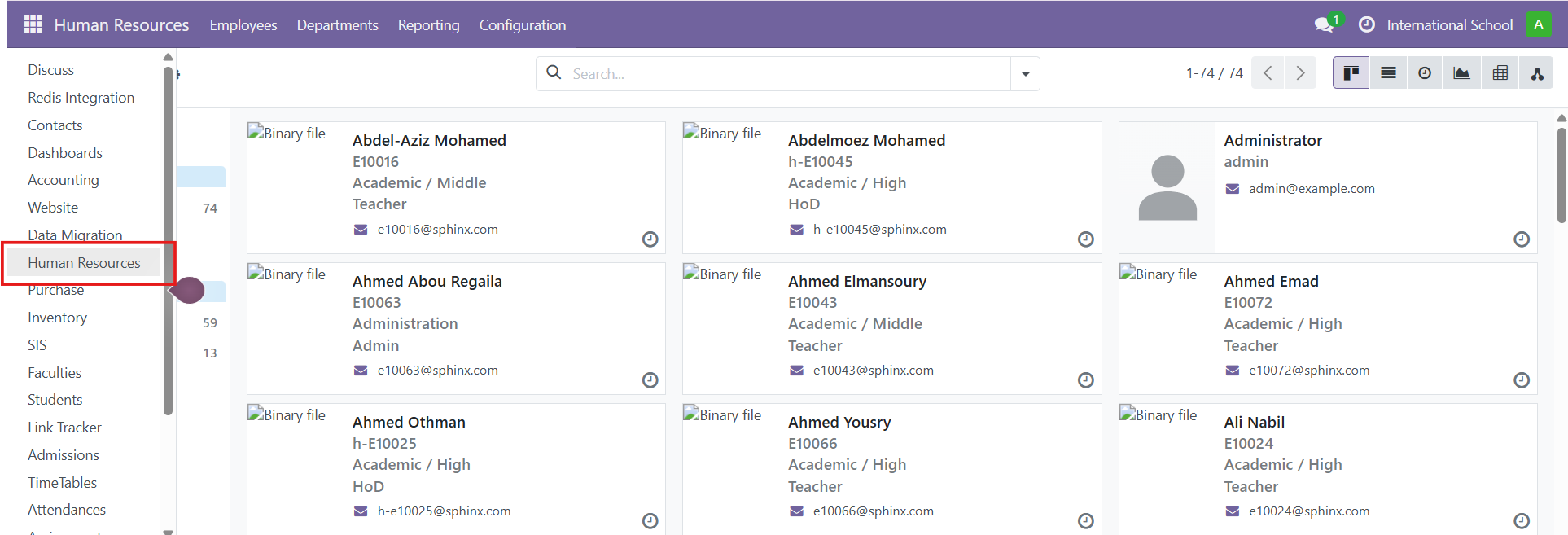
- Go to the "Human Resources" app from the main dashboard.
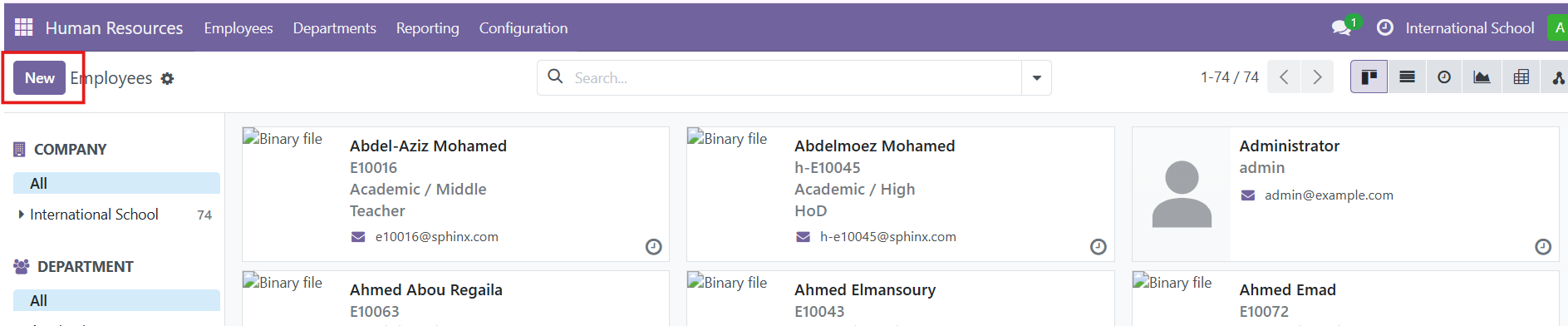
- Click on the "New" button to create a new employee profile.
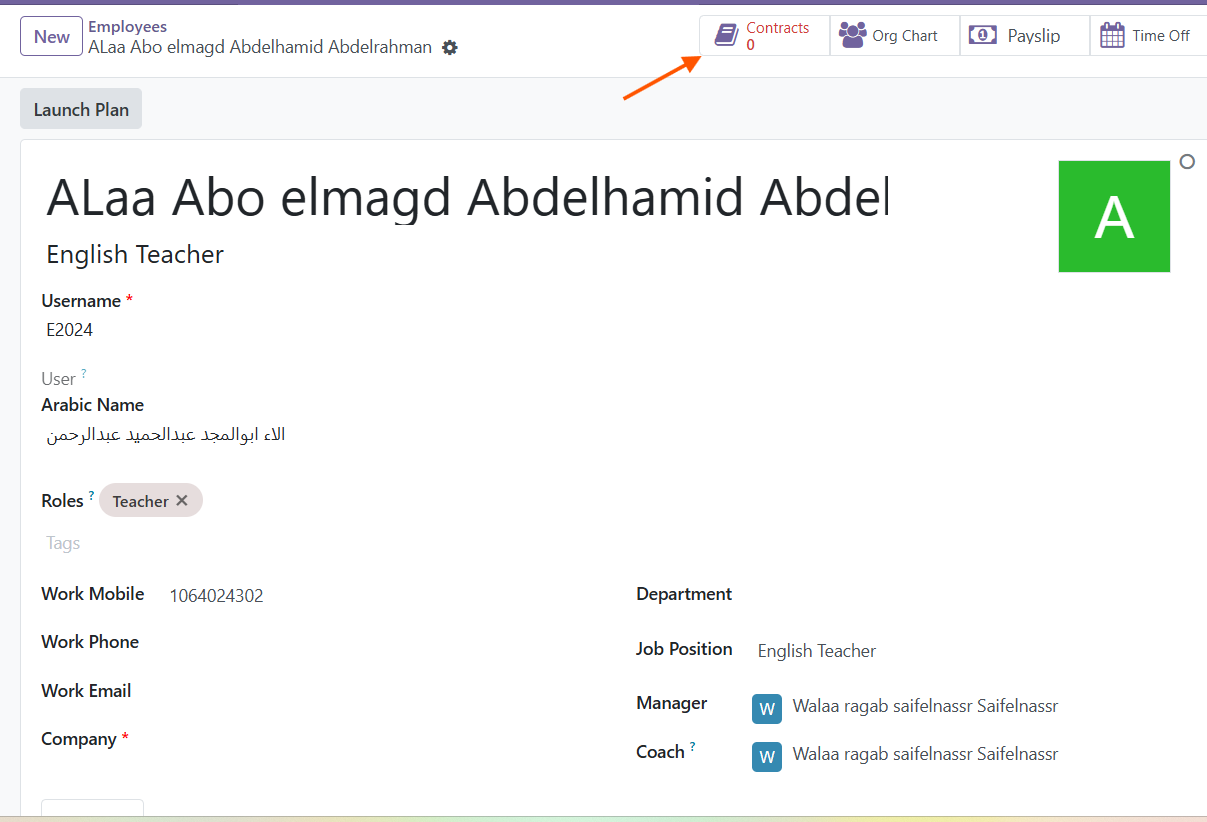
- Fill in the employee's personal information such as their name, job title, and other relevant details in the provided fields.
- Enter the employee's contact information, including their email address, phone number, and address.
- If applicable, specify the employee's work information, such as their department, manager, and work location.
- Enter the employee's contract details, including the start date, end date (if applicable), and contract type.
Once you have filled in the required information, click on the "Save" button to create the employee profile.
By following these steps, you can easily create an employee profile, enabling you to keep track of your employees' information and manage their profiles within the system.