Sign in to your Skolera account
Log in using your Teacher credentials.Navigate to your courses
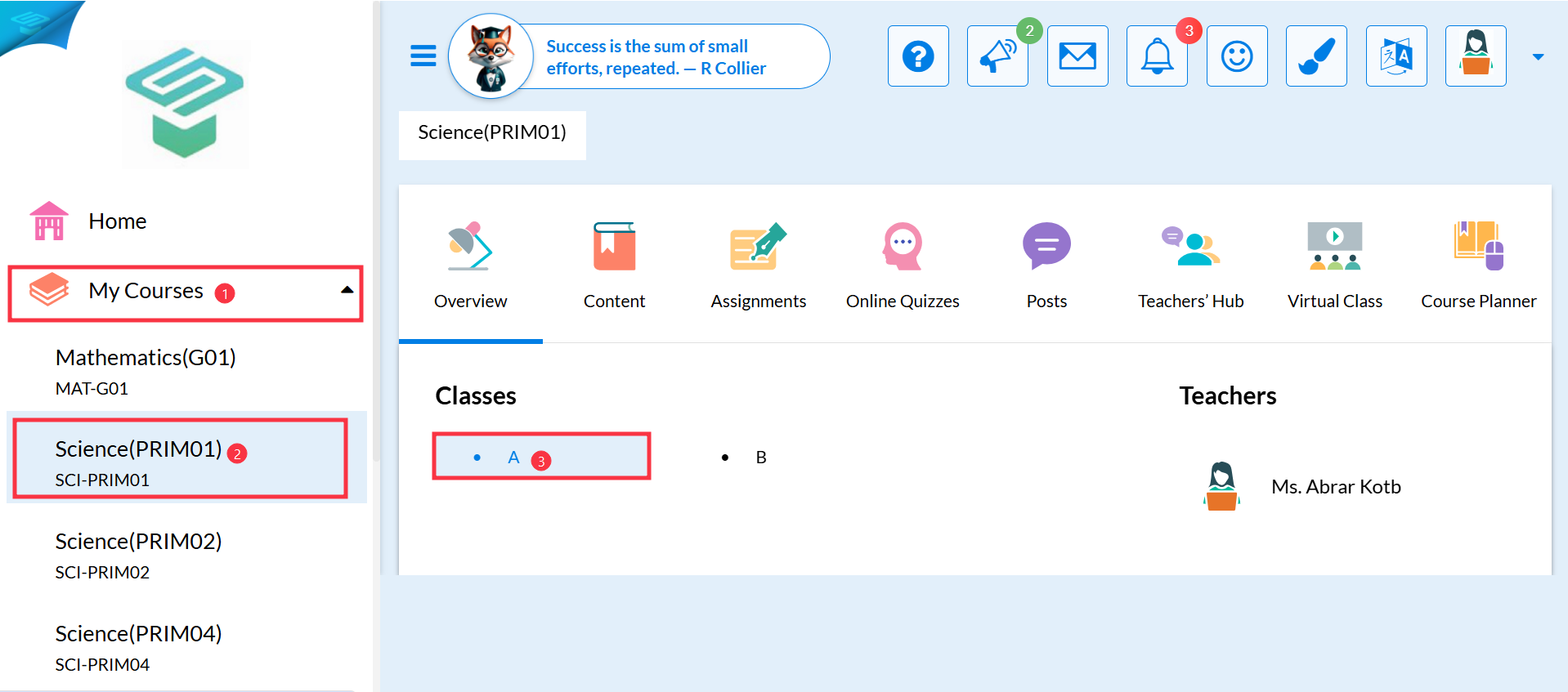
From the left-hand navigation menu, click on Courses.
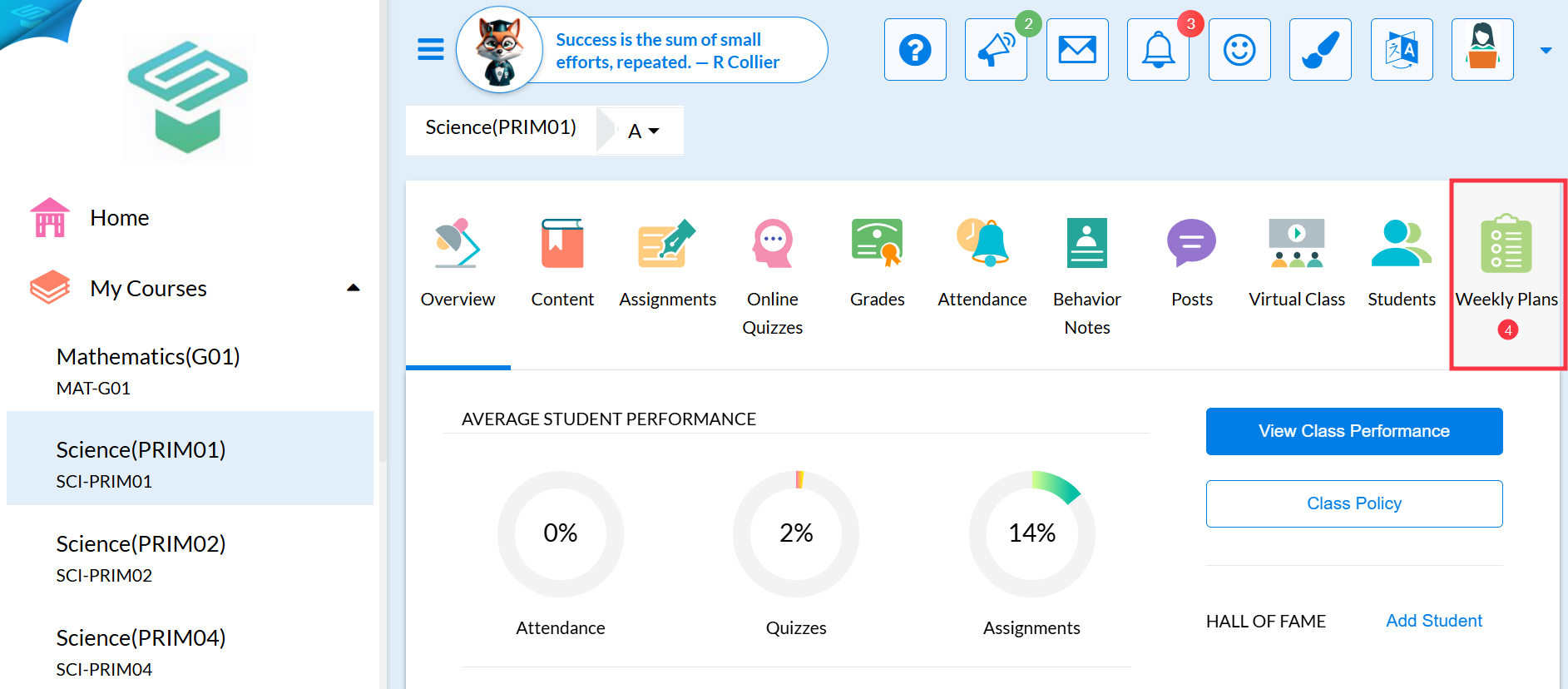
Select the Course Name.Choose the relevant Class, then go to the Weekly Plan tab.
Find and edit the plan
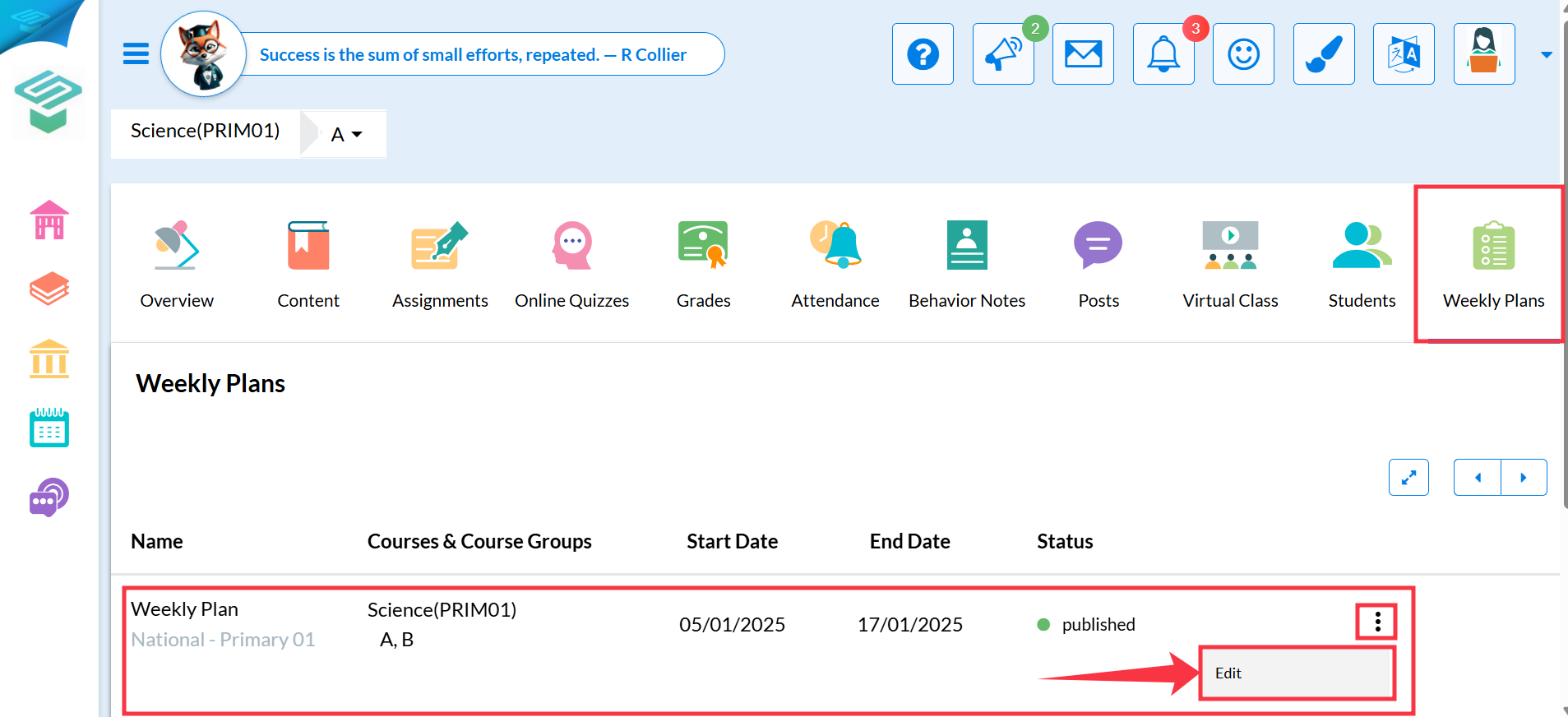
You’ll see a list of weekly plans created by the Admin.
Locate the required plan and click on the three dots (⋮) on the right side.
From the dropdown, select Edit to start editing the plan.
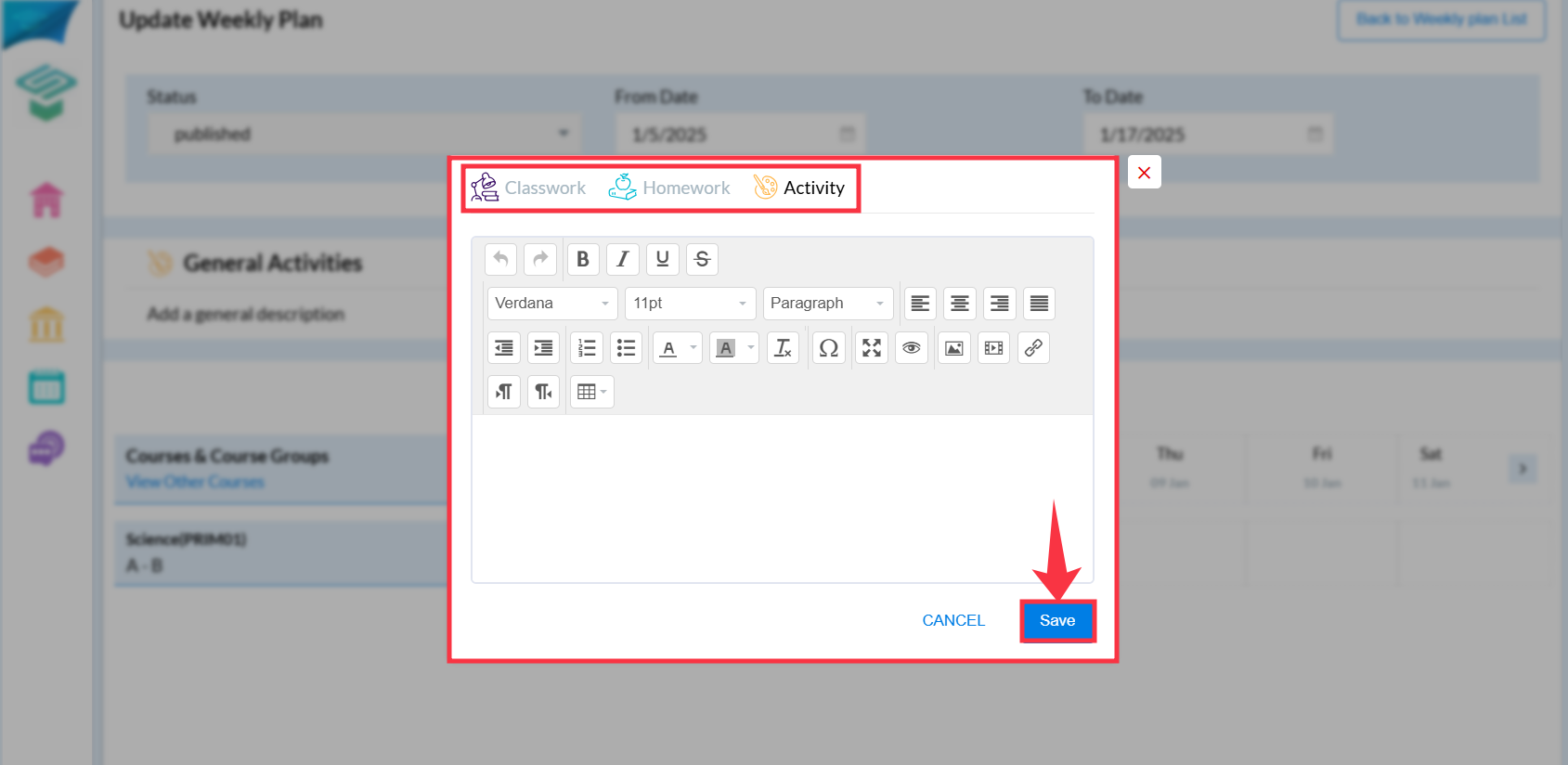
4. Press the upload button under the days' table to add the Classwork/Homework/Notes
And, press save.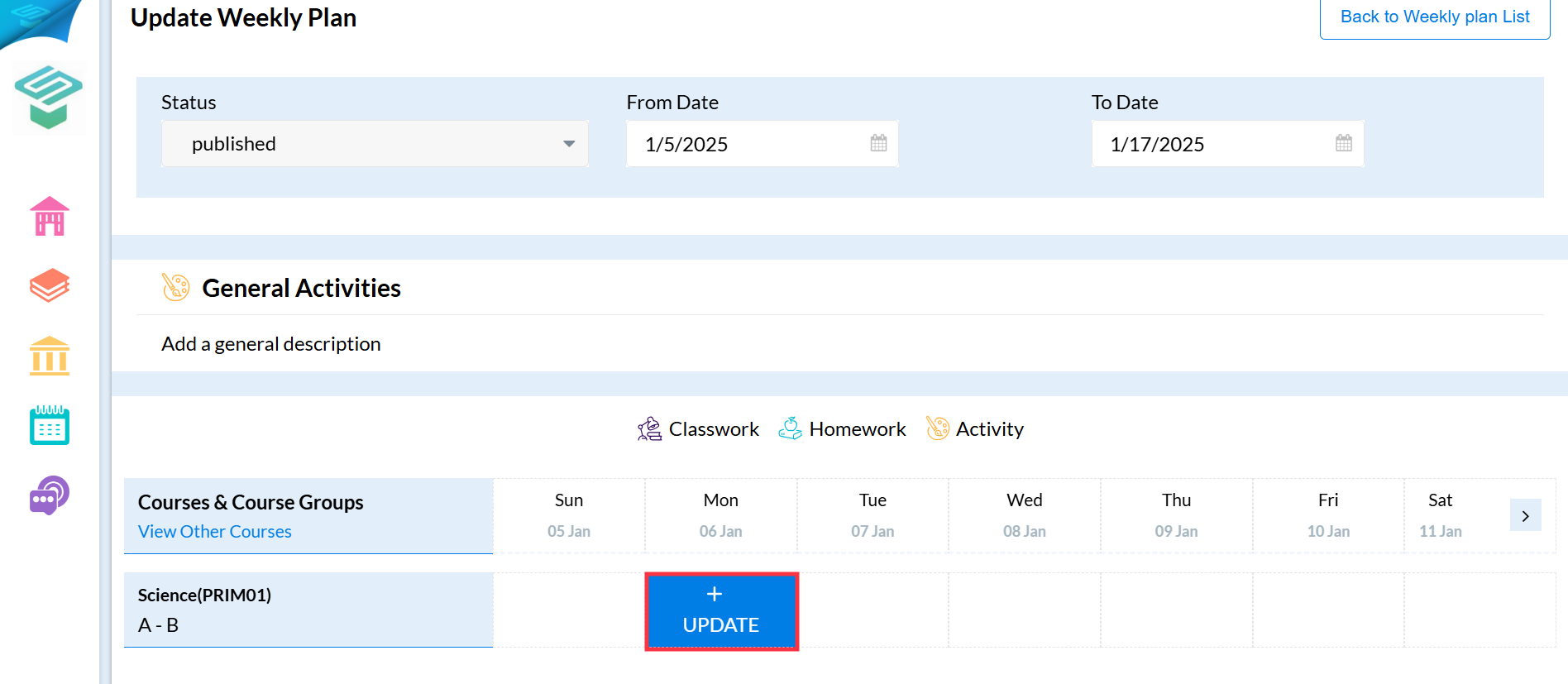
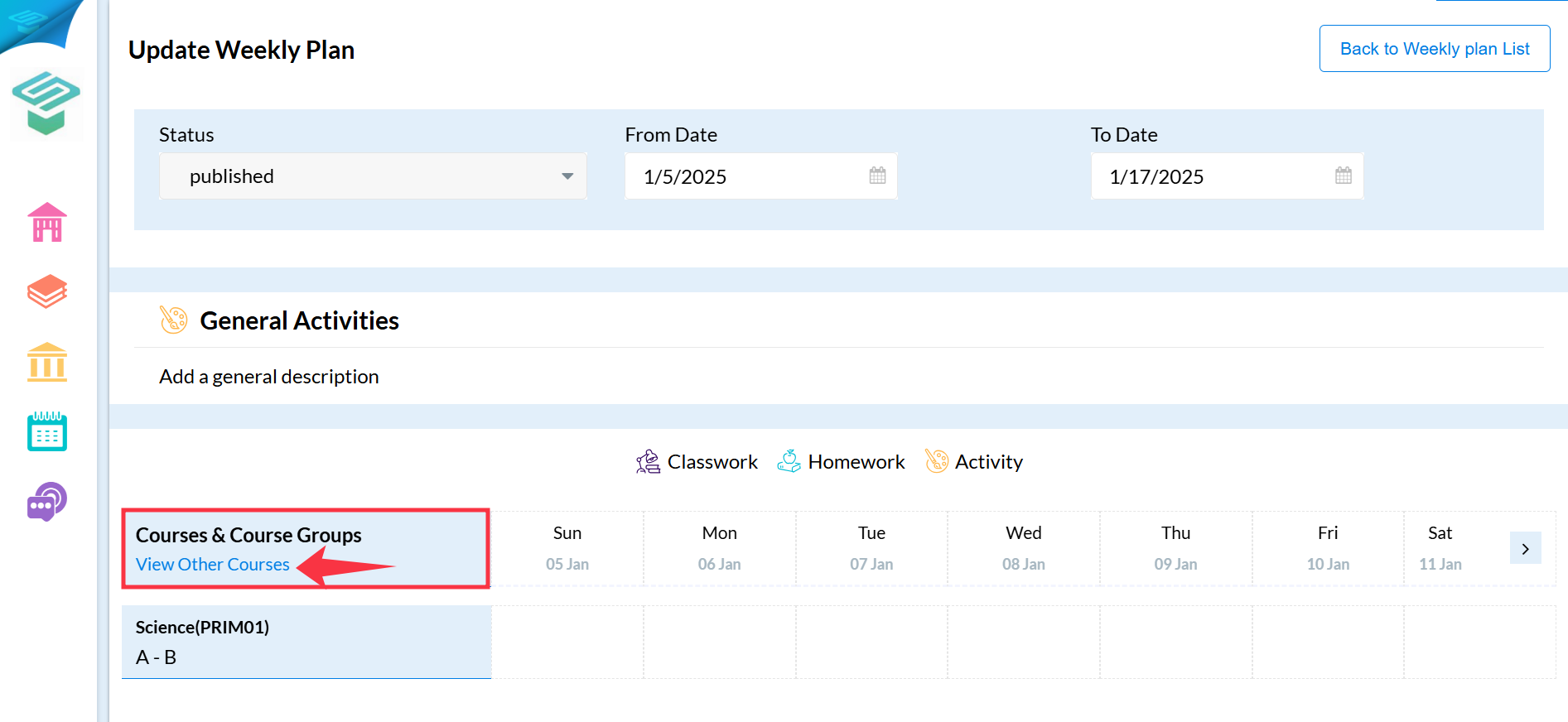
If you need to view the weekly plan of your colleagues in other courses, press View Other Courses.