
Log in
Sign in to Skolera LMS using your Teacher account.
Navigate to the course
From the left-hand Navigation Menu, go to:Courses→ Select the Course Name → Choose the relevant Class.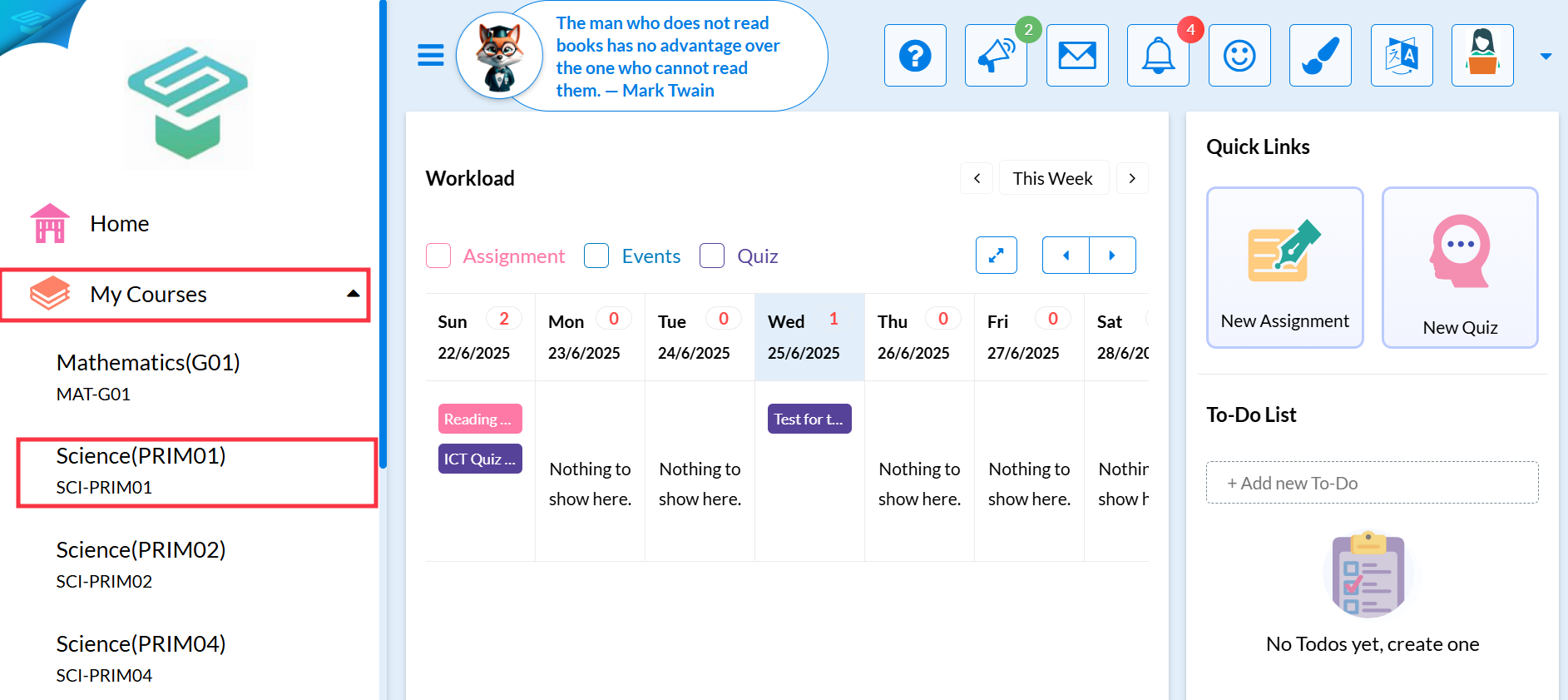
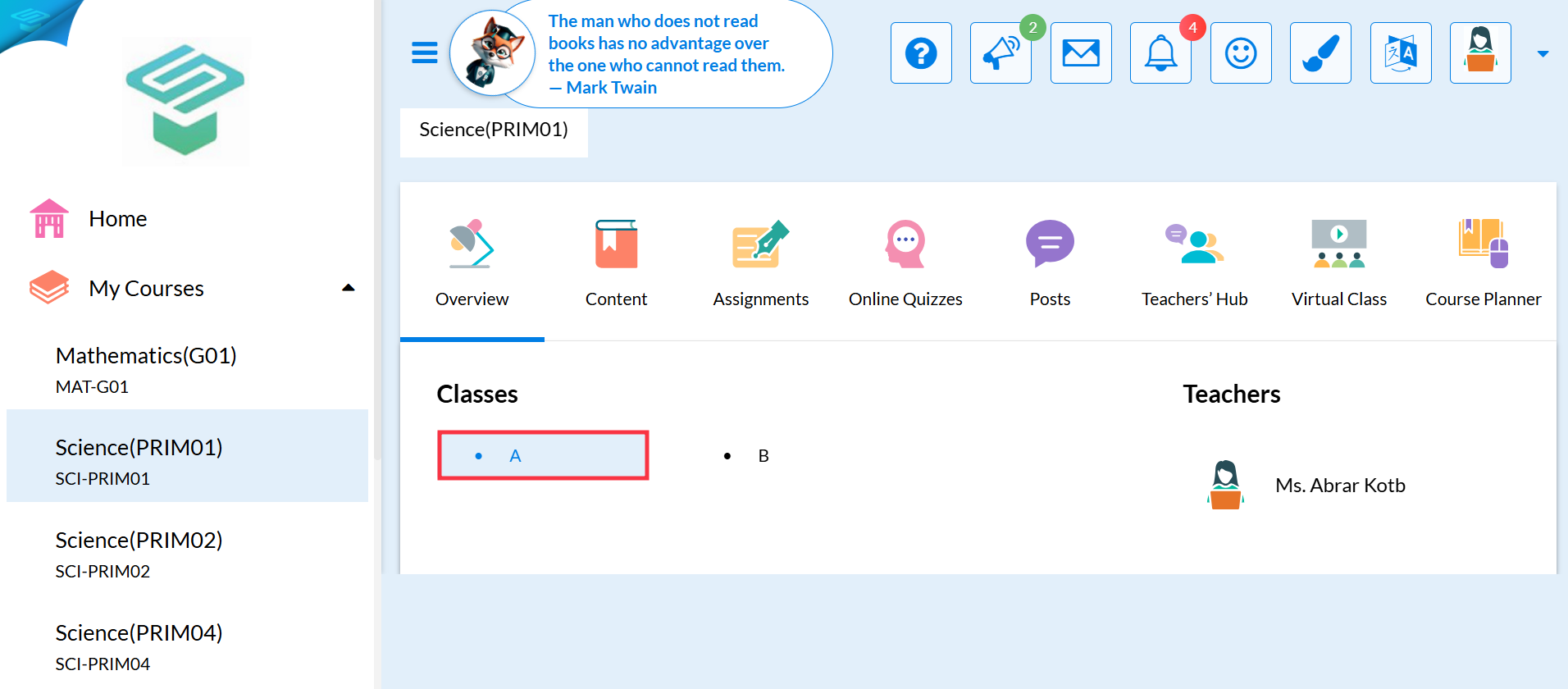
Access the Gradebook
Click on the Grades tab.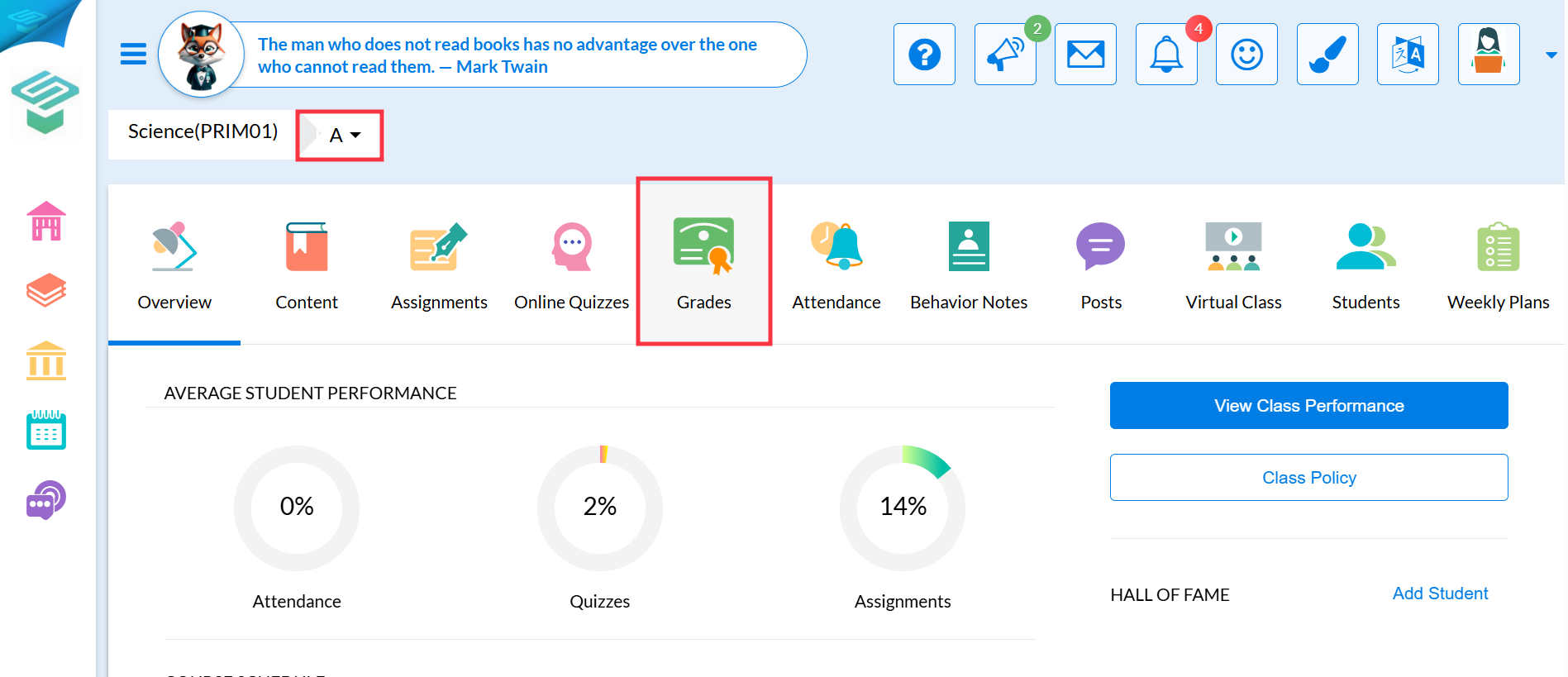
Edit Grade Items
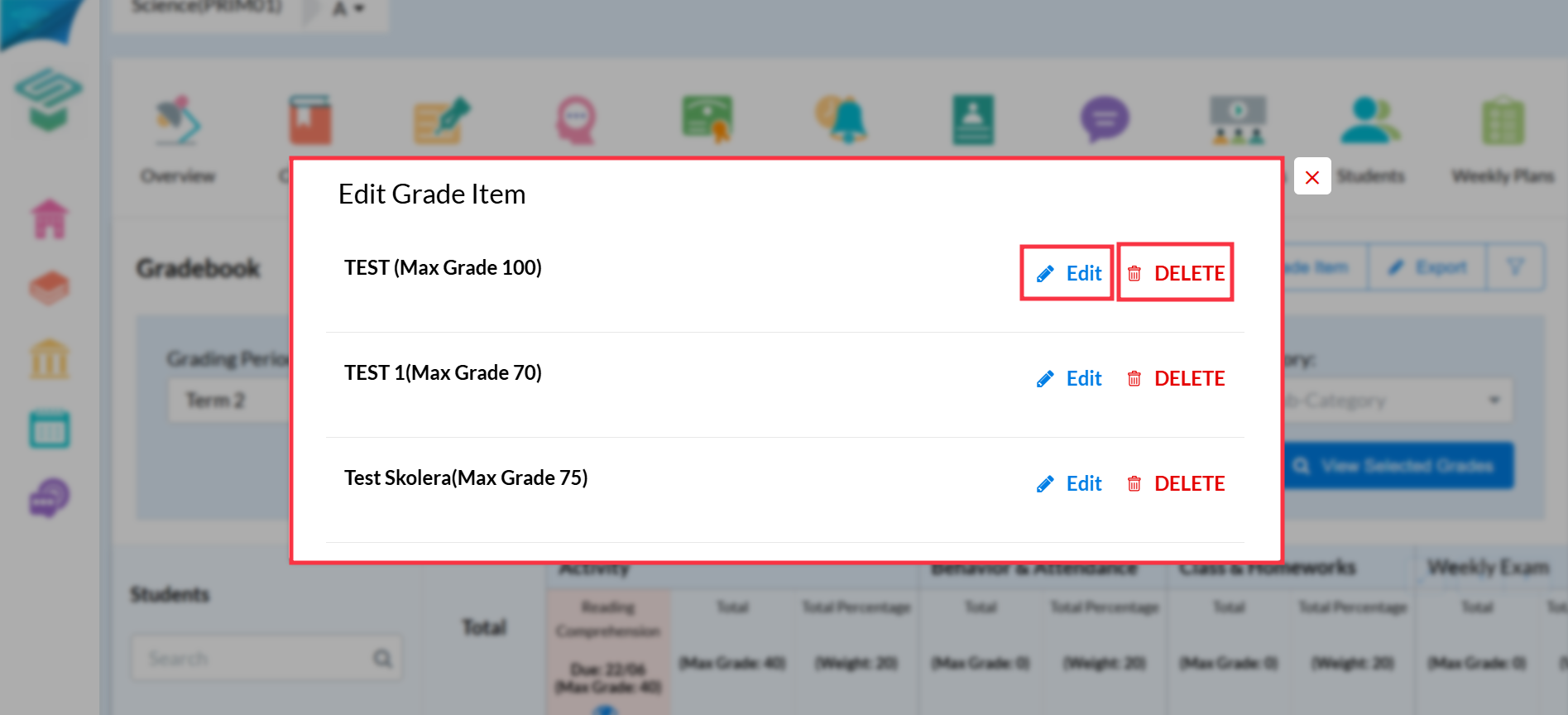
Click on the Edit Grade Item tab in the upper right corner.
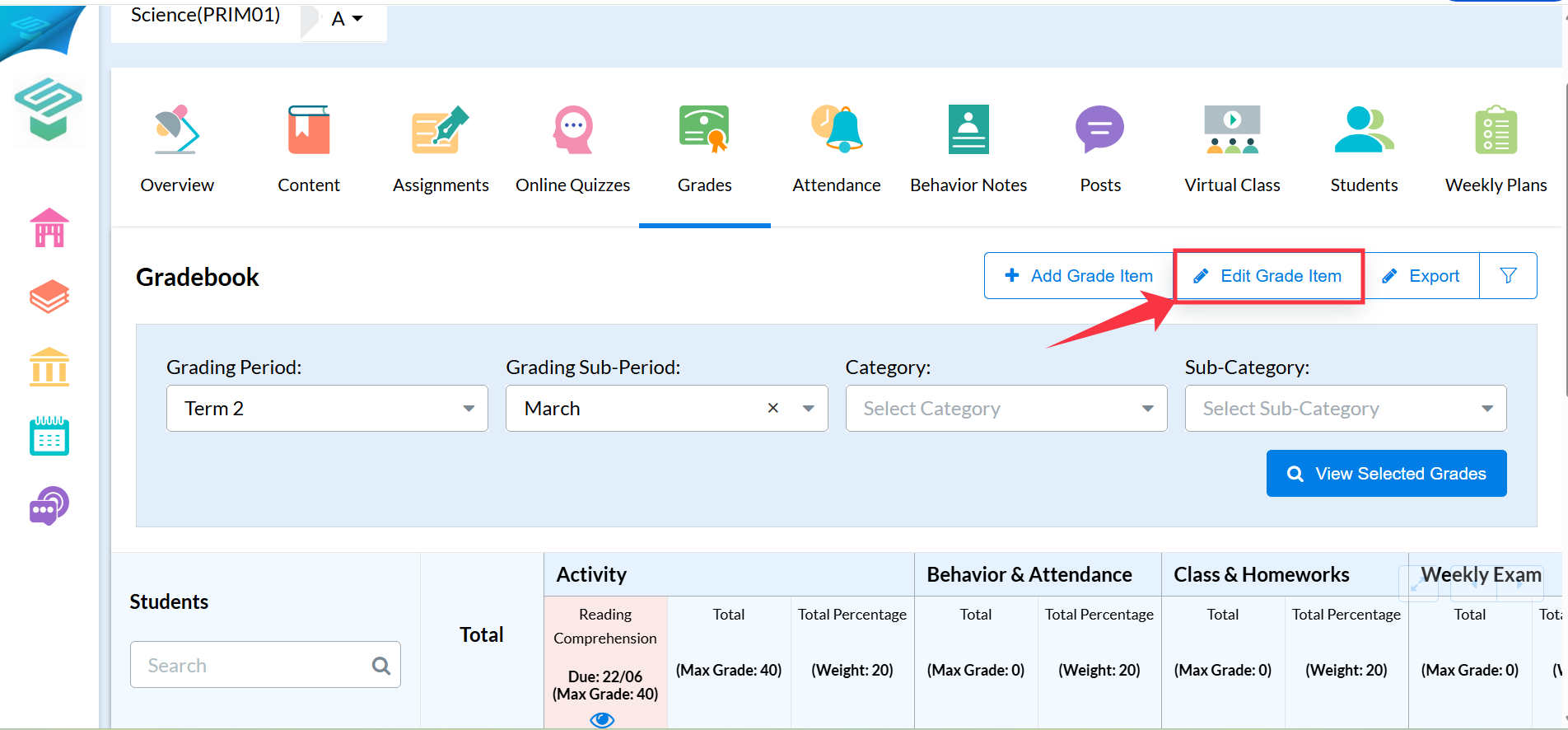
A list of all created Grade Items will appear.
To edit a Grade Item, click the Edit button next to it.
To delete a Grade Item, click on Delete.
⚠️ Important Note:
You cannot directly edit the columns related to assignments or online quizzes from the Gradebook.
To make changes to these, please return to the Course Level and edit them from their source.