
- Log in as a Teacher
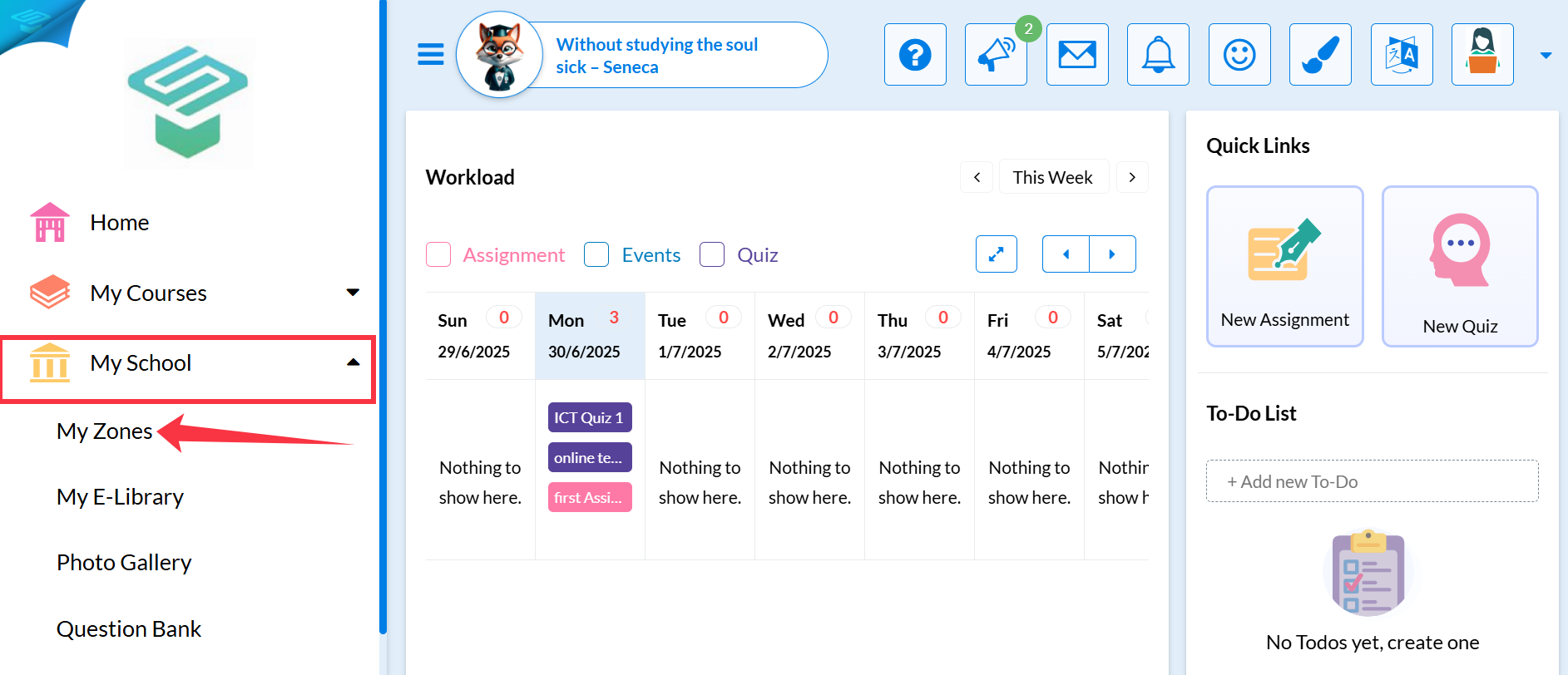
- Go to the Navigation menu > My school > My Zones
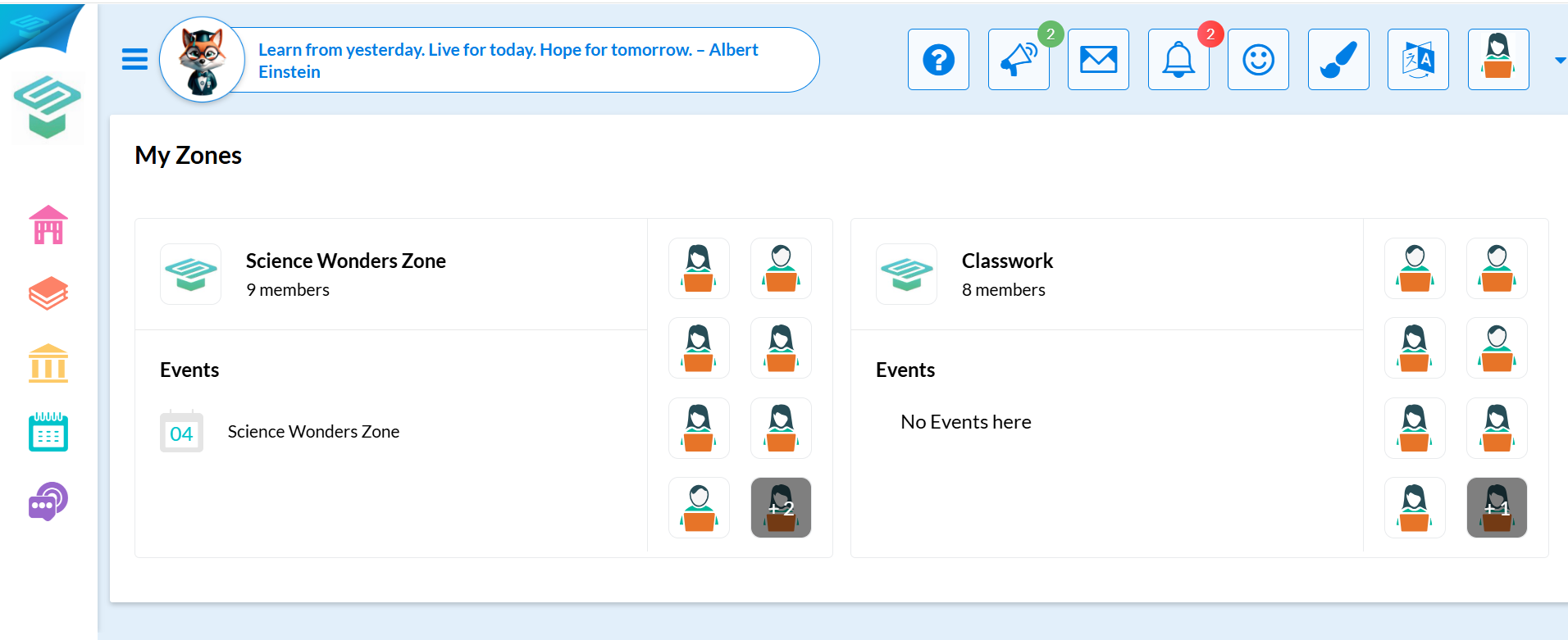
- To view the zone and post for open discussion, Press on the required zone
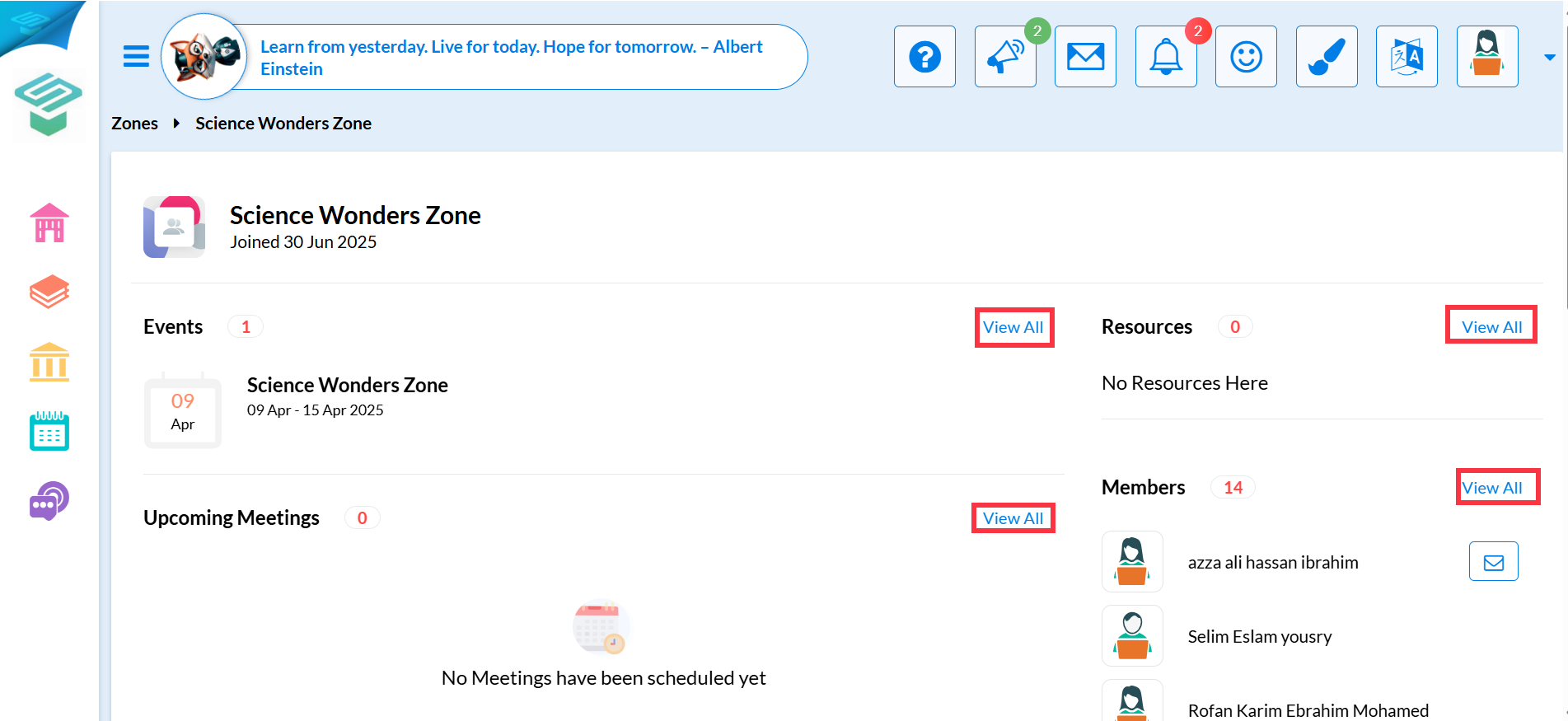
- To Check Resources and upload a new one, Press on <View All> and then Upload File
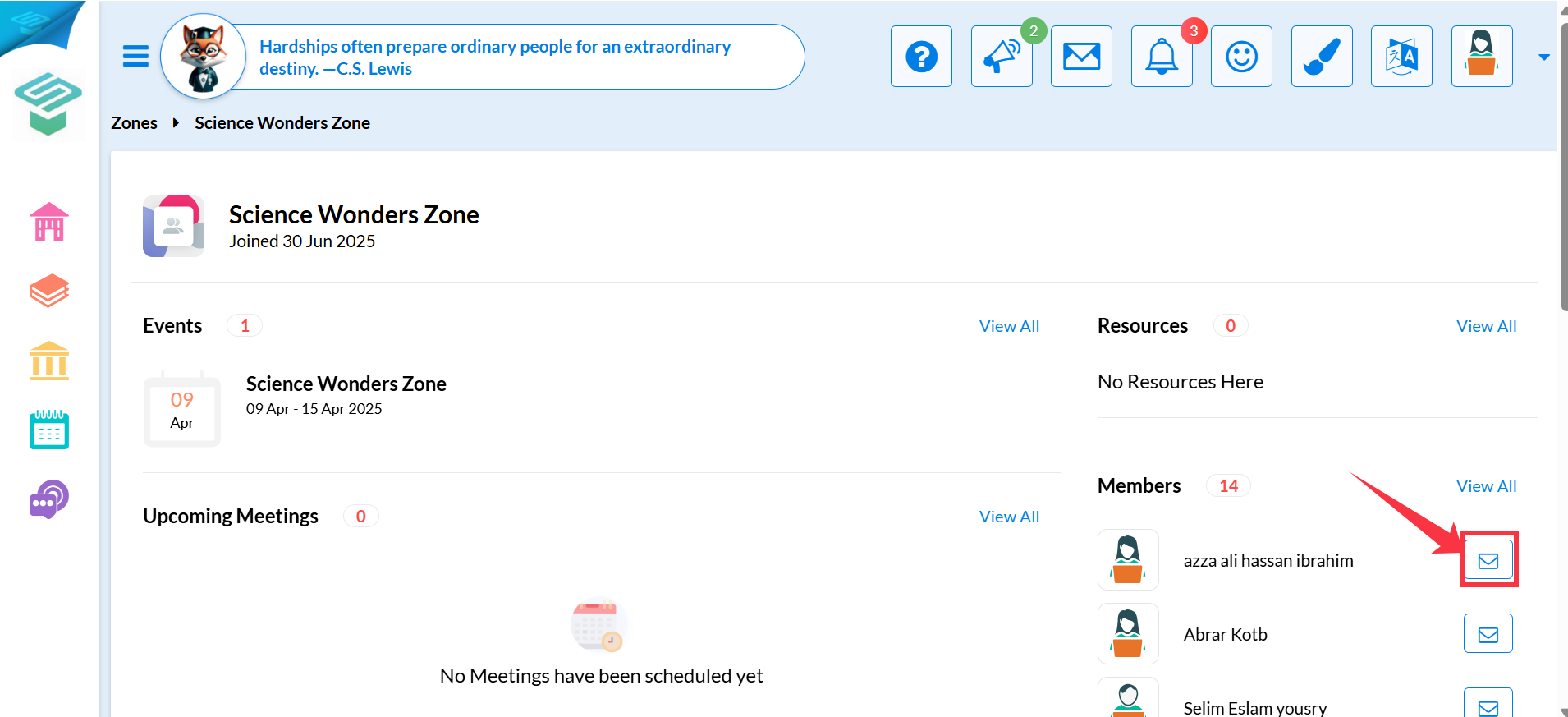
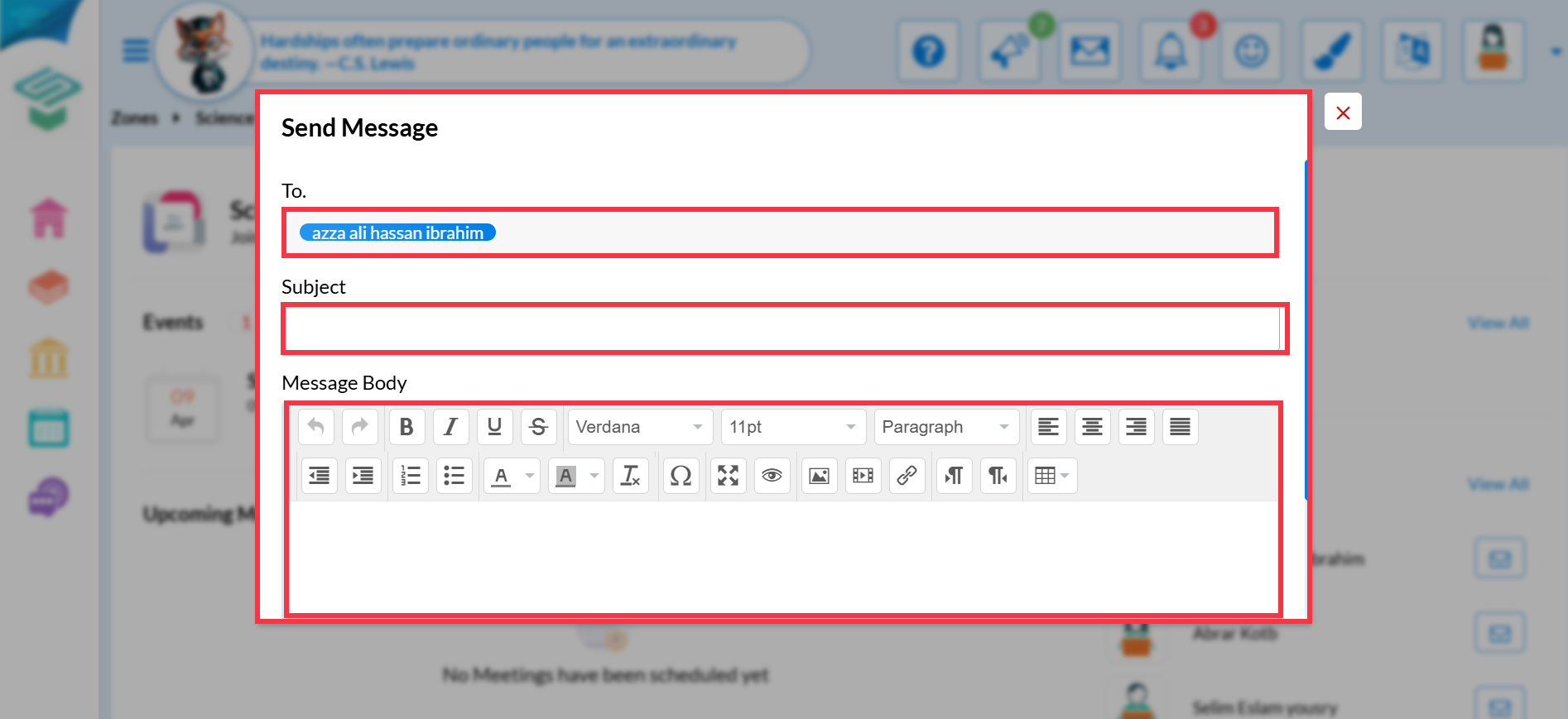
- If you are a Zone manager, you can send a message to members by pressing the message icon beside members' names
View Zones , Add Posts and Upload Print
Modified on: Mon, 14 Sep, 2026 at 3:46 PM
Did you find it helpful? Yes No
Send feedbackSorry we couldn't be helpful. Help us improve this article with your feedback.