HoDs can supervise teachers who report to them.
I. Viewing a teacher's activity.
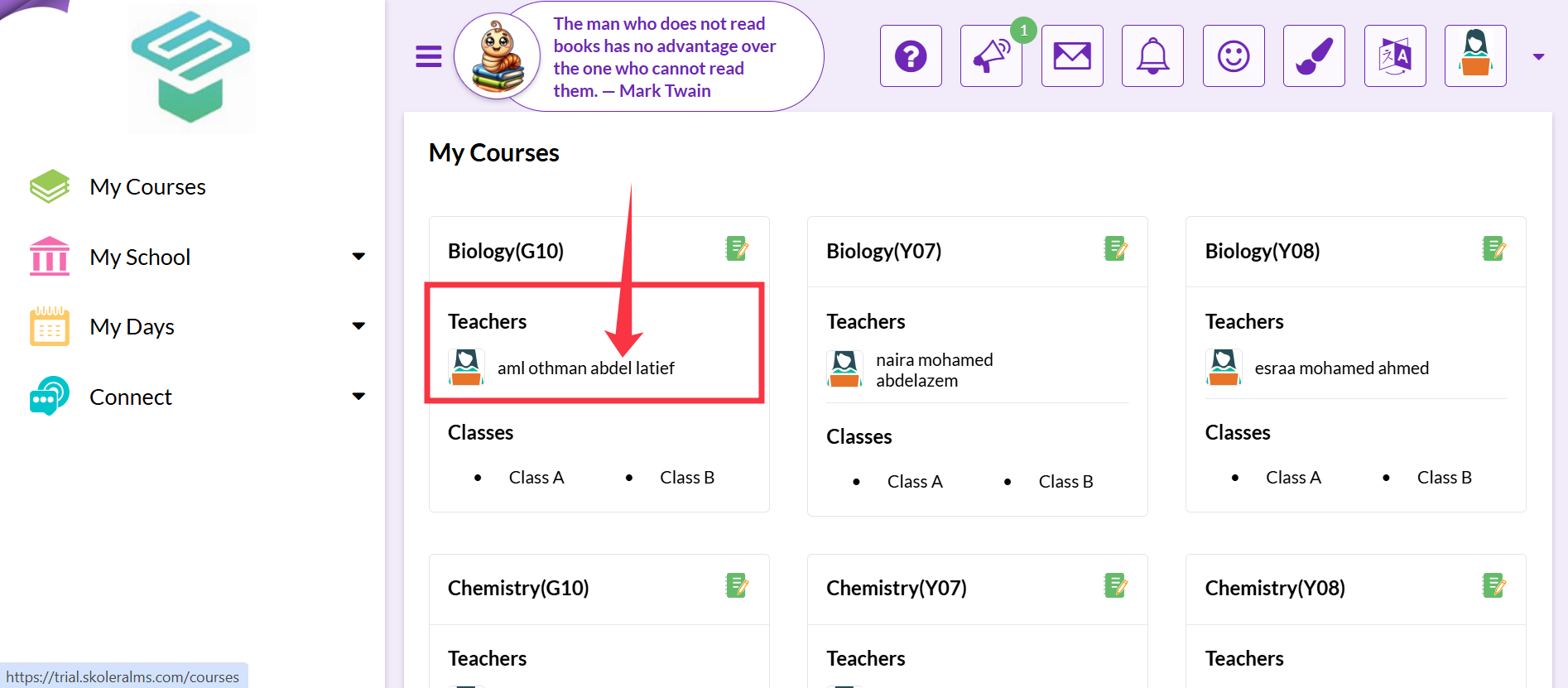
1- Select My Courses from the navigation bar on the left.
(It should be selected by default after logging in.)
2. Click the name or image of the teacher you want to whose activity you want to view.
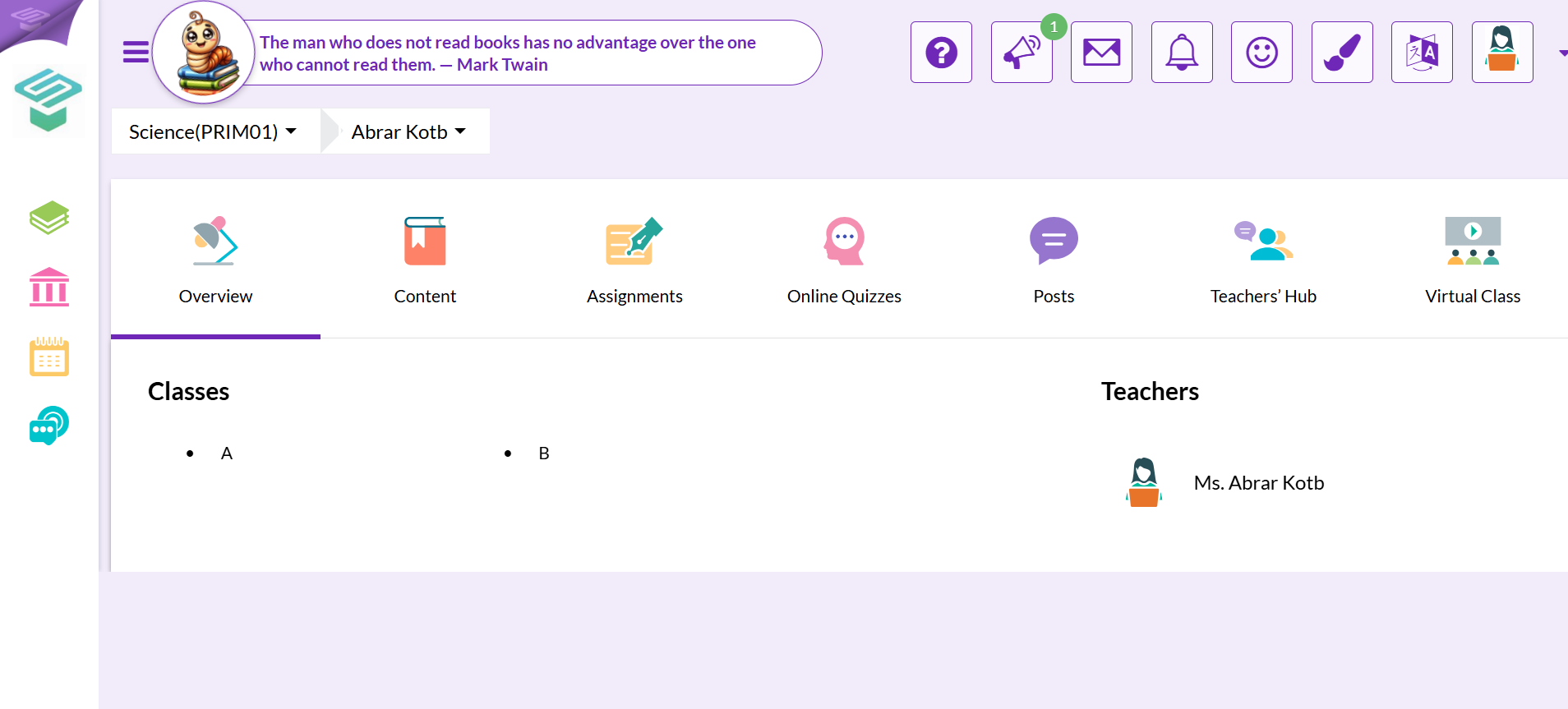
3. Here you will have an overview of the teacher's activity on Skolera.
ii. Viewing content.
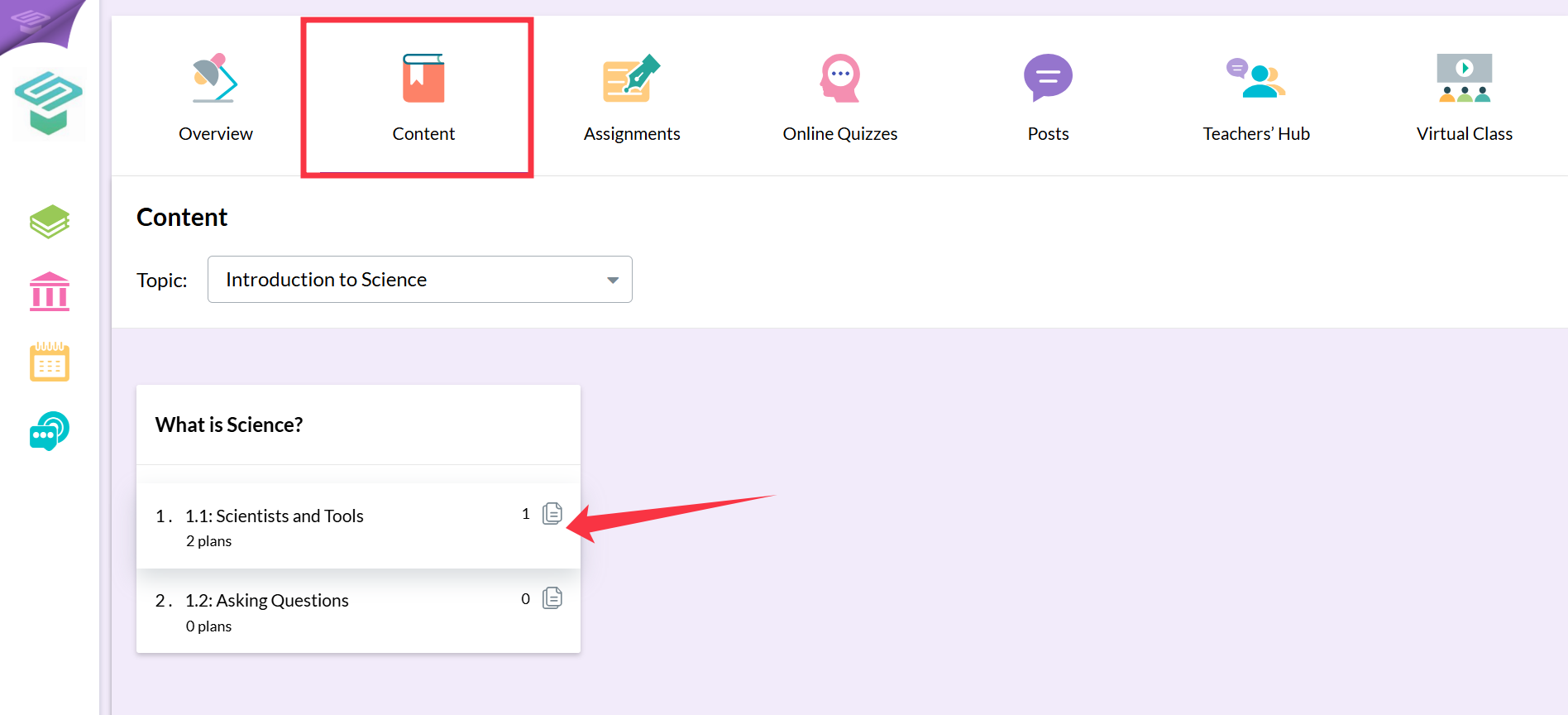
1. Click the Content tab.
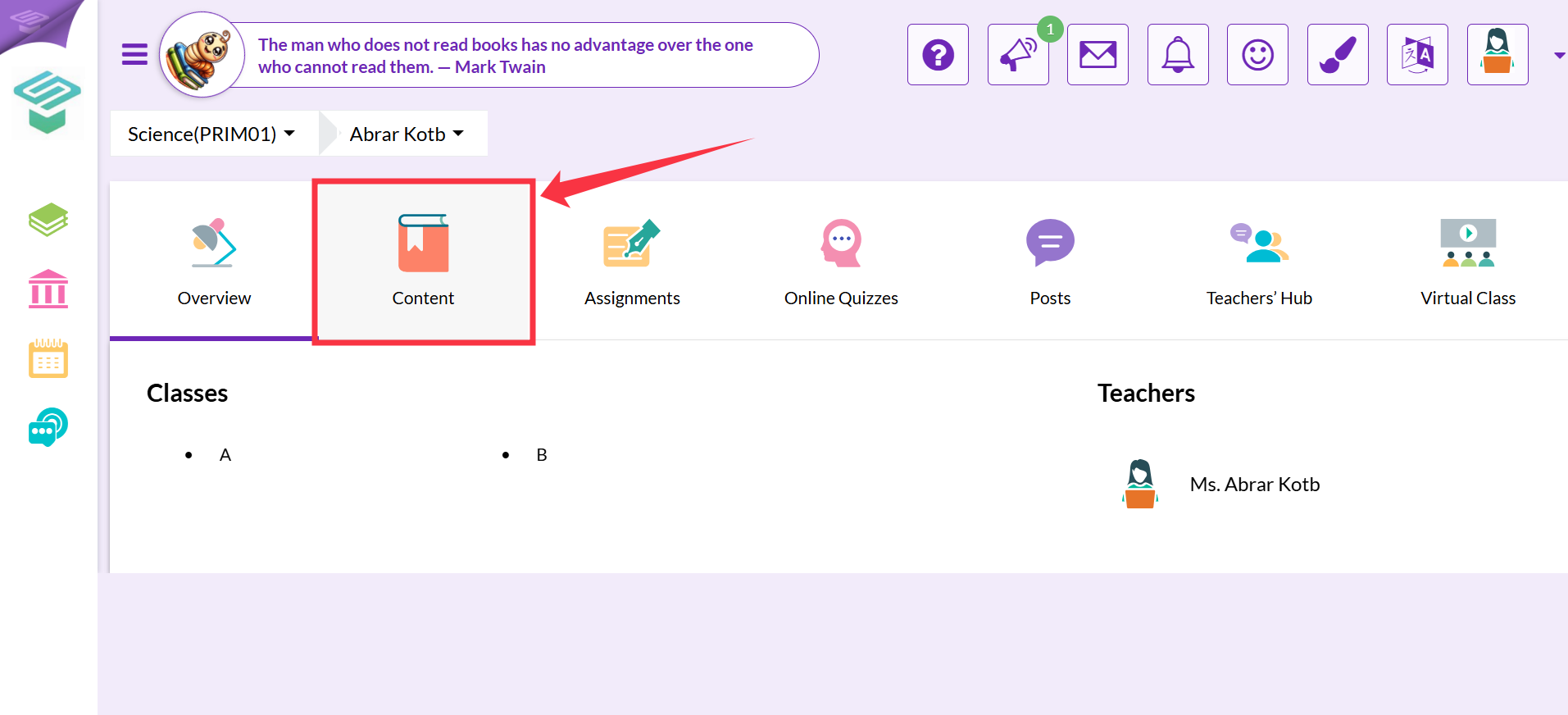
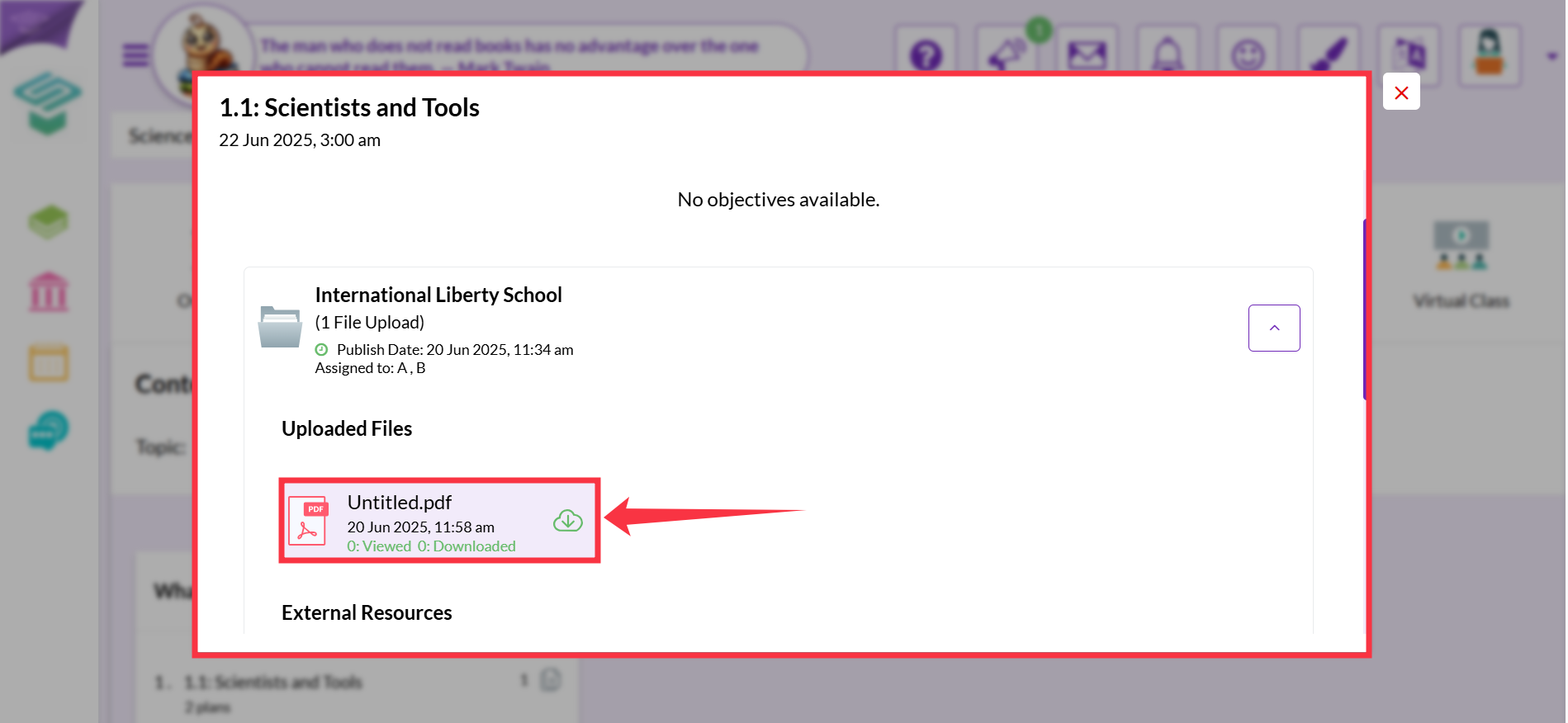
2. You can now download the content by clicking the cloud button next to it, or view it online by clicking directly on it.
iii. Viewing assignments.
1. Click the Assignments tab.
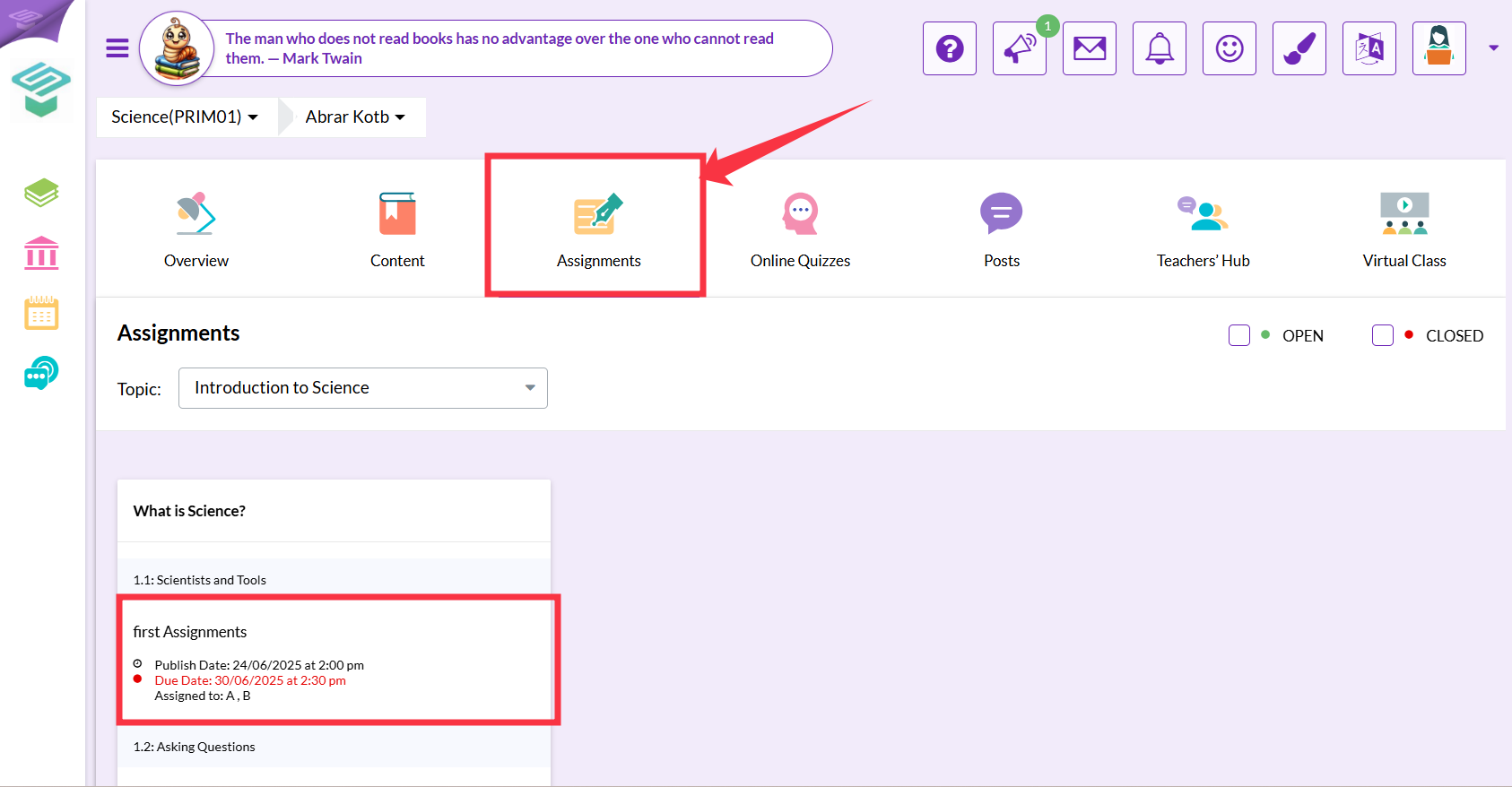
2. Click the homework you would like to view.
(Note that finished homework has a red dot next to it, while homework that is still due should have a green dot.)
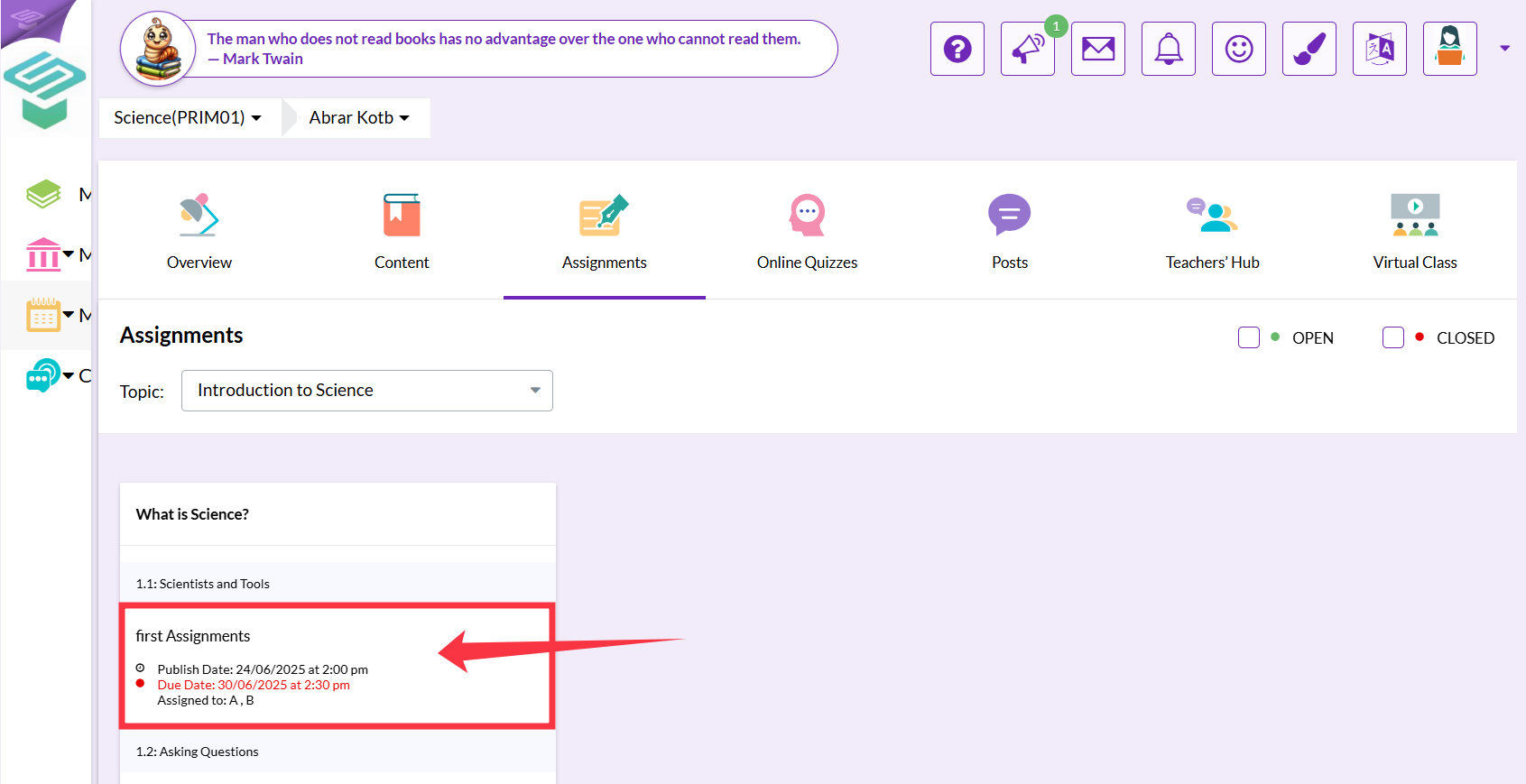
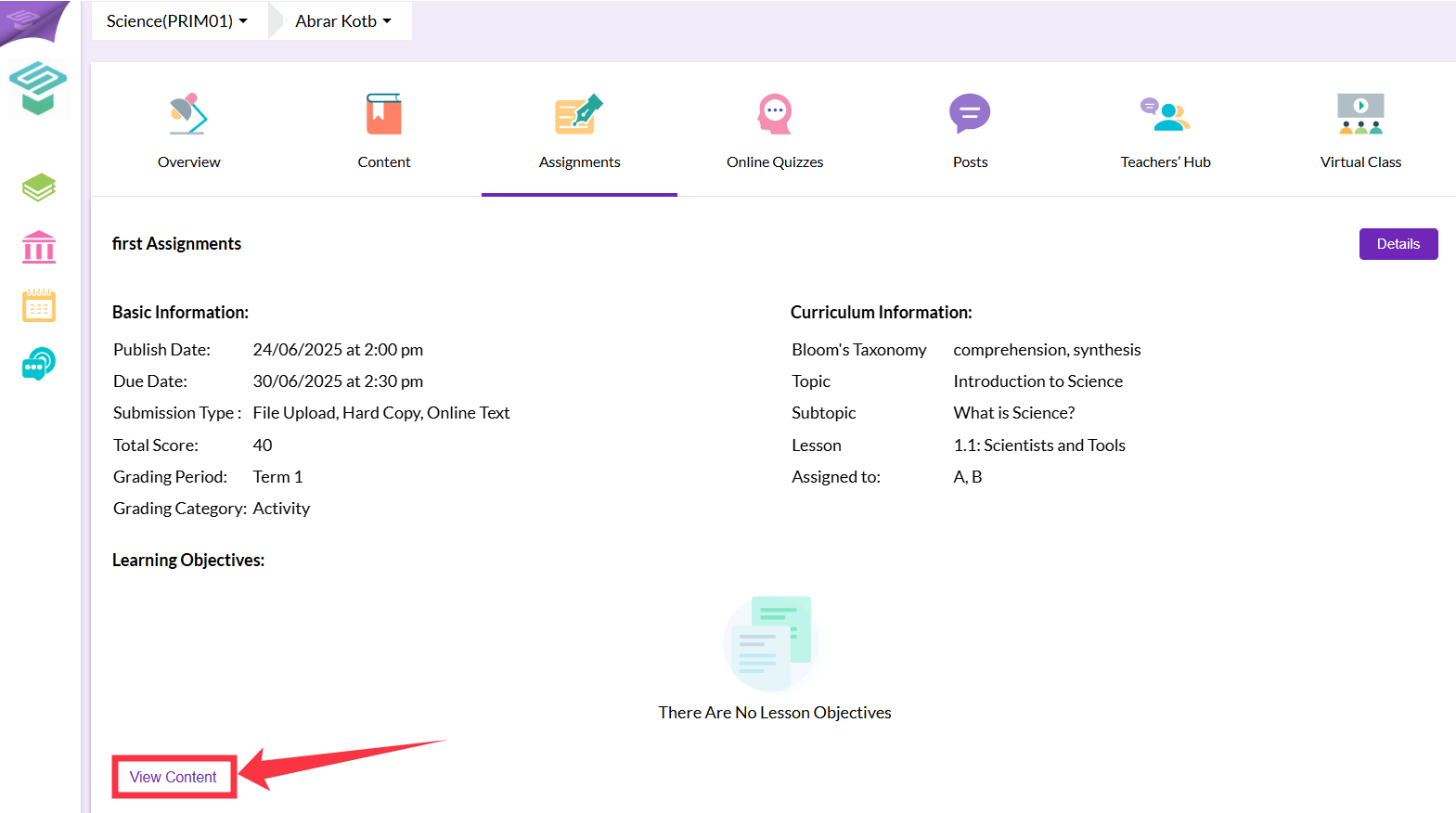
3. Here you will be able to view details about this homework, such as: the date, whether it's submitted online or as a hard copy, the grade, the classes, etc.
You will also be able to view the content uploaded specifically for this homework by clicking the View Content button.
iv. Viewing online quizzes.
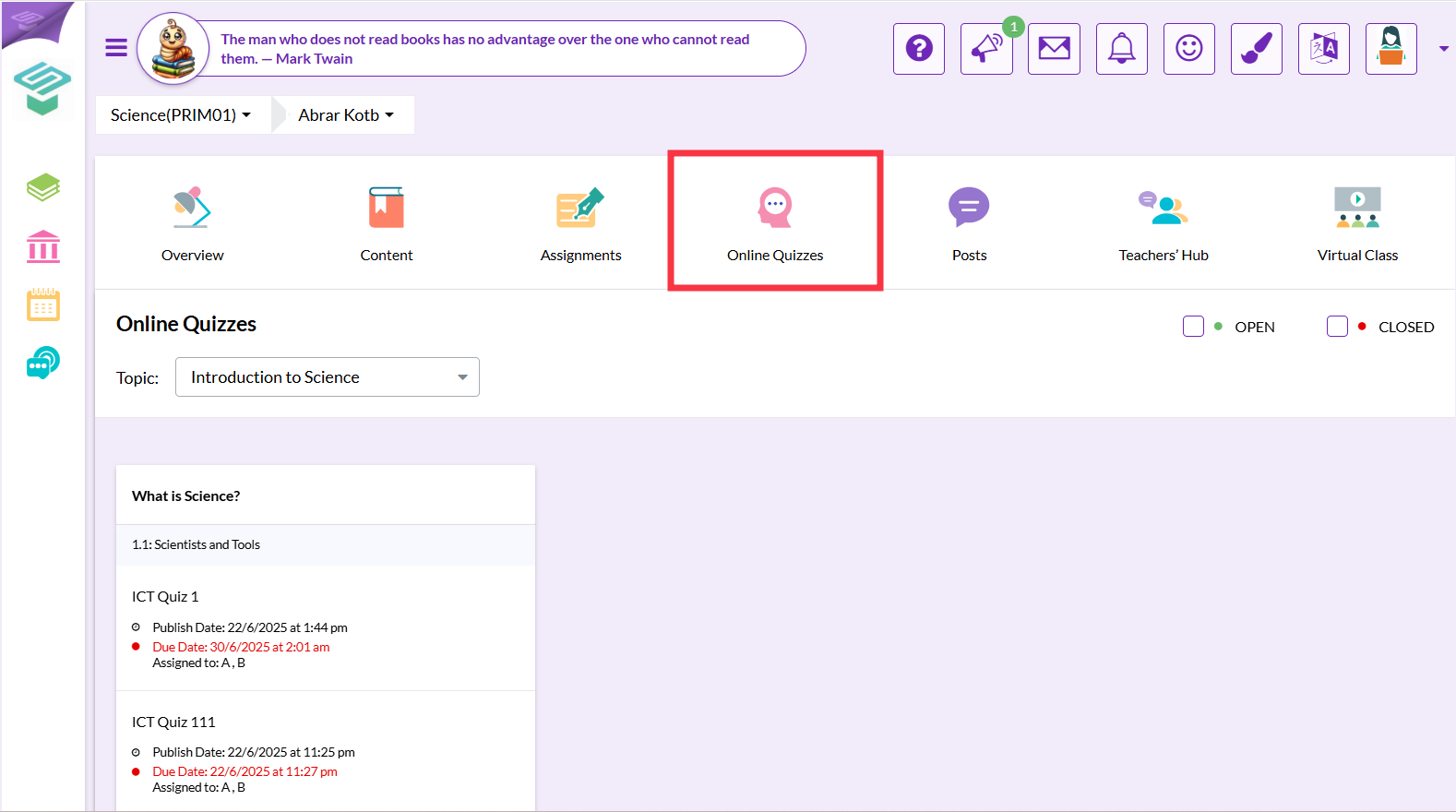
1. Click the Online Quizzes tab.
(Note that finished quizzes have red dots next to them, while due quizzes have a green dot.)
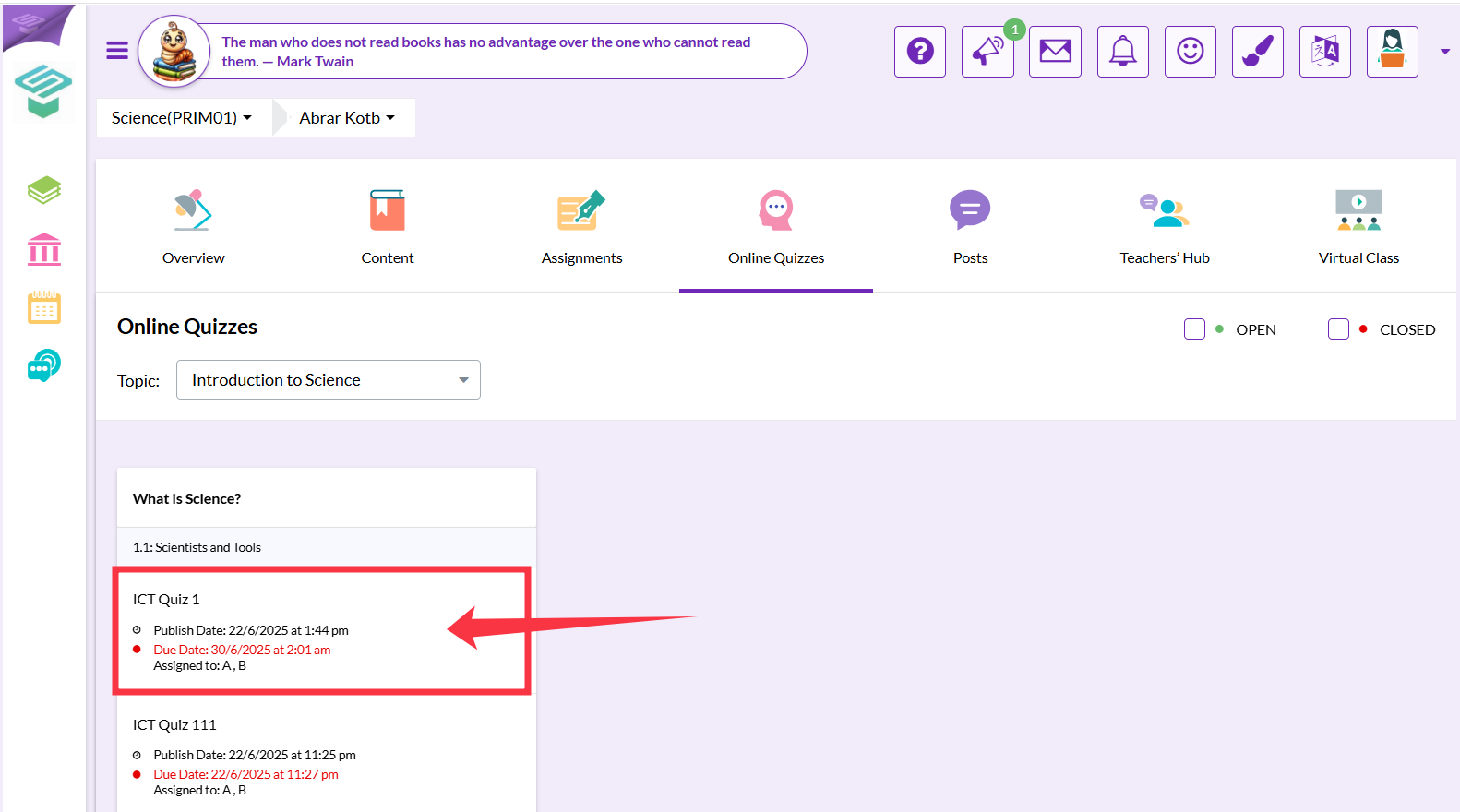
2. Click the quiz you would like to view.
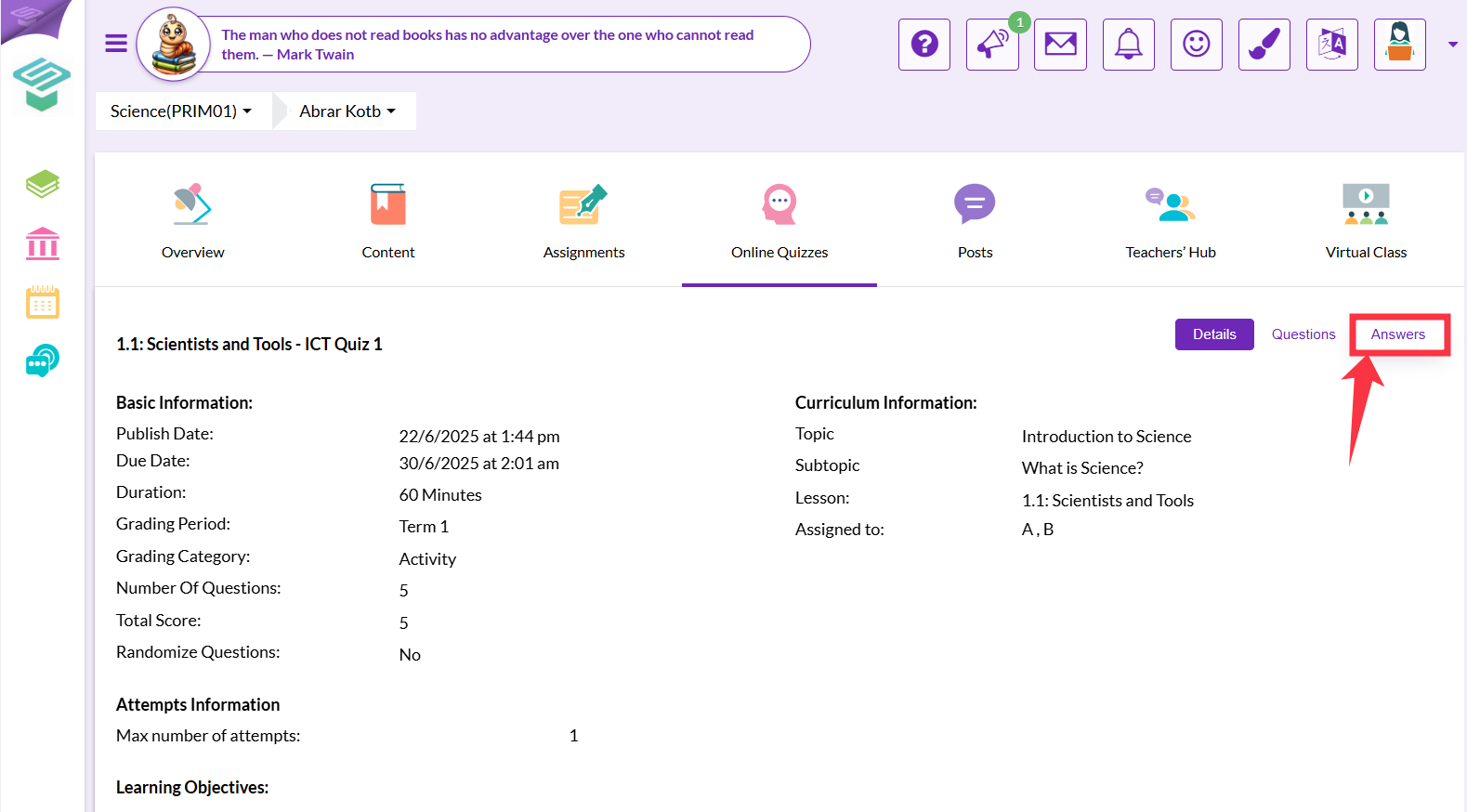
3. Here you can view the Questions included in that quiz, and you can also view the Answers or Details by clicking the respective button.
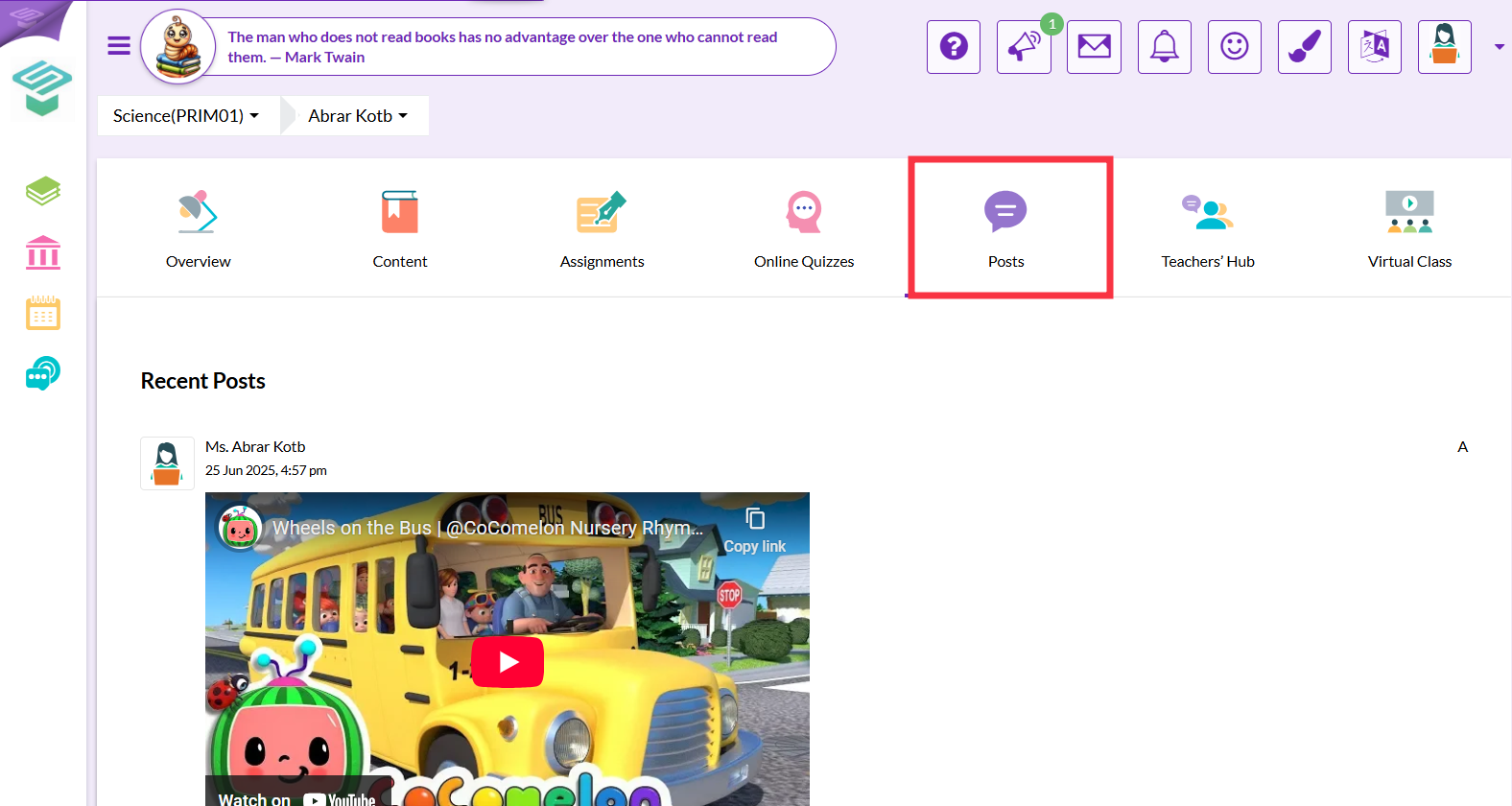
v. Viewing posts.
1. You can view posts by the teacher and the dates they are posted on by clicking the Posts tab.
vi. Viewing virtual classes.
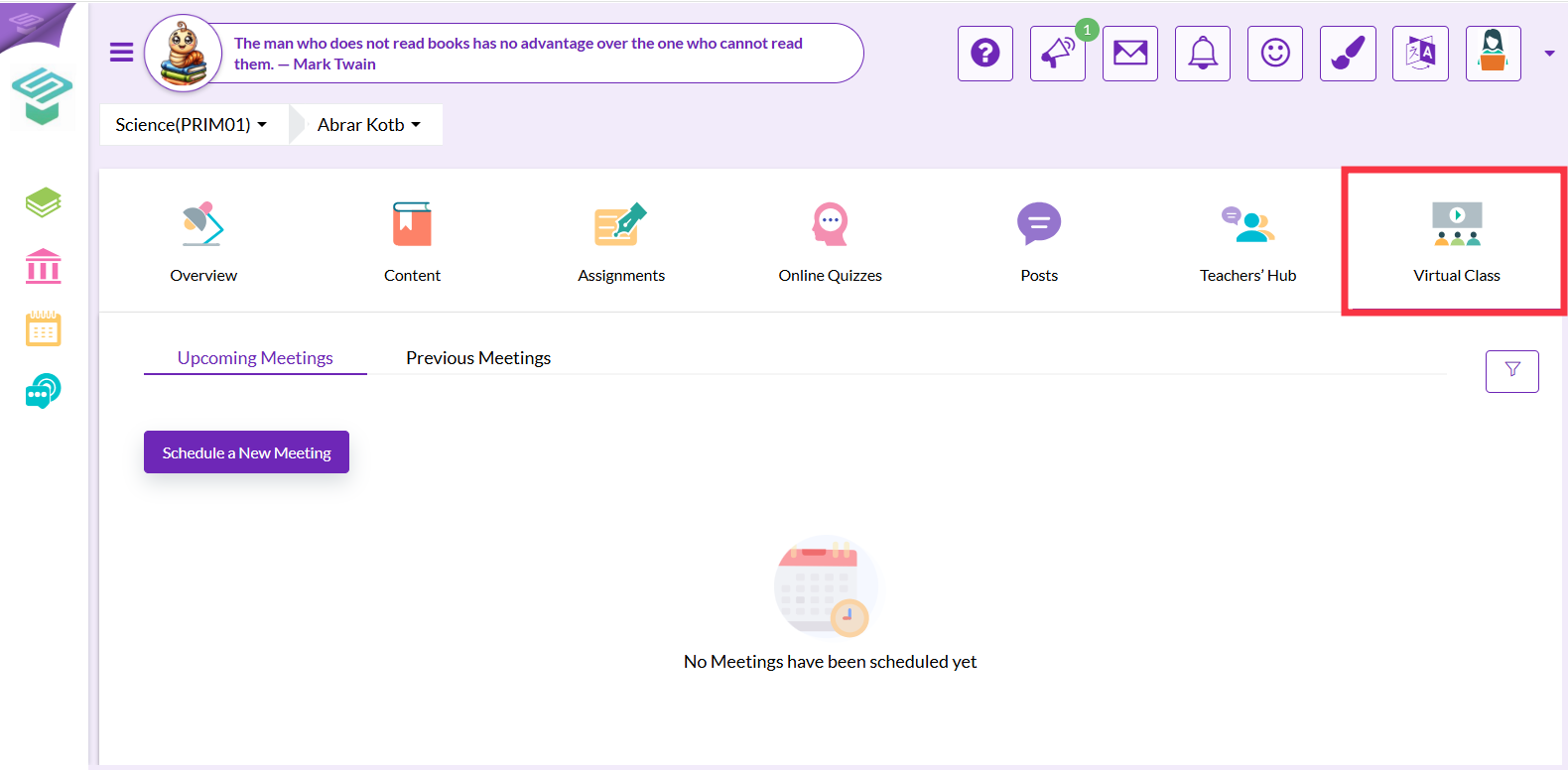
You can view virtual classes by the teacher and the dates they are marked on by clicking the Virtual Class tab.