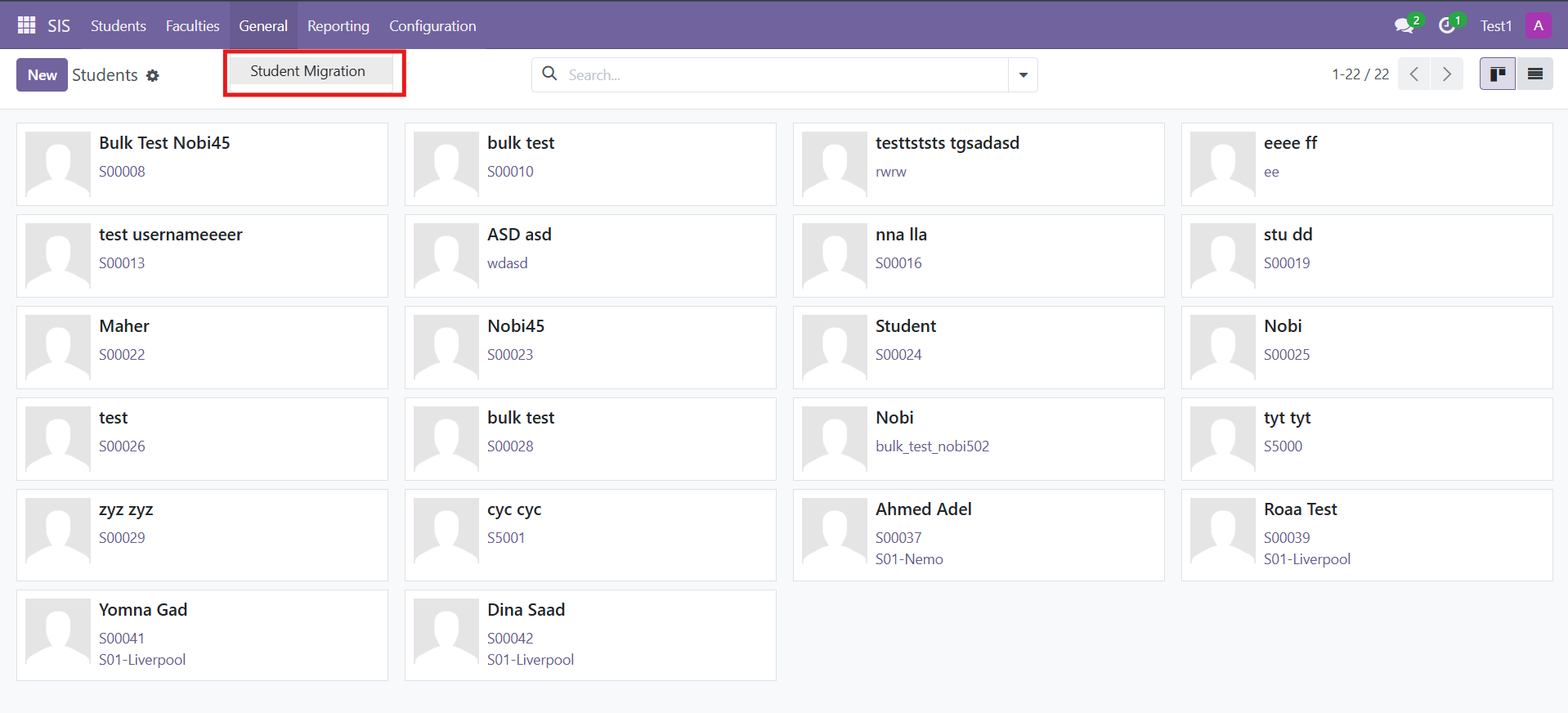
Go to SIS
from General go to Student migration
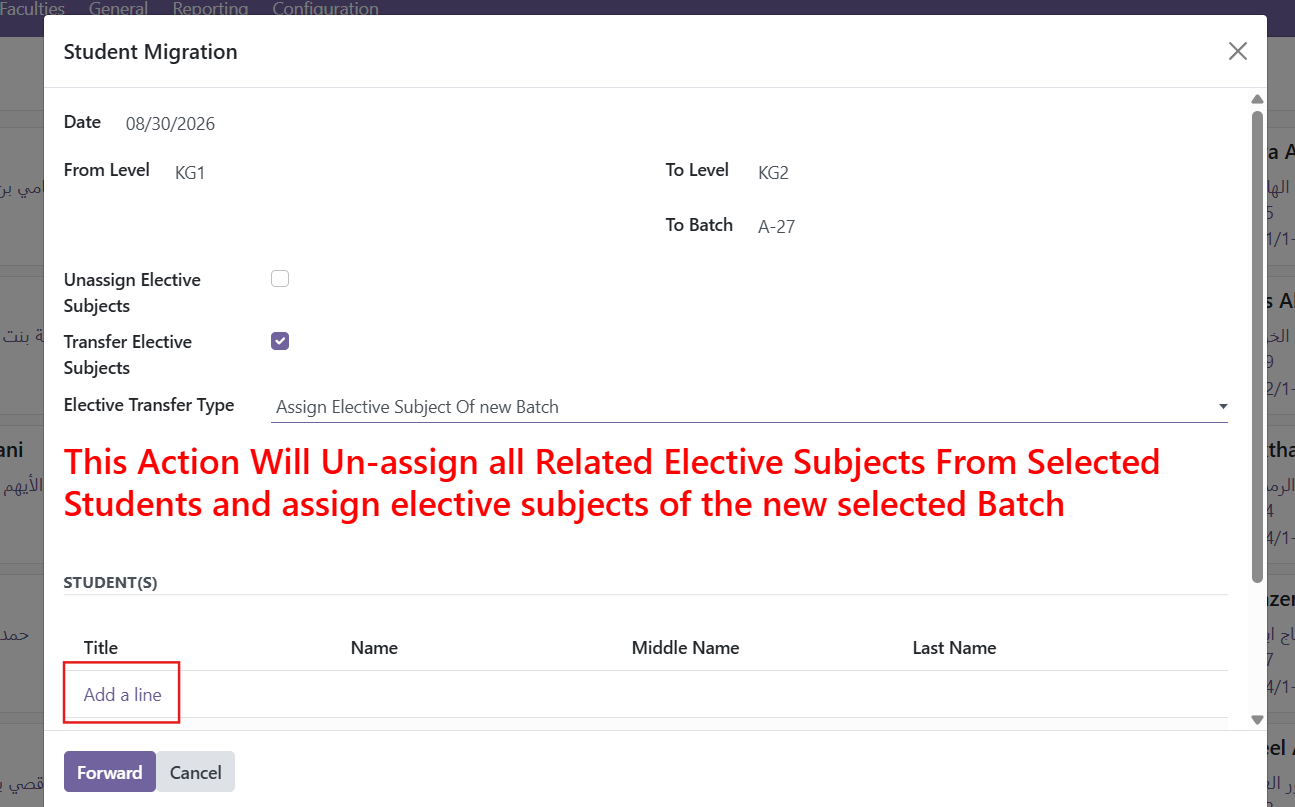
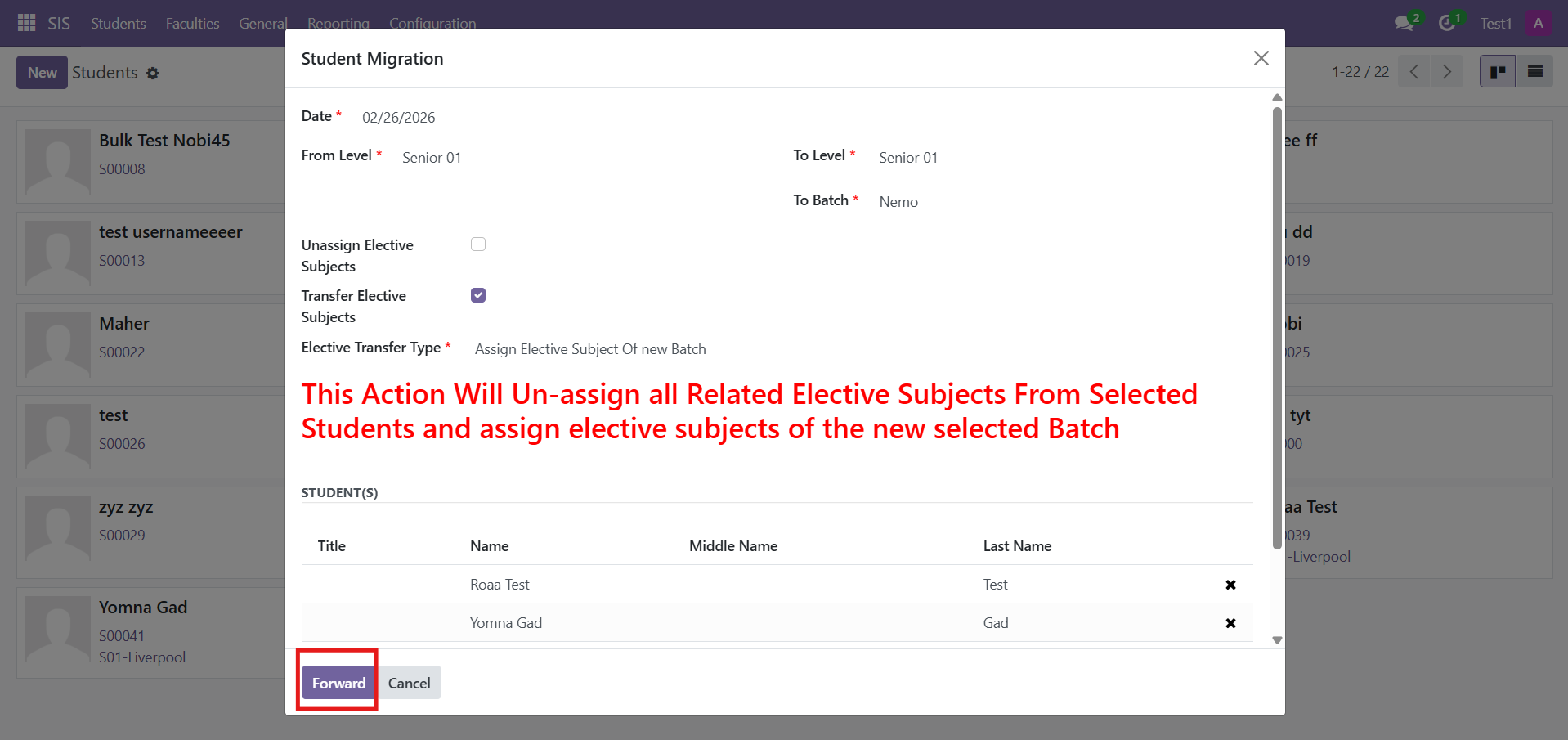
Select the current level, then choose the target level and the new batch for the student
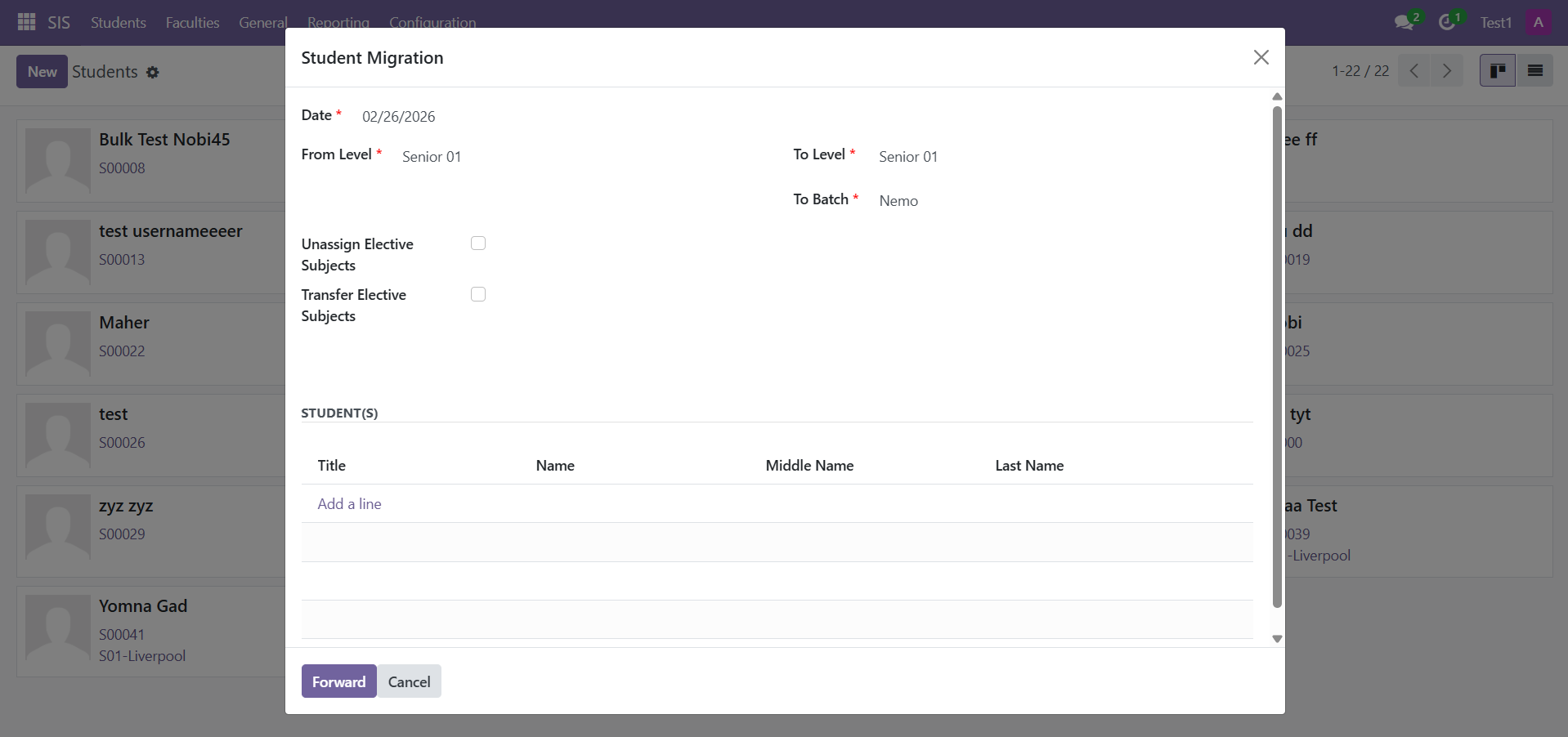
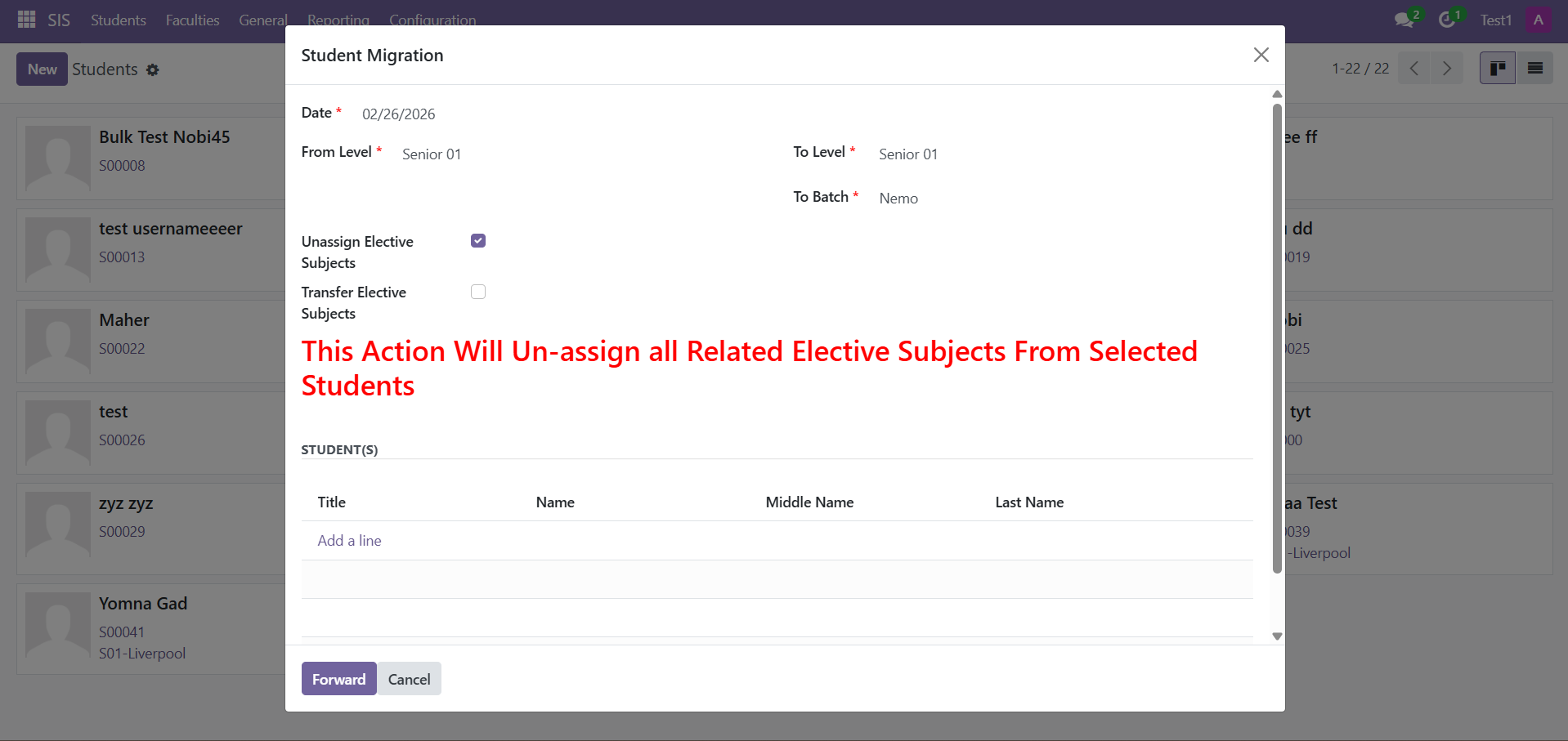
Select “Unassign Elective Subjects” to unassign the elective subject, then reassign it after the migration is completed.
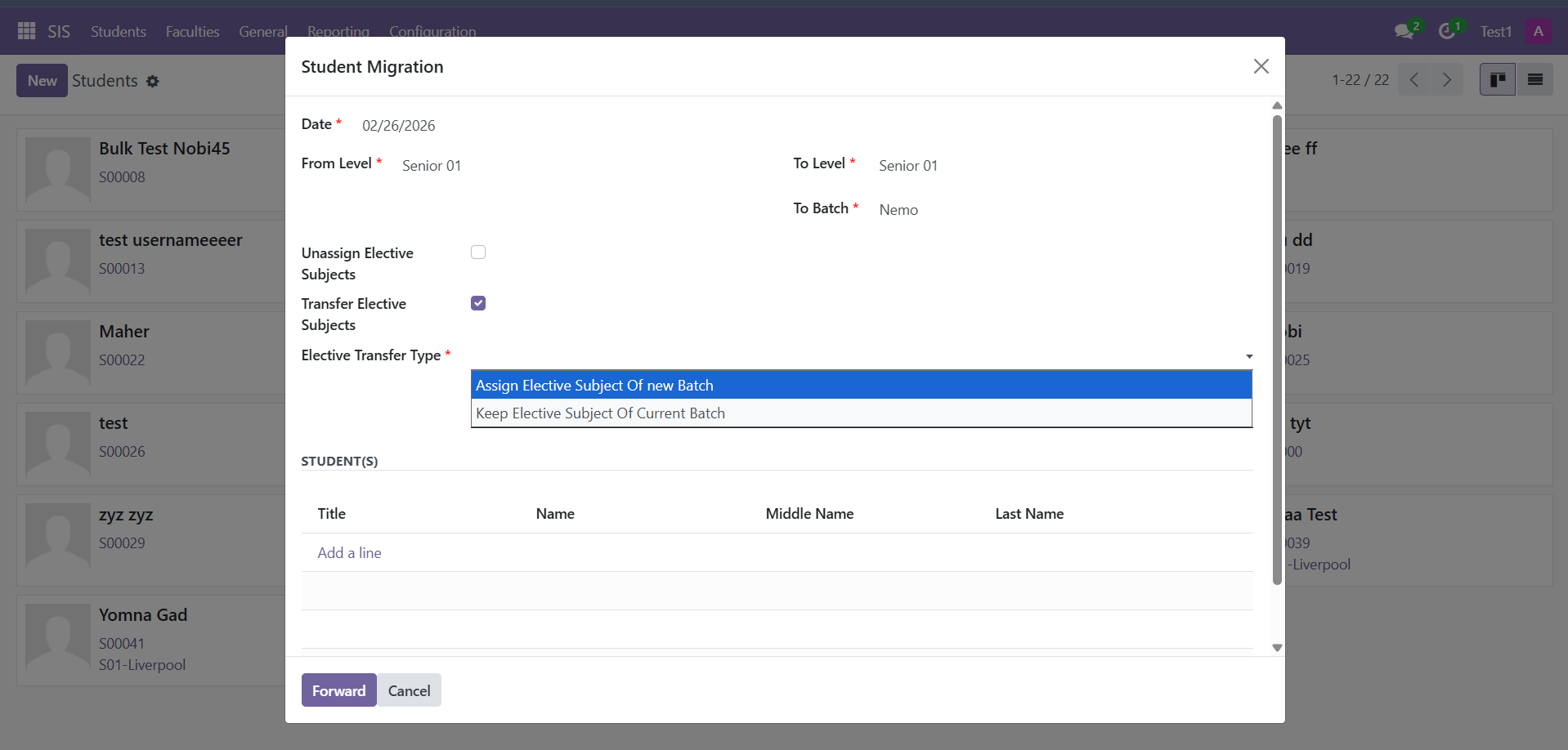
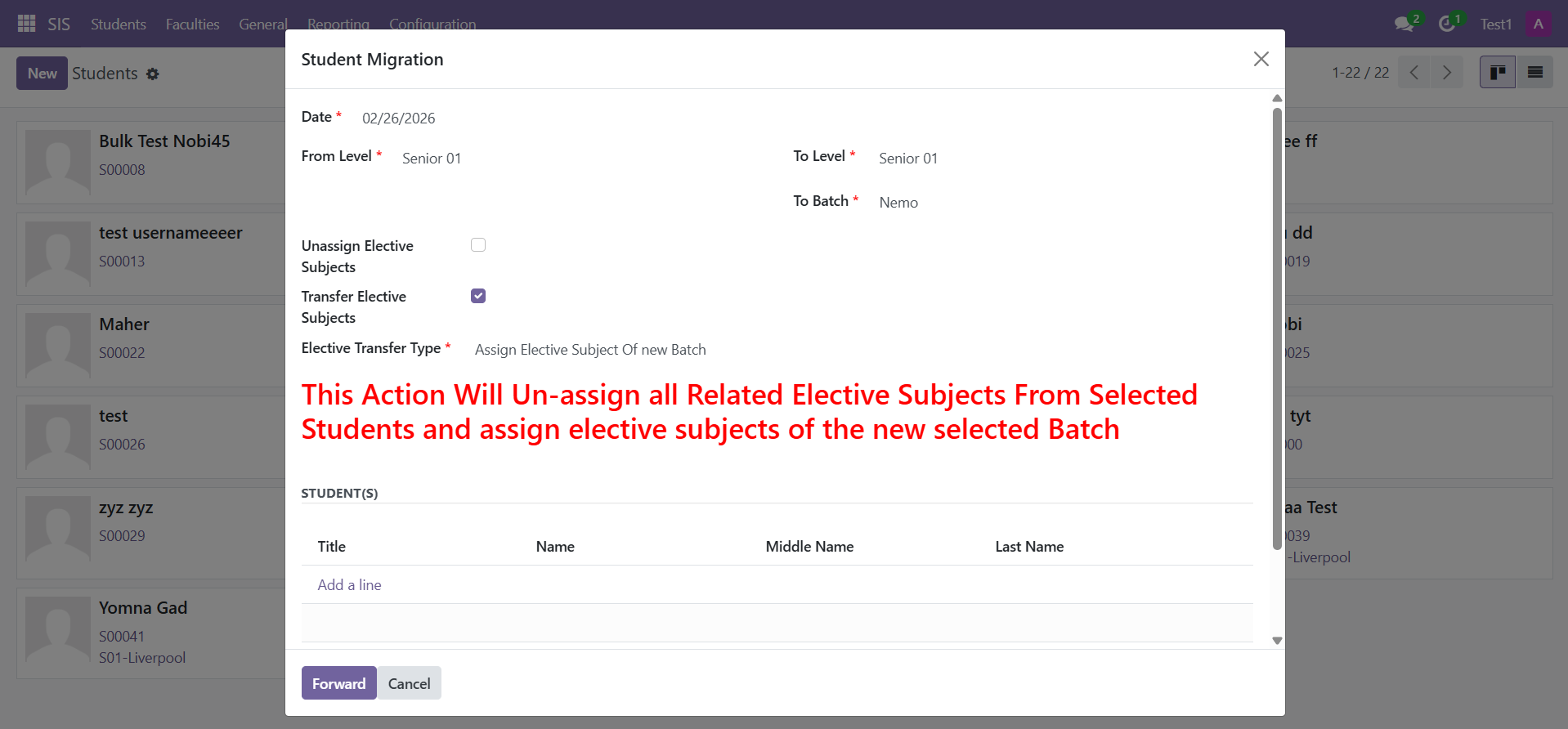
OR Choose “Transfer Elective Subjects” to keep assigning elective subjects
Assign the elective subject in the new batch to apply the same elective subject to the selected level and batch.
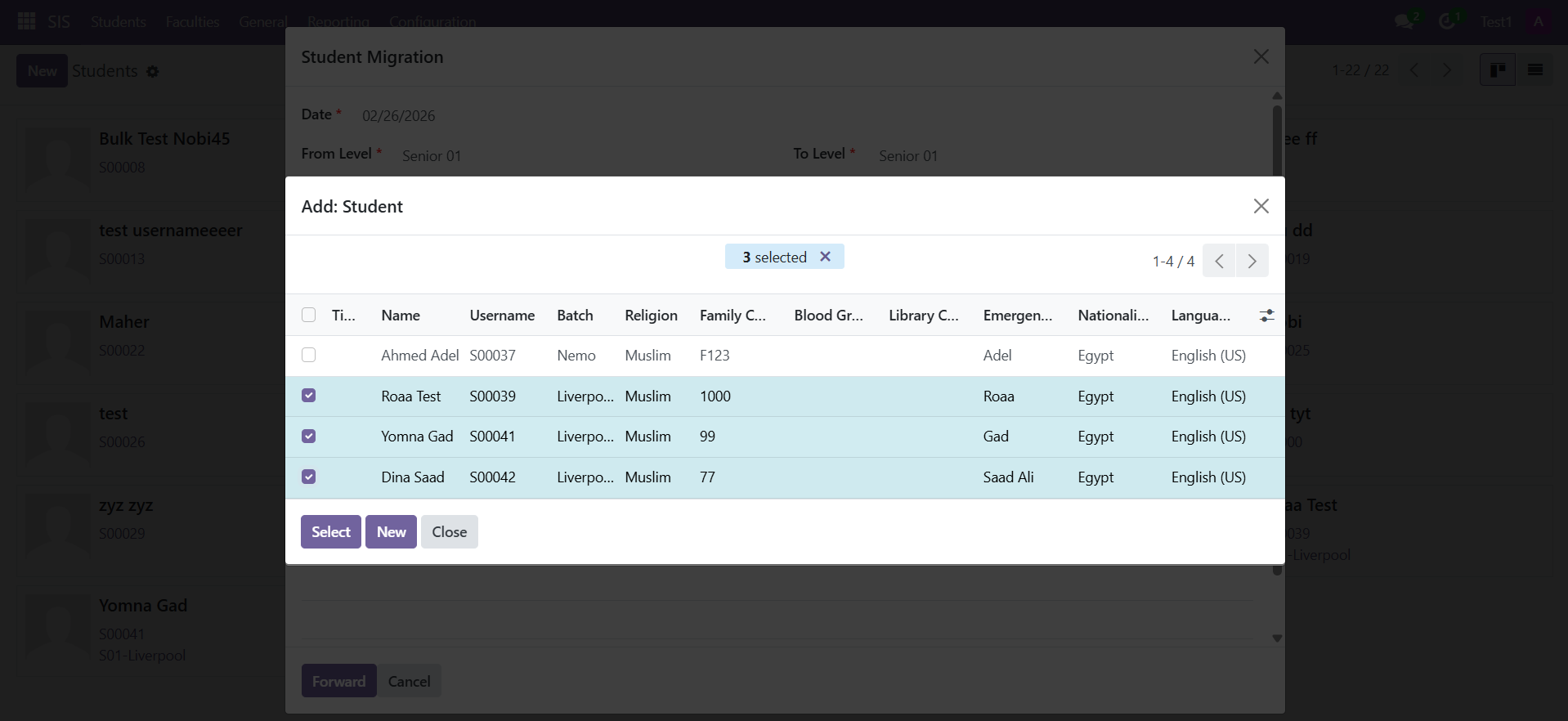
6- From add a line Add the required students