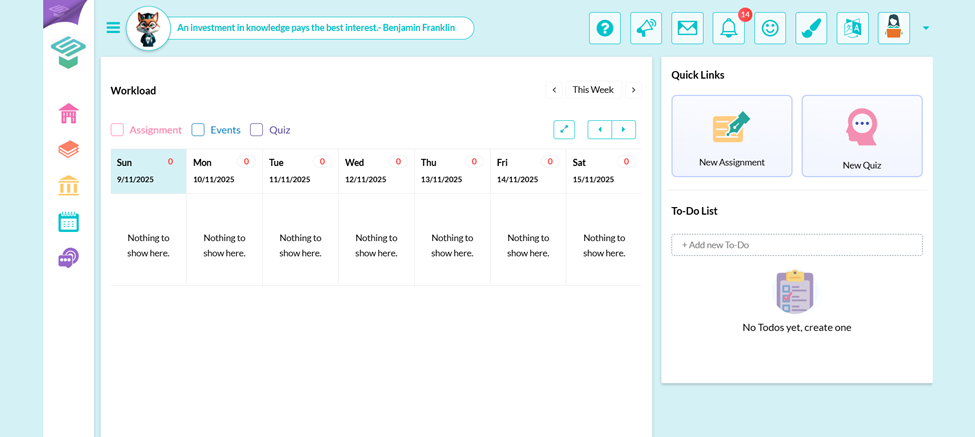
Step1: Login from teacher account
Teachers can't create a new weekly plan they only can update plan content related to their courses and view other courses plans.
Step2: Go to Weekly plan section
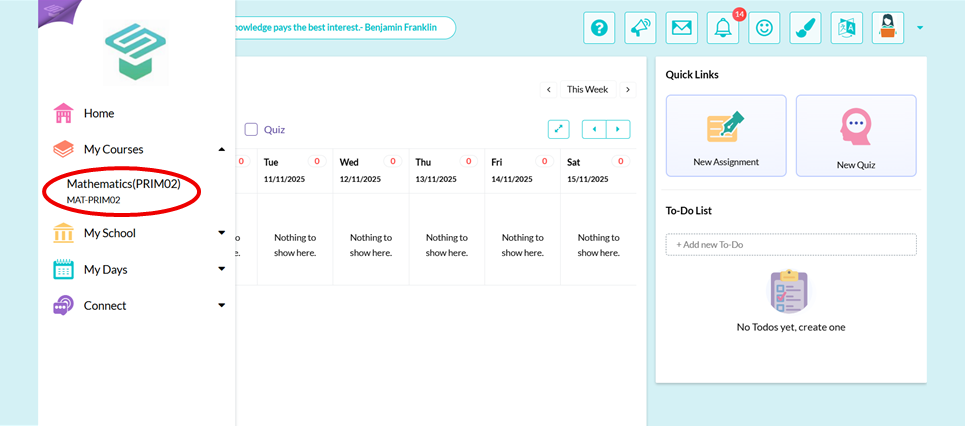
- From the teacher homepage from left navigation bar go to
 My courses
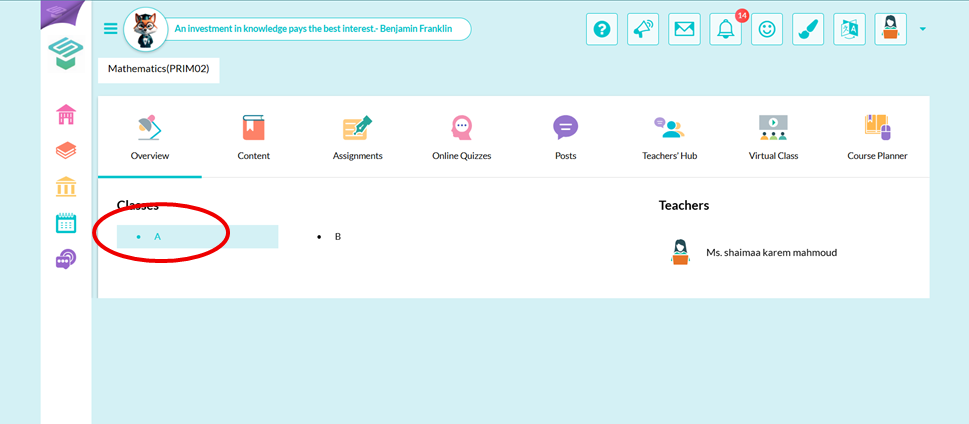
 Choose the course to update its plan.
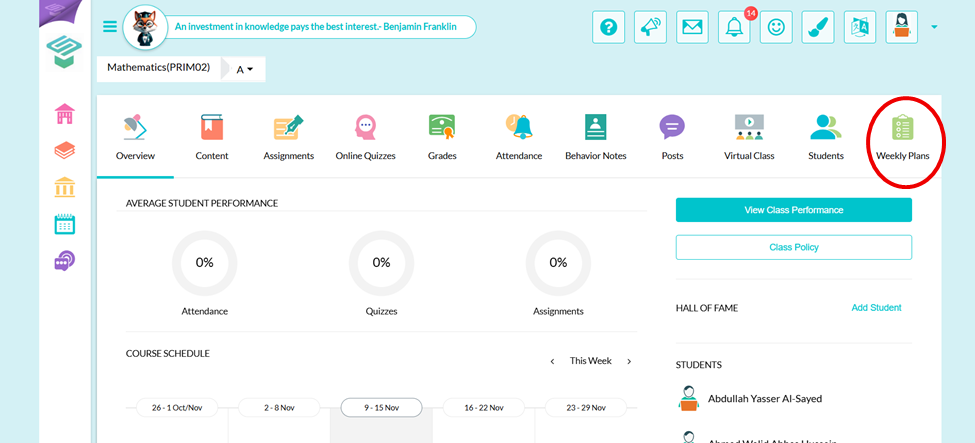
 - Choose Class to update its plan
- Choose weekly plan icon
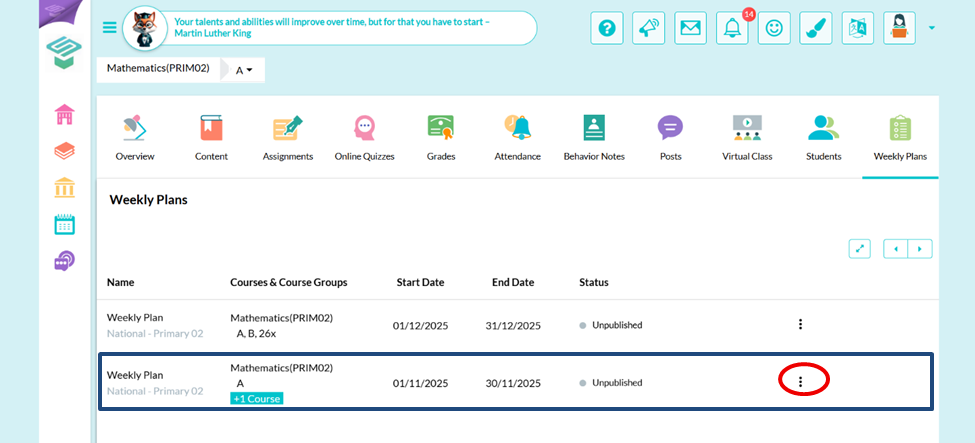
Step3: From list displayed choose which plan to be updated
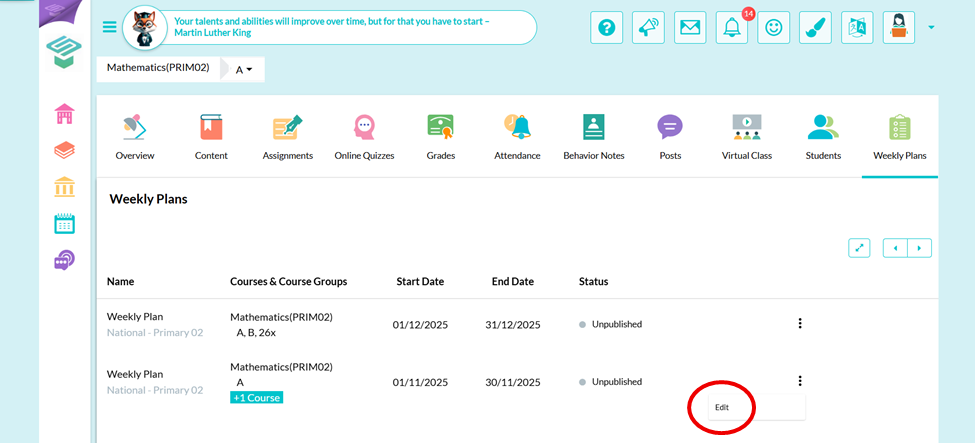
- From the three dots choose edit
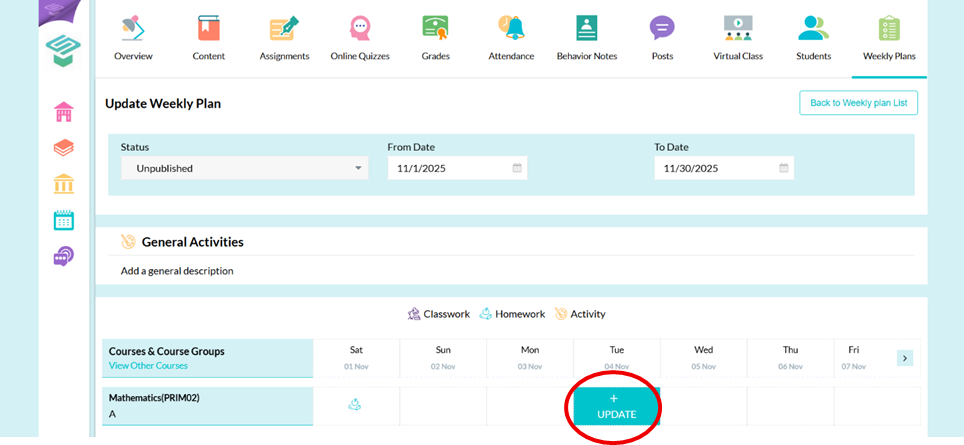
Step4: Update plan from update cell under the day
- Teachers can only update the content of the weekly plan but can't change start and date or publishing status
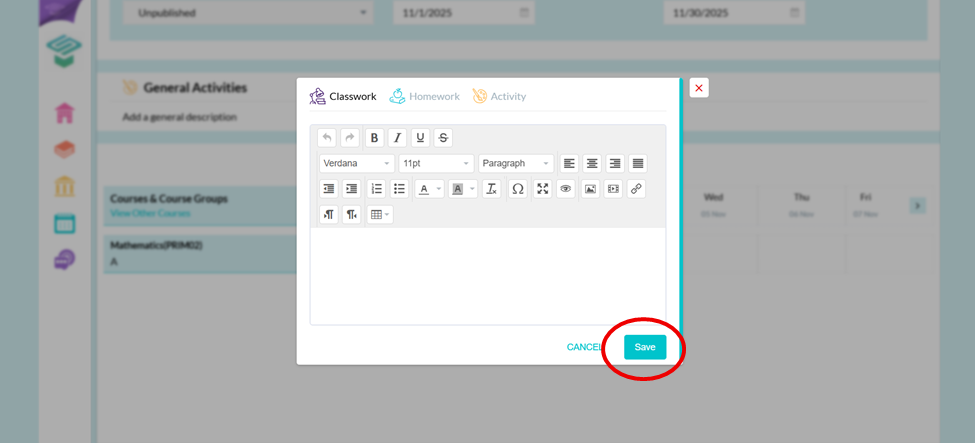
- Teacher can classify whether this update is Classwork, Homework or activity
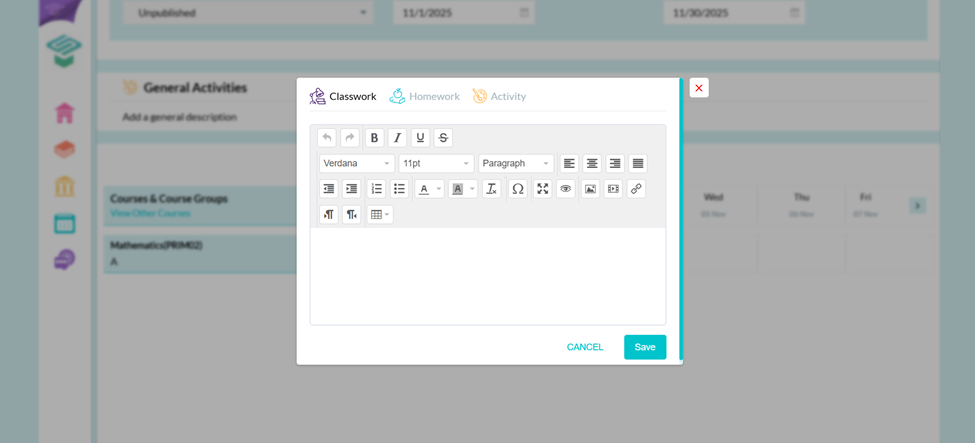
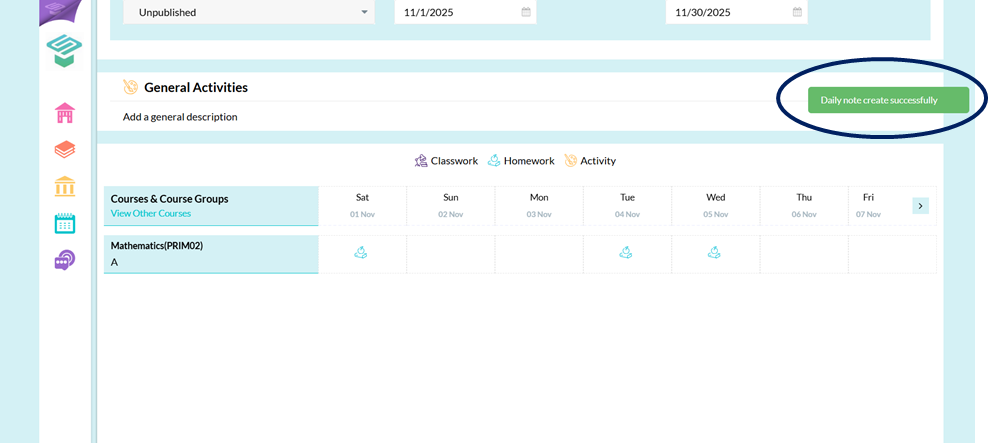
Step5: Save your work