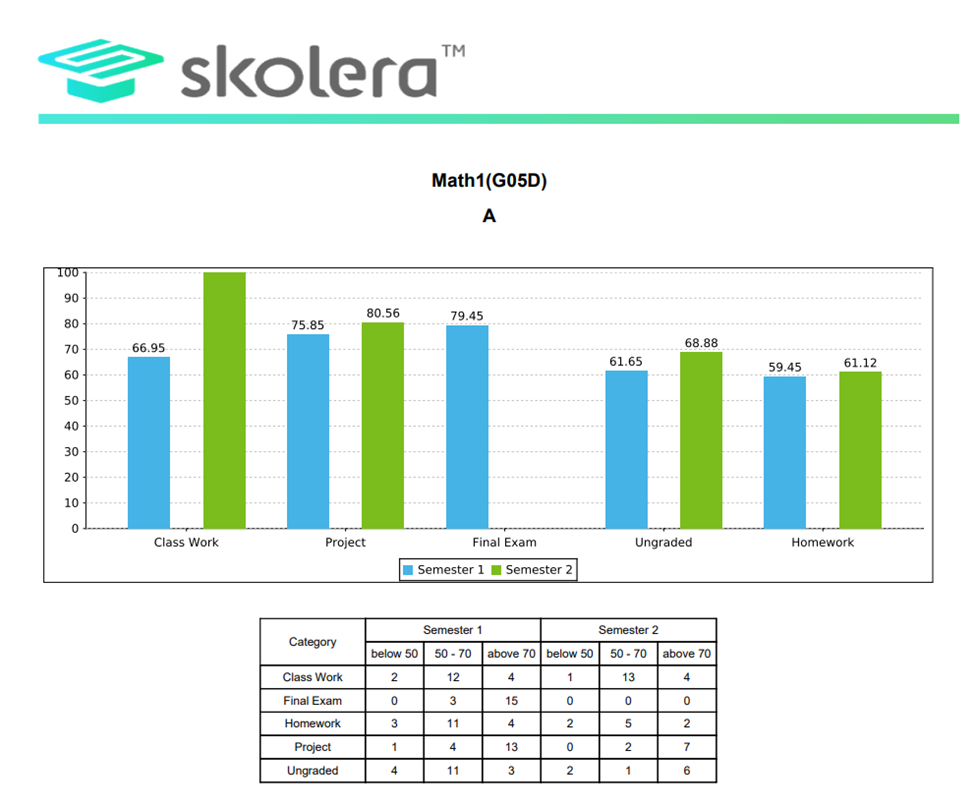
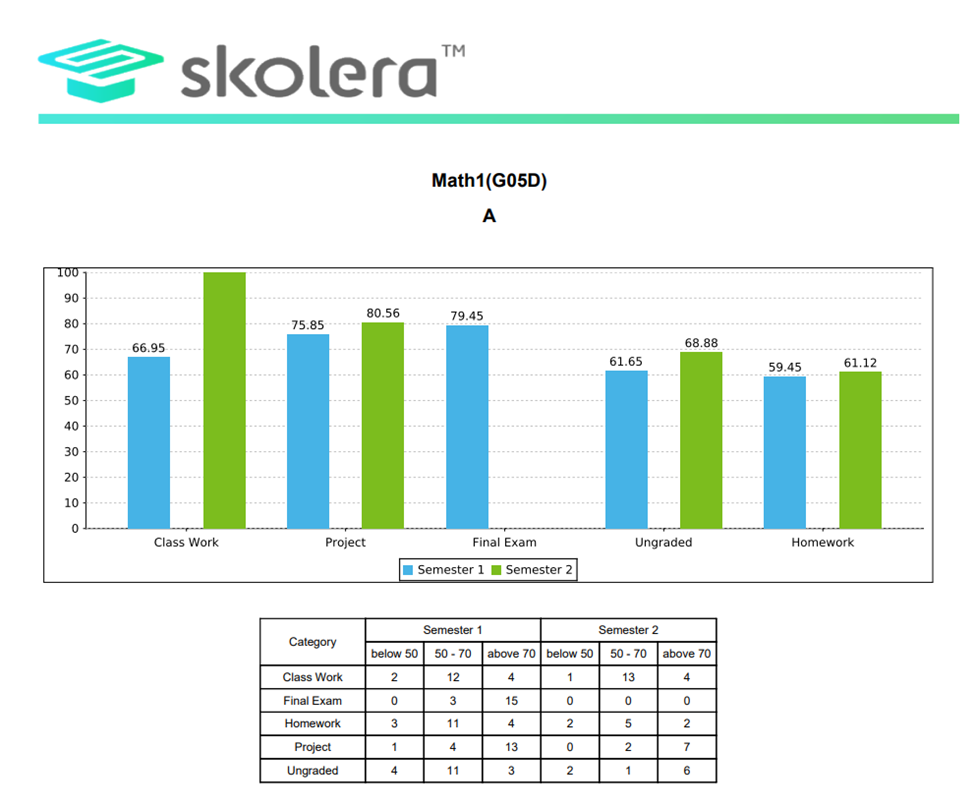
This report displays the distribution of students based on the score ranges : below 50, between 50 and 70, and above 70 in each category for each semester.
How to Access This Report ?
Method 1:
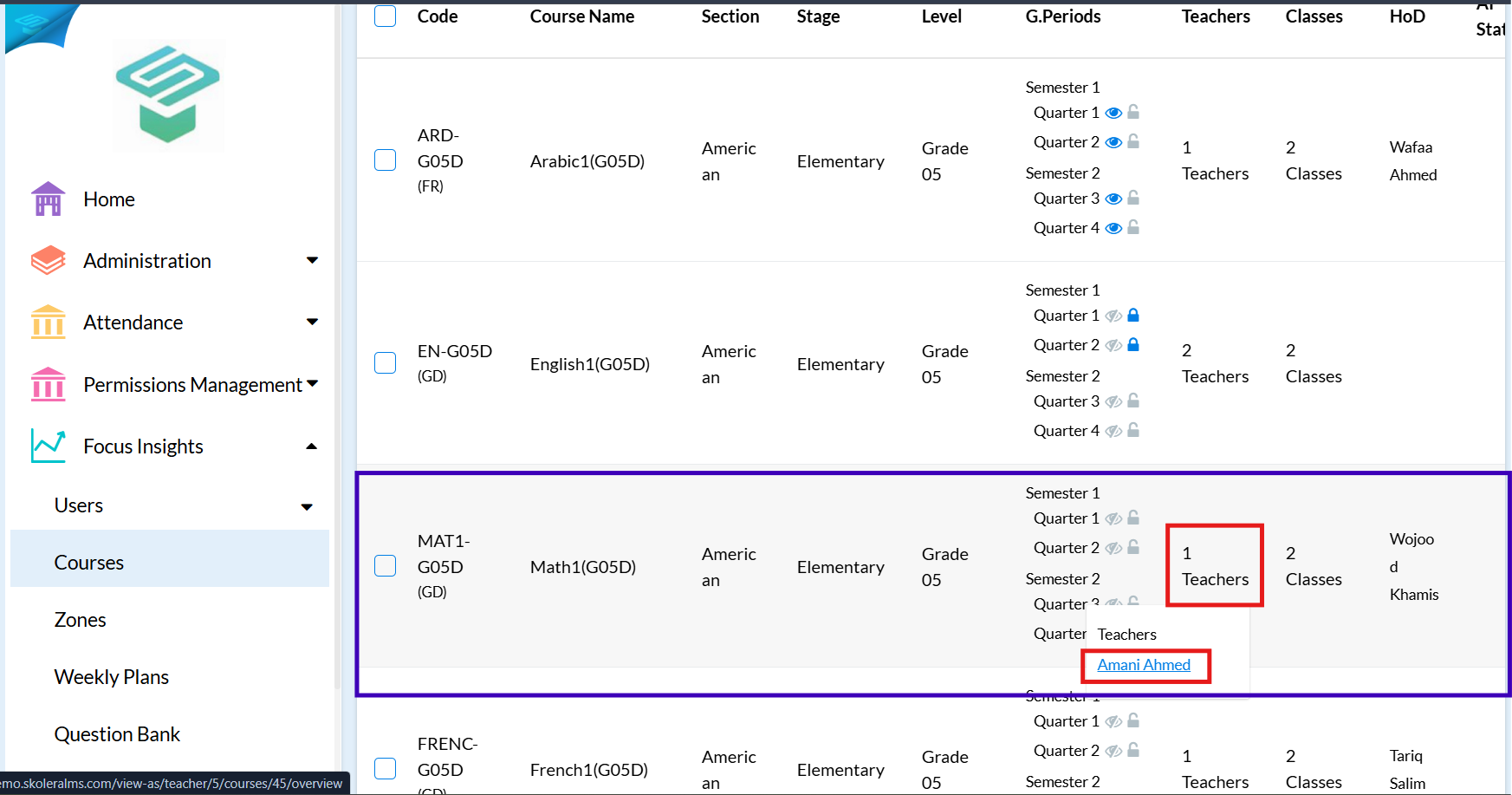
1. From Admin Homepage go to Focus Insights  Courses
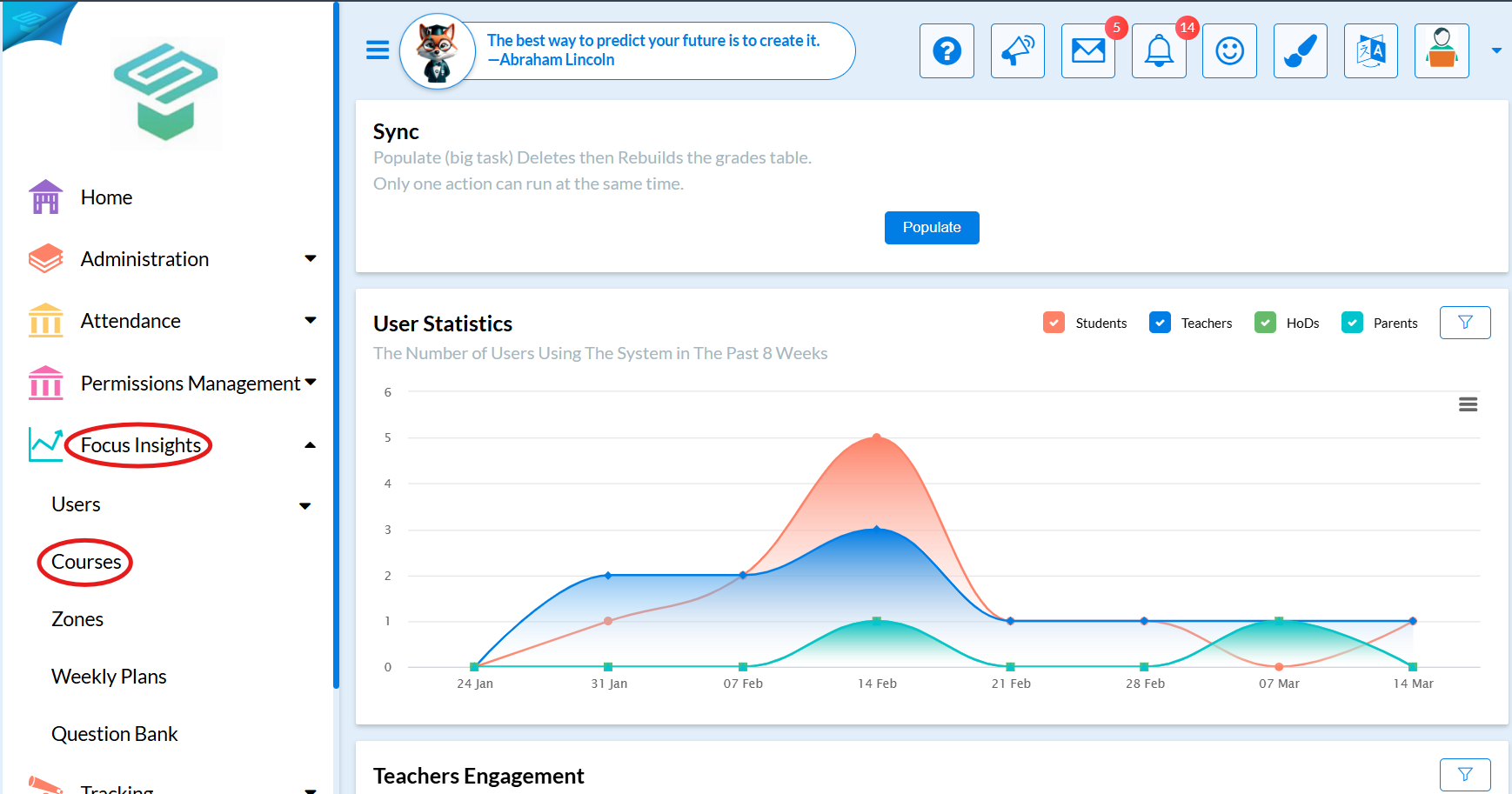
2. Choose the required course  click on teachers and choose the teacher
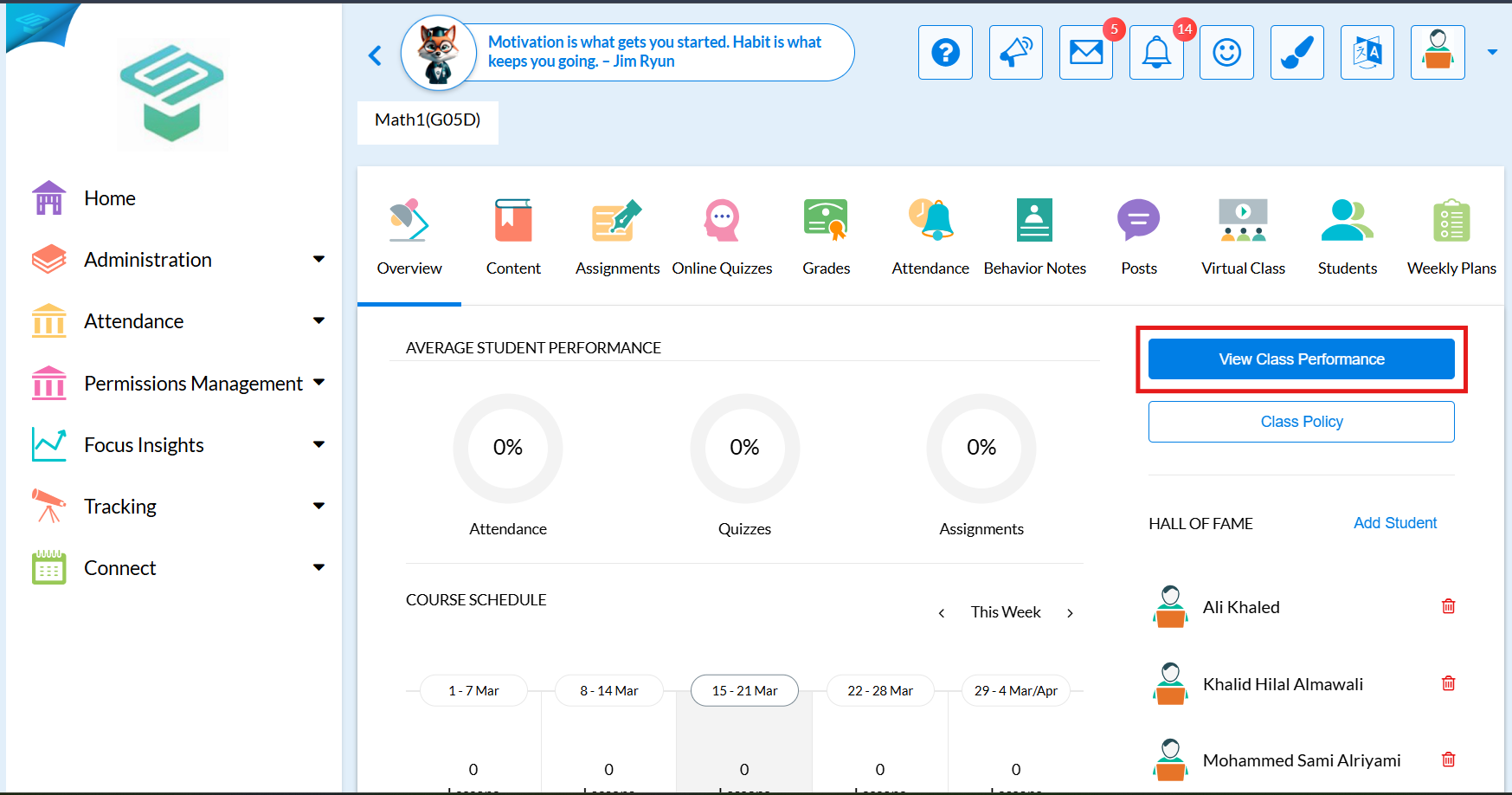
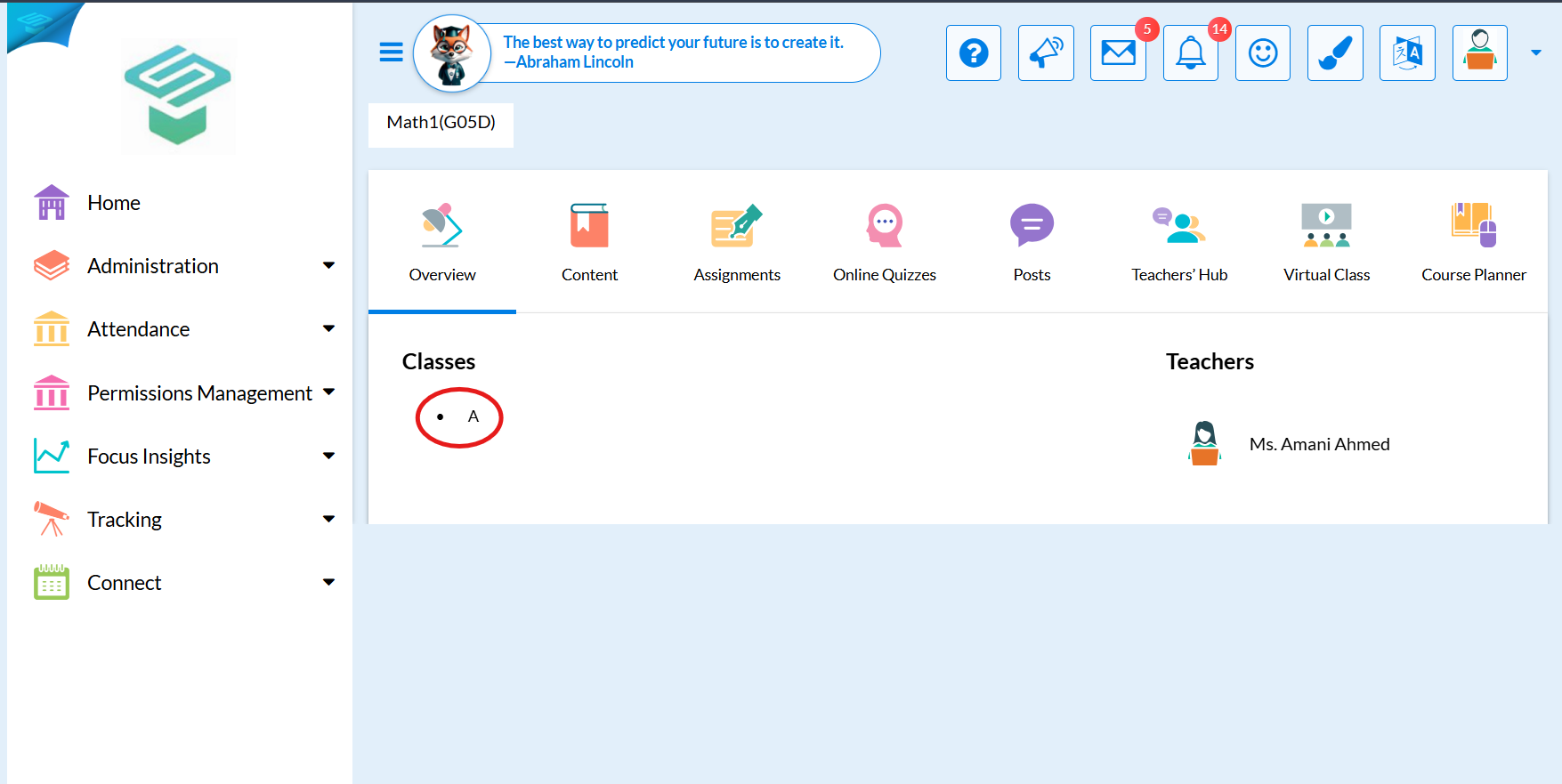
3. Choose the class to view its performance
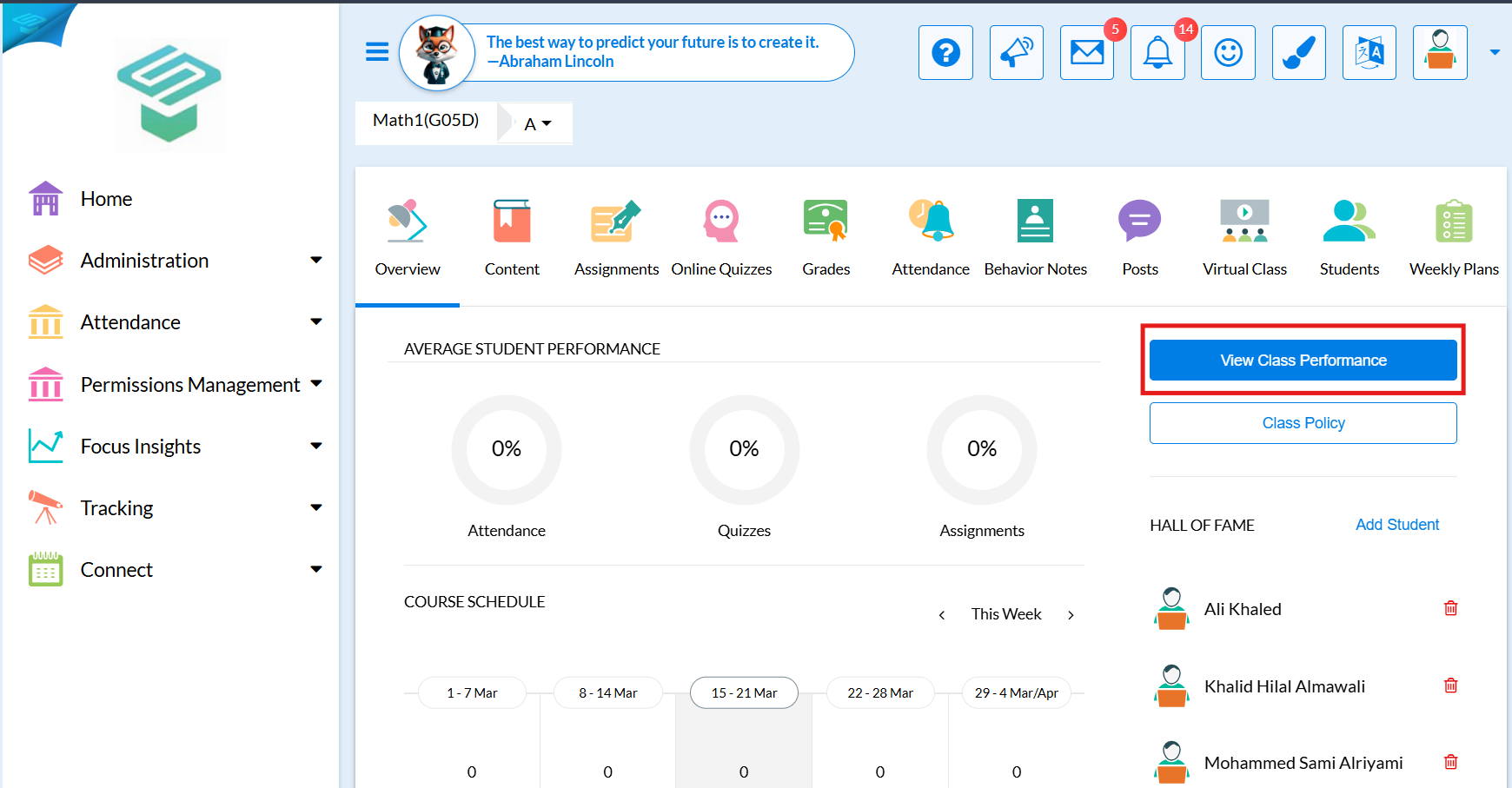
4. Click on "View class performance", a PDF file will be downloaded.
Method 2:
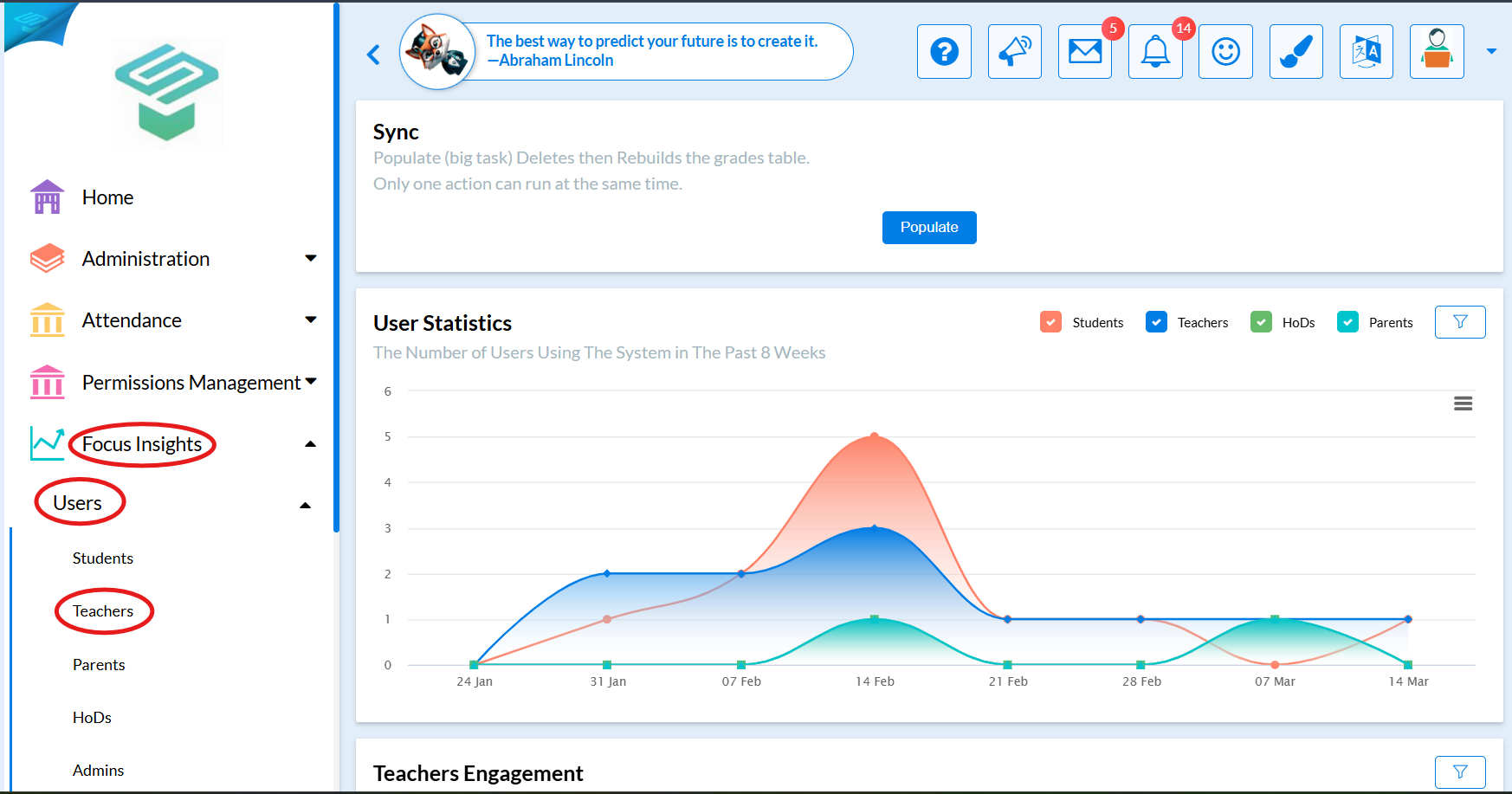
1. From Admin Homepage go to Focus Insights Users  Teachers
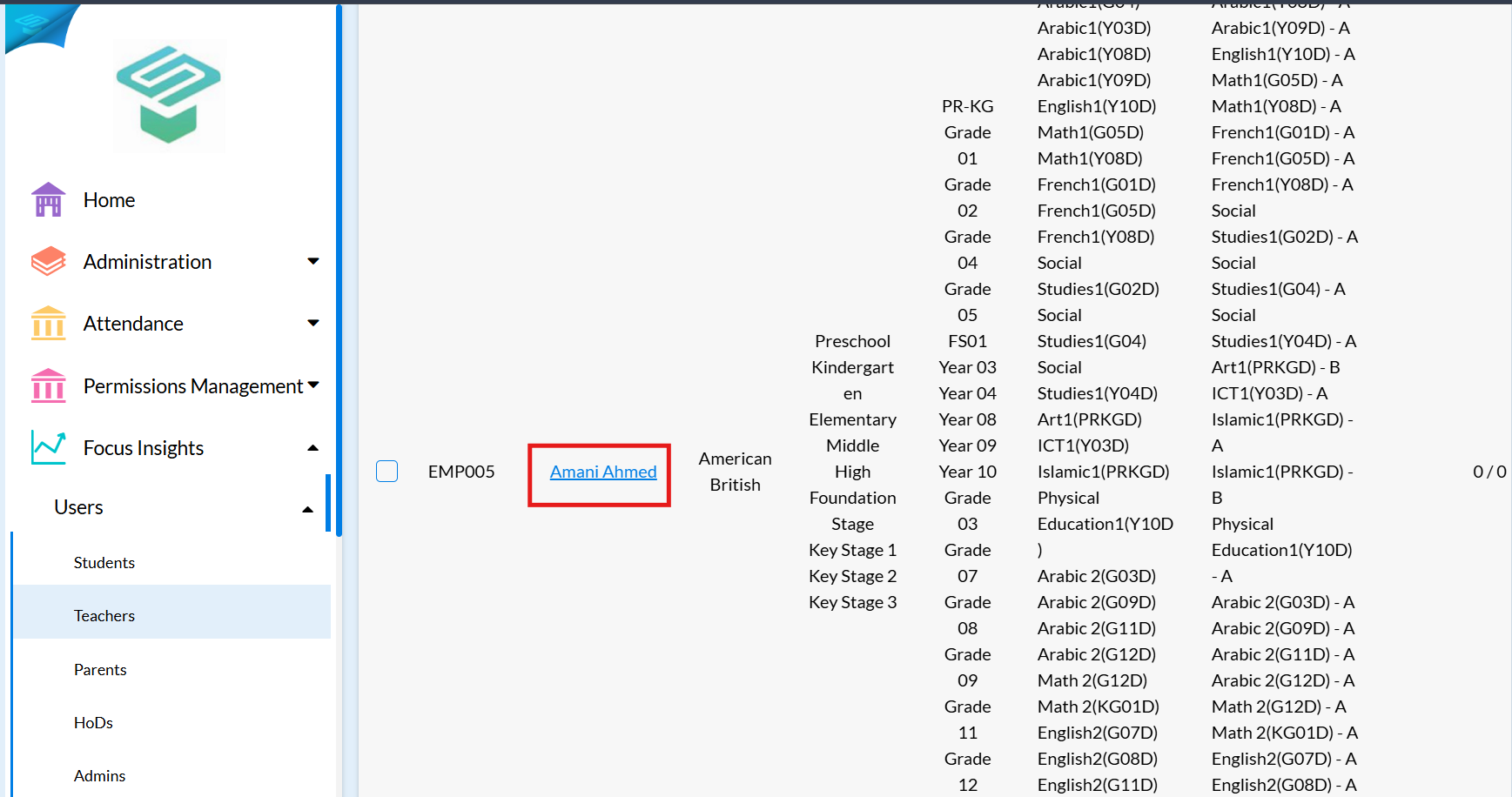
2. Choose the Teacher and click on teacher's name
3. Choose the course to view its class performance
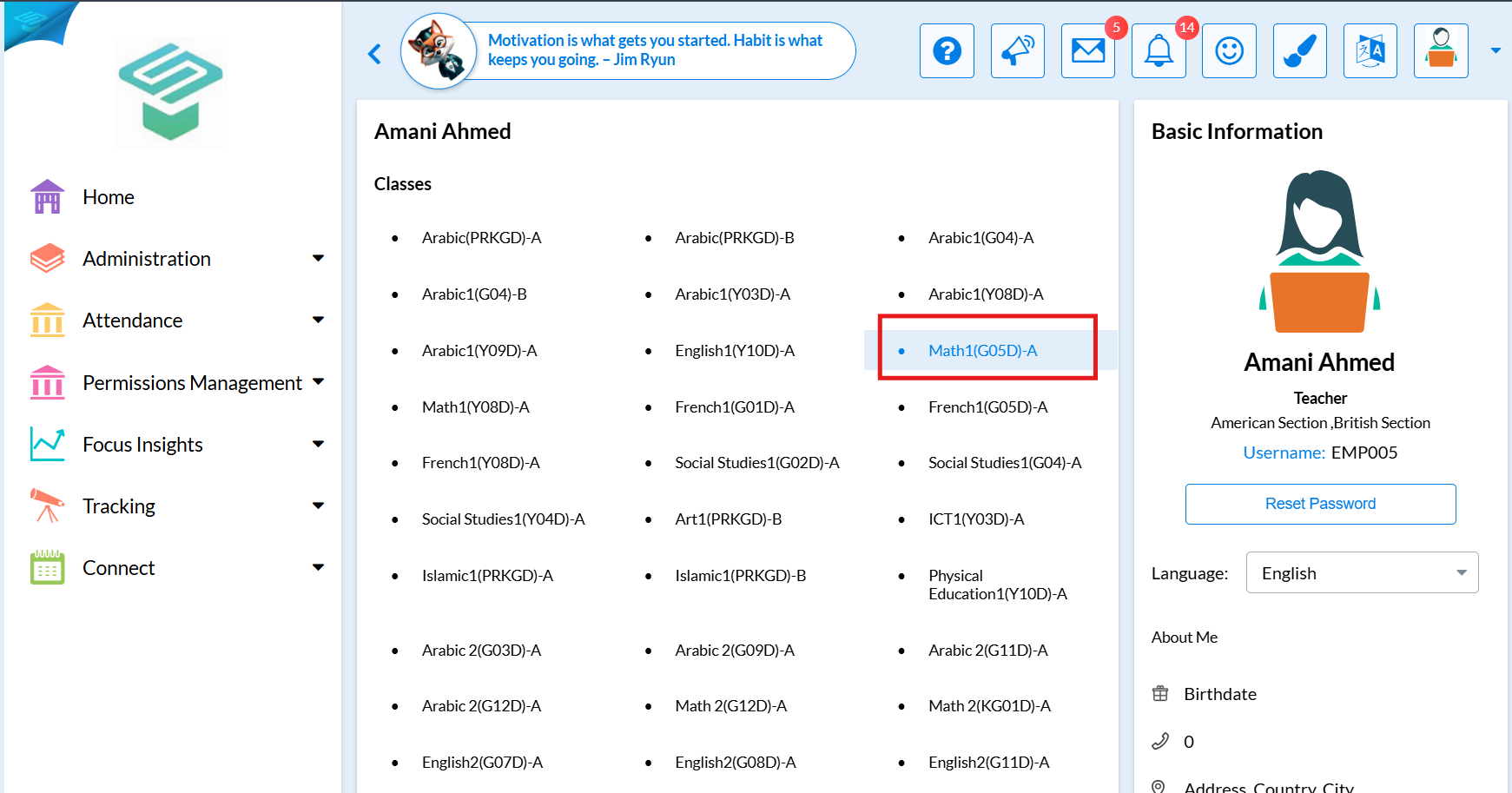
4. Click on "View class performance", a PDF file will be downloaded.