Use your teacher account to log in to your School LMS.
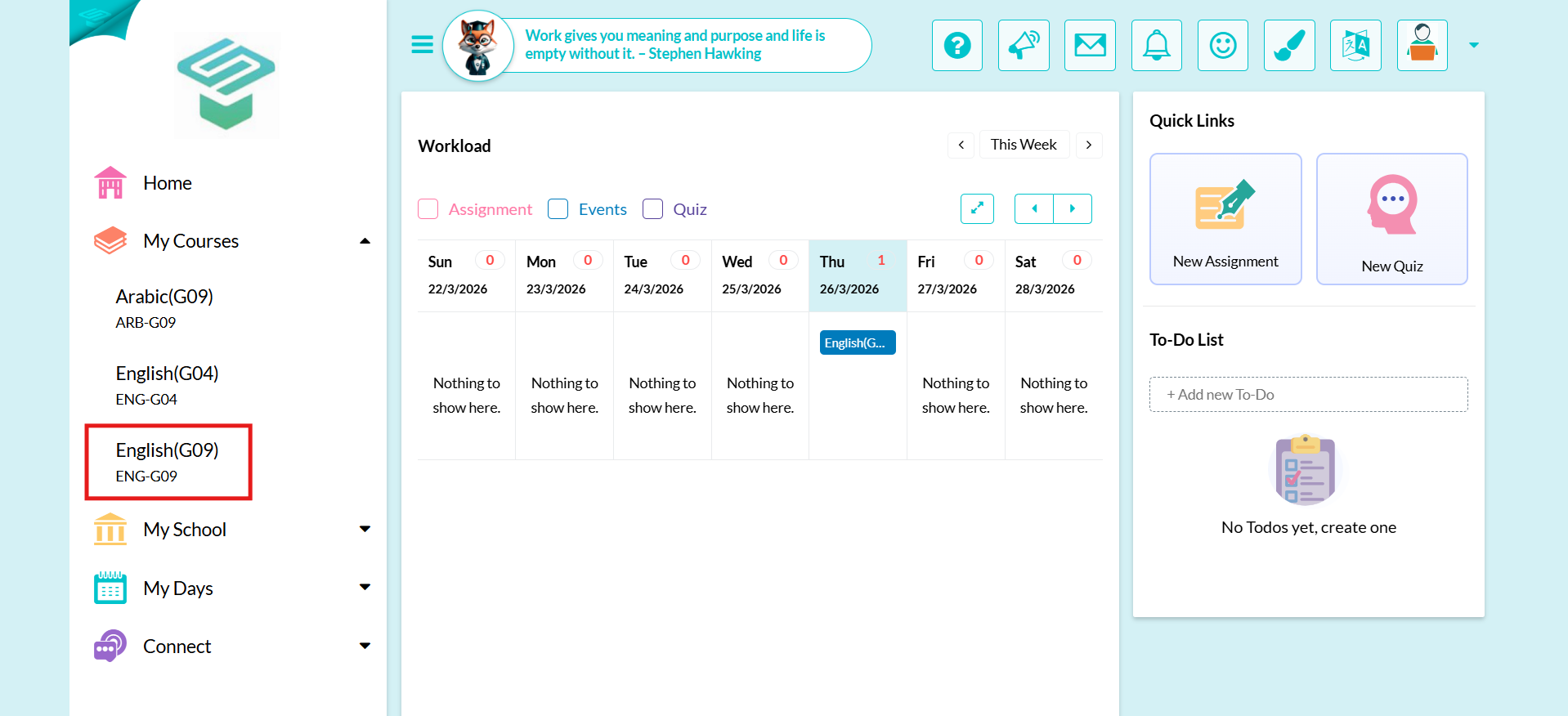
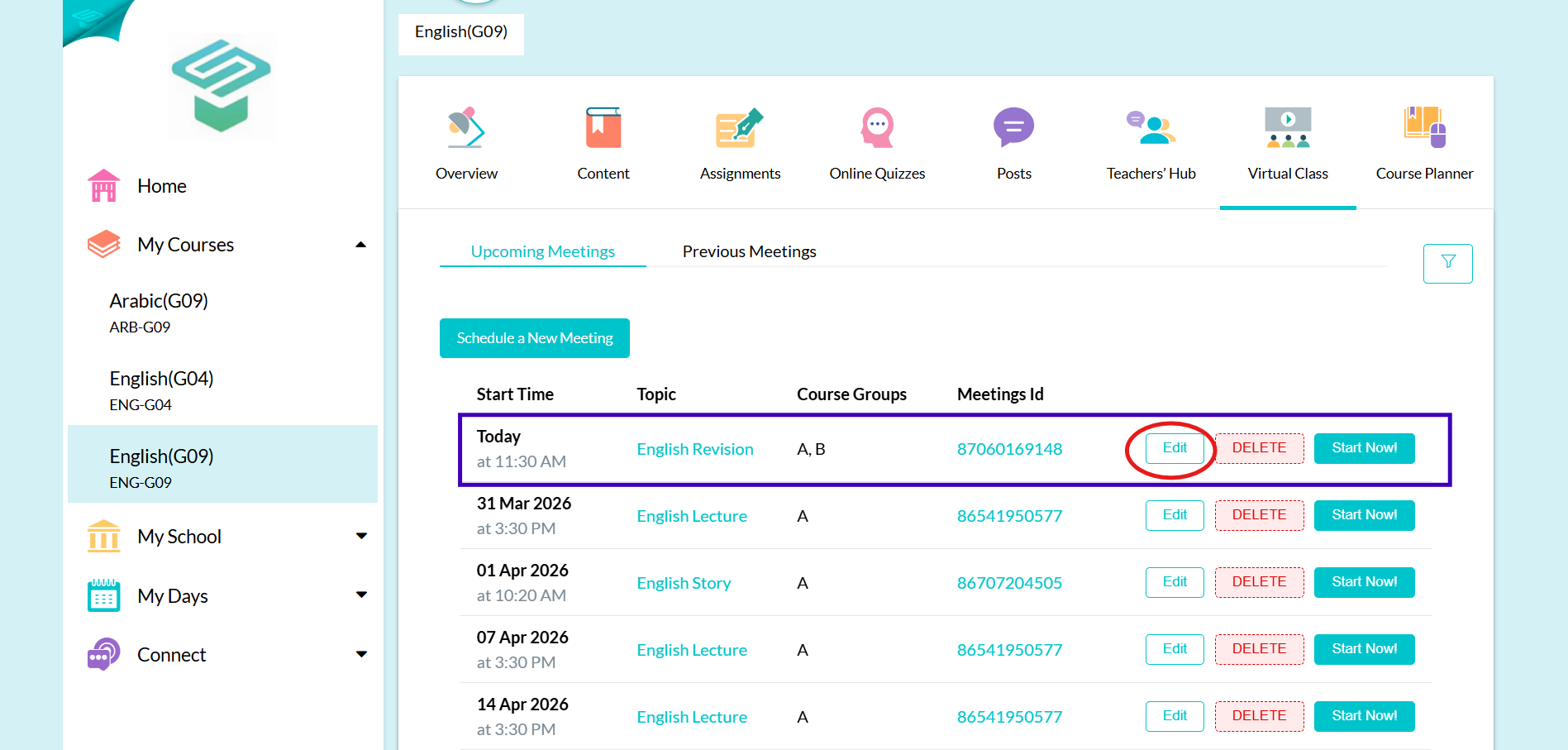
Step1: Login to your teacher account From my courses  Choose the course you want to edit its virtual classroom
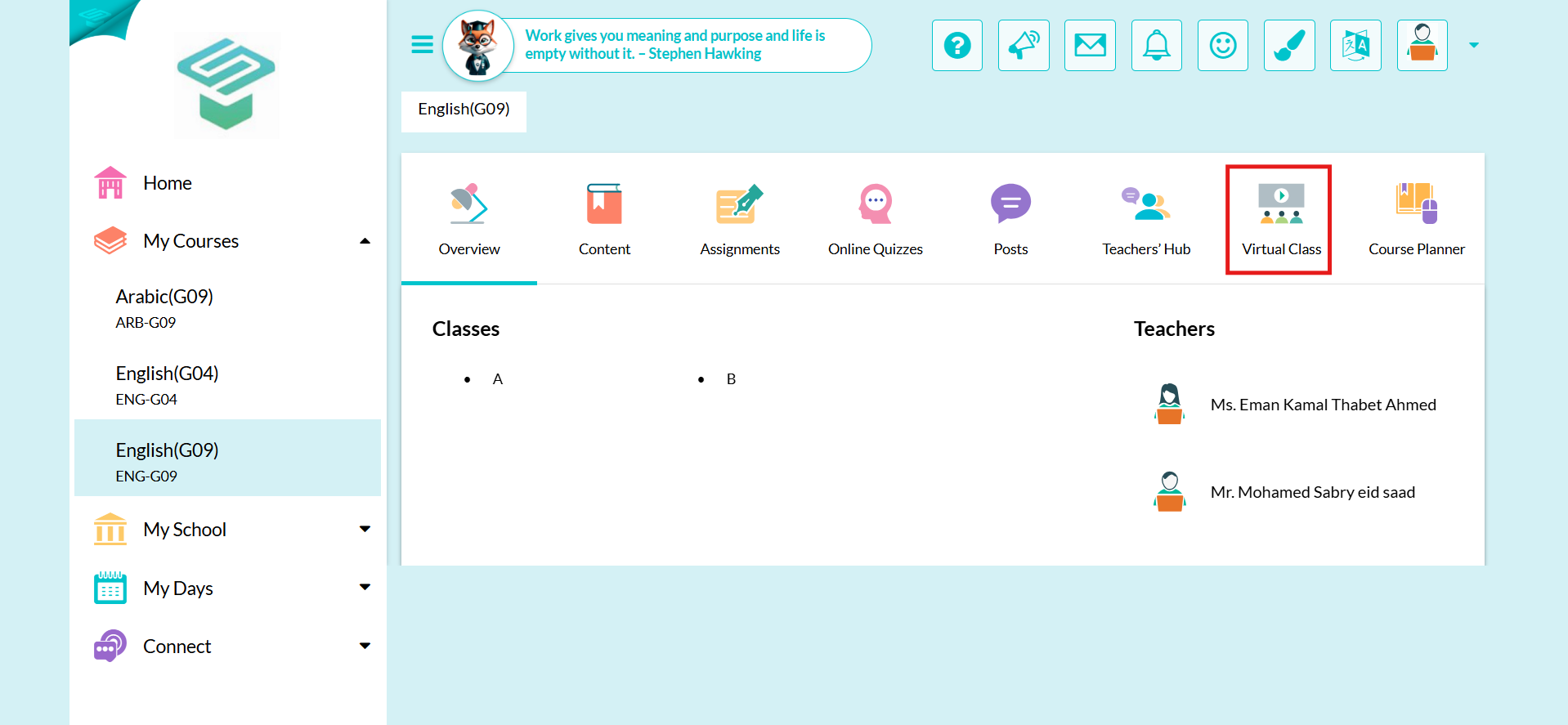
Step2: Click on Virtual class tab
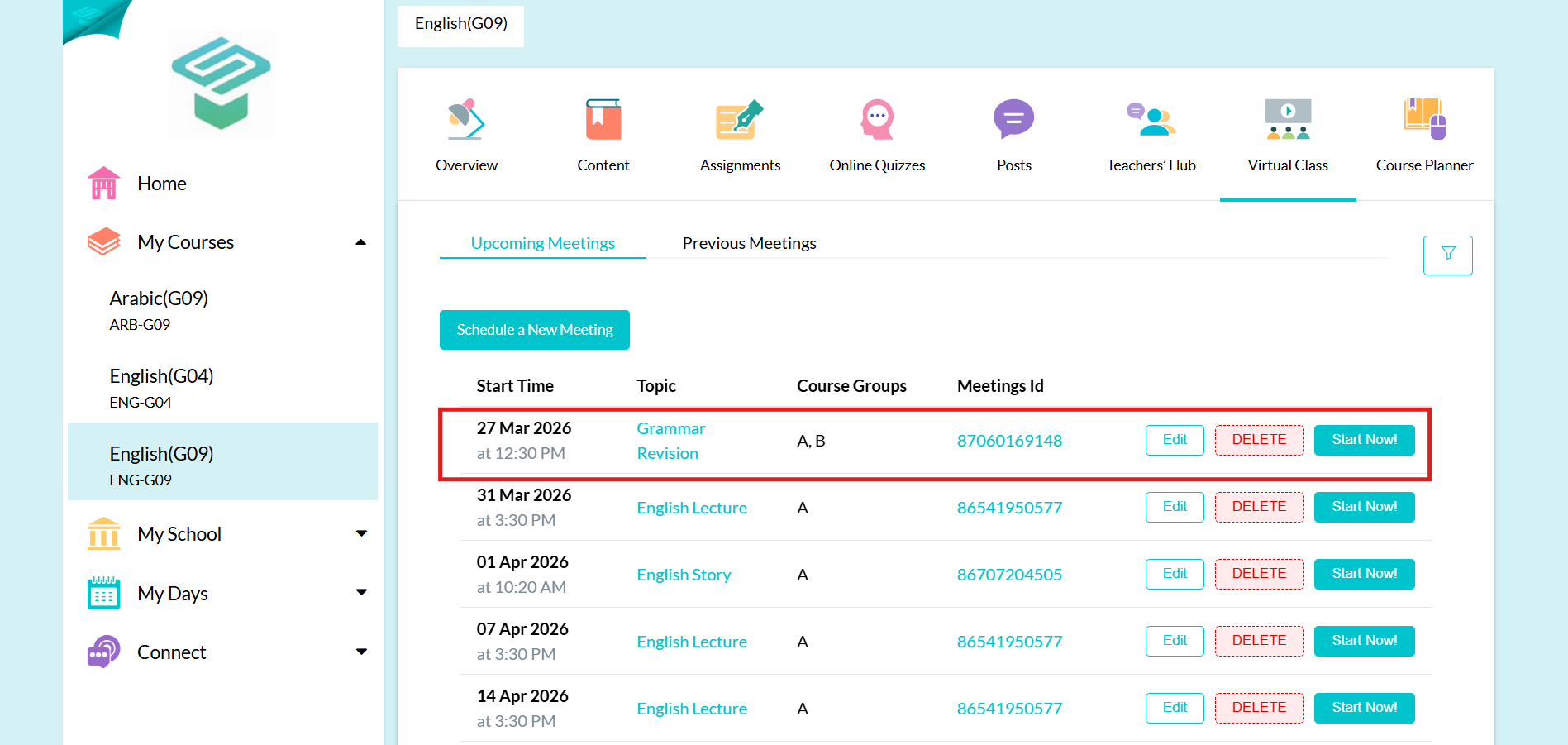
Step3: Choose the meeting you want to edit its Setting  Click on edit
⚠️ Note: You can't edit in meetings that have (Recurrence: Weekly)
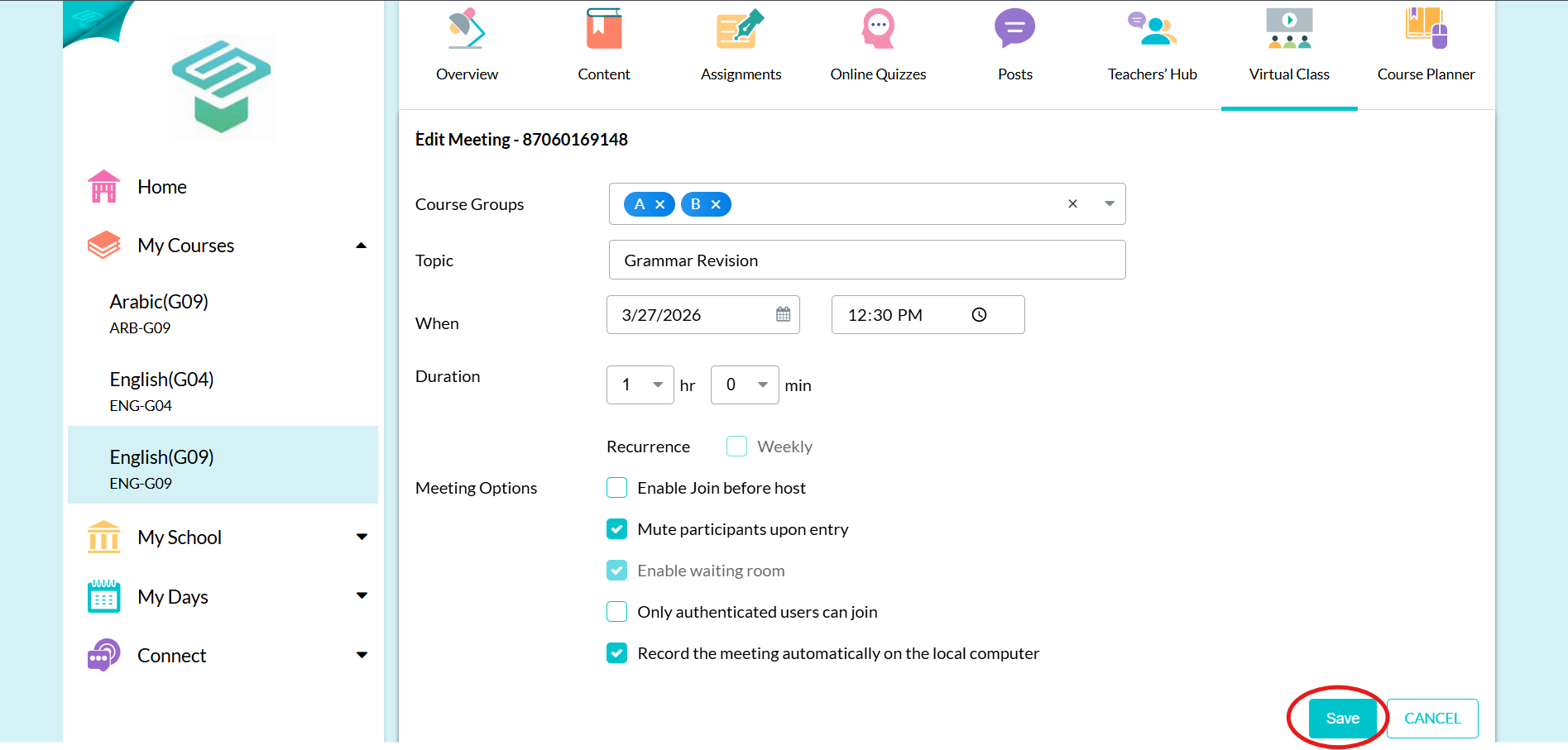
Step4: Make your edits
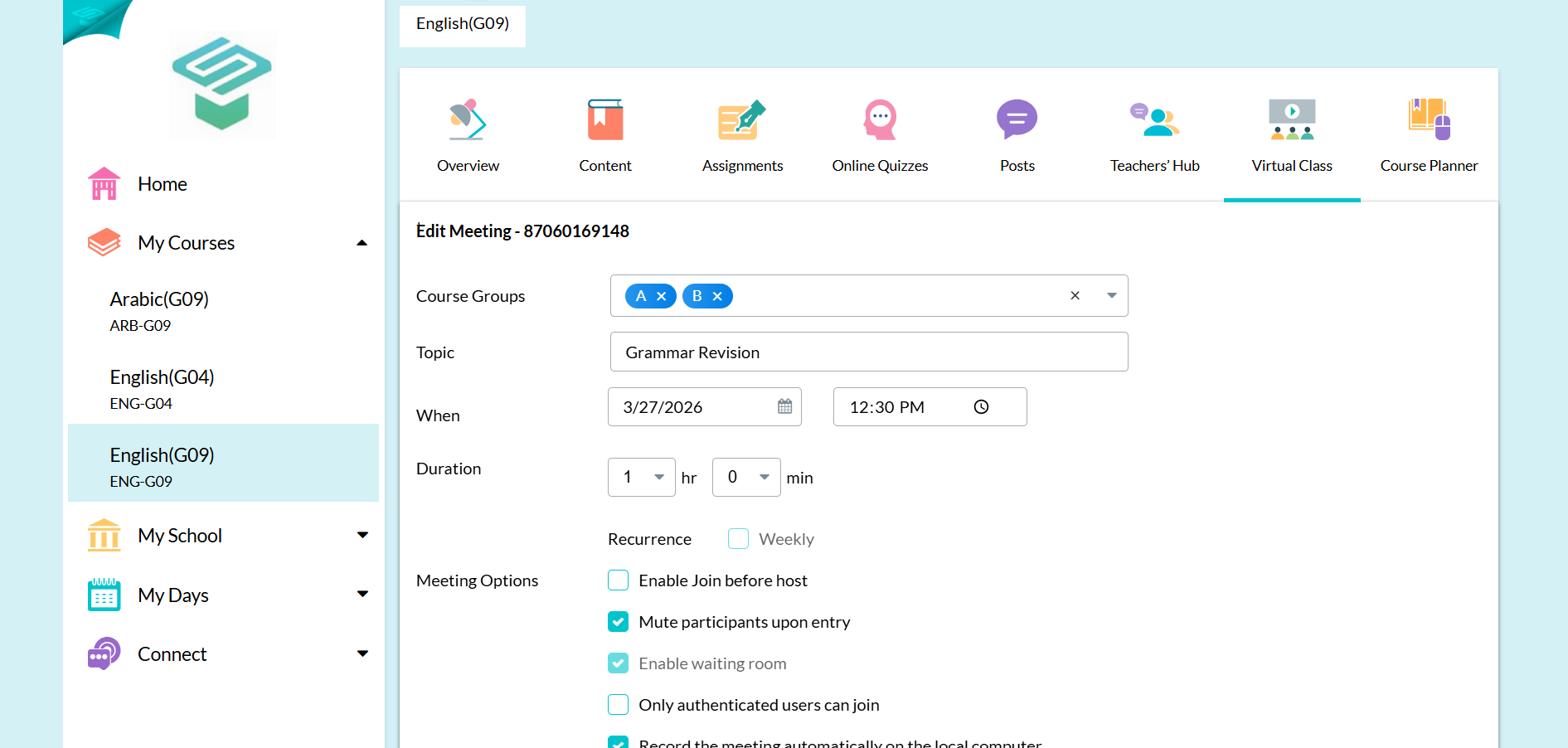
Step5: Click Save