Use your Admin account to log in to your School LMS.
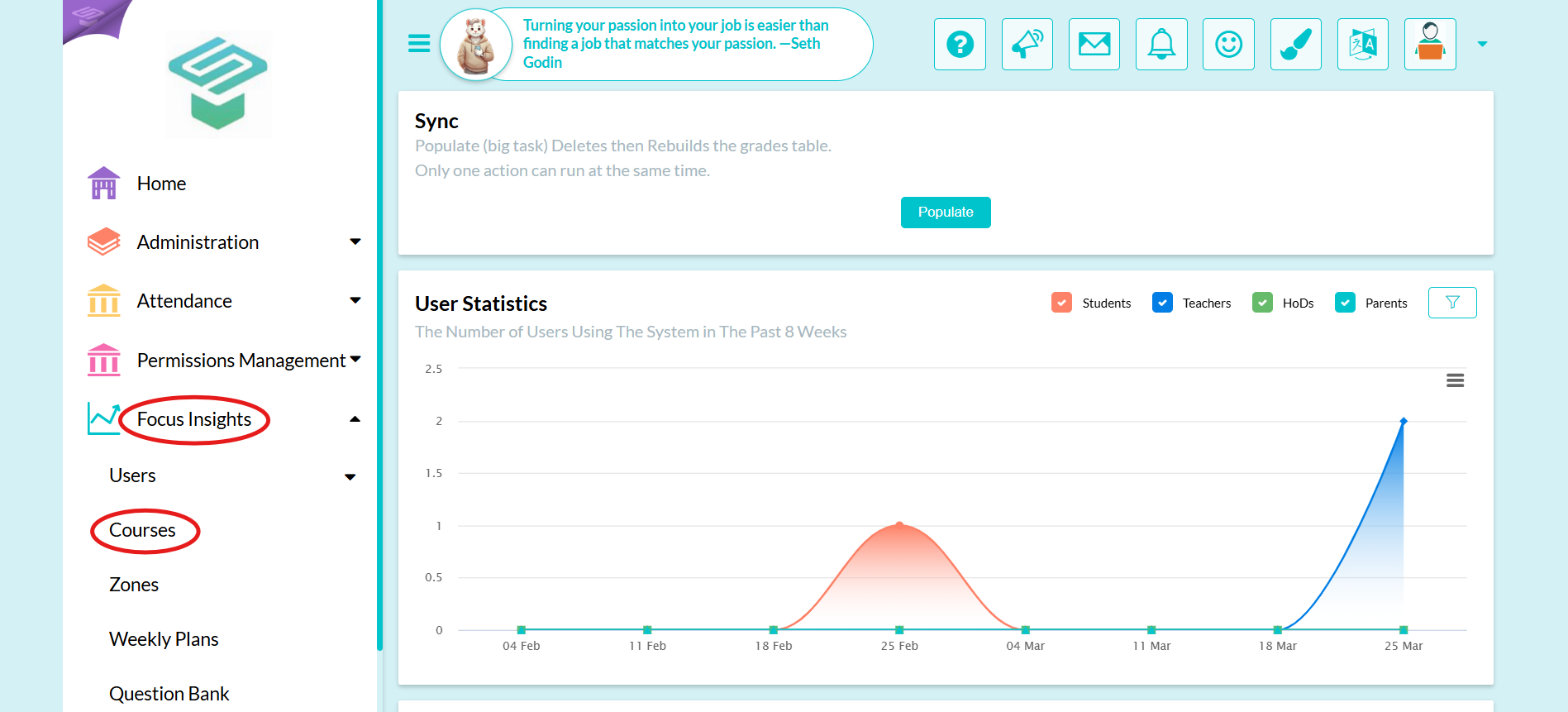
Step1: Login to your Admin account from Focus insights  Courses
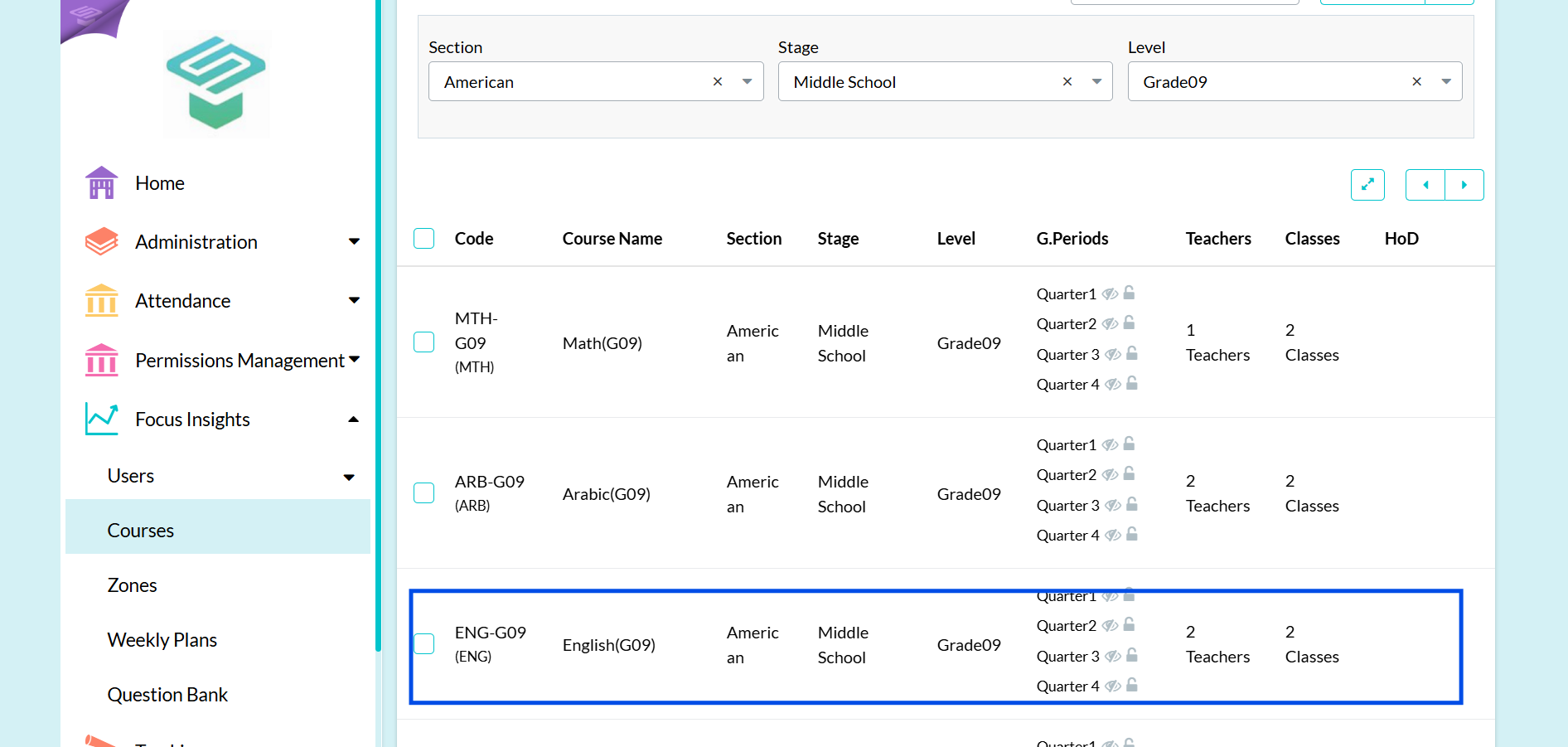
  Choose the course you want to follow its virtual classrooms
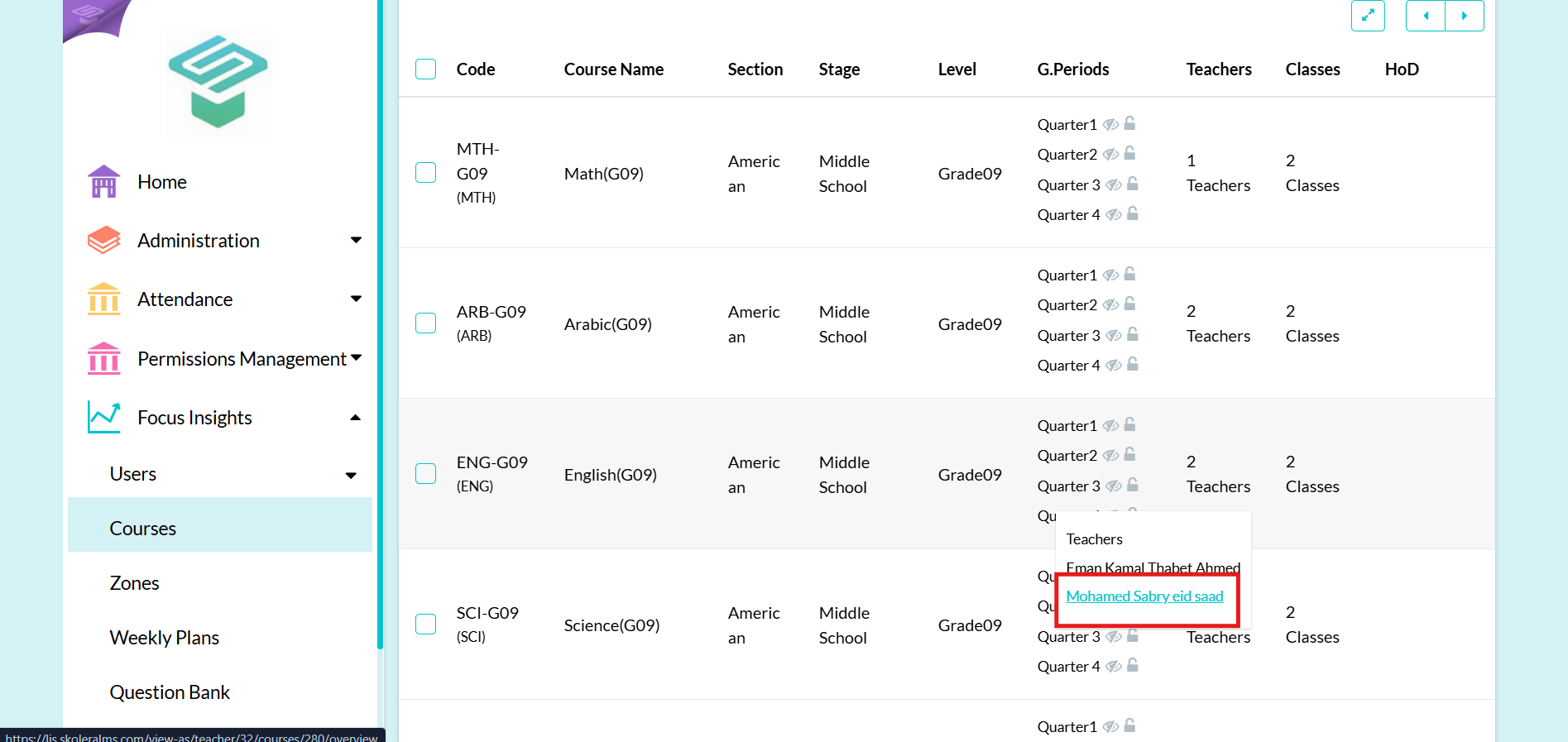
Step2: Click on Teachers and choose the teacher who teach the required course
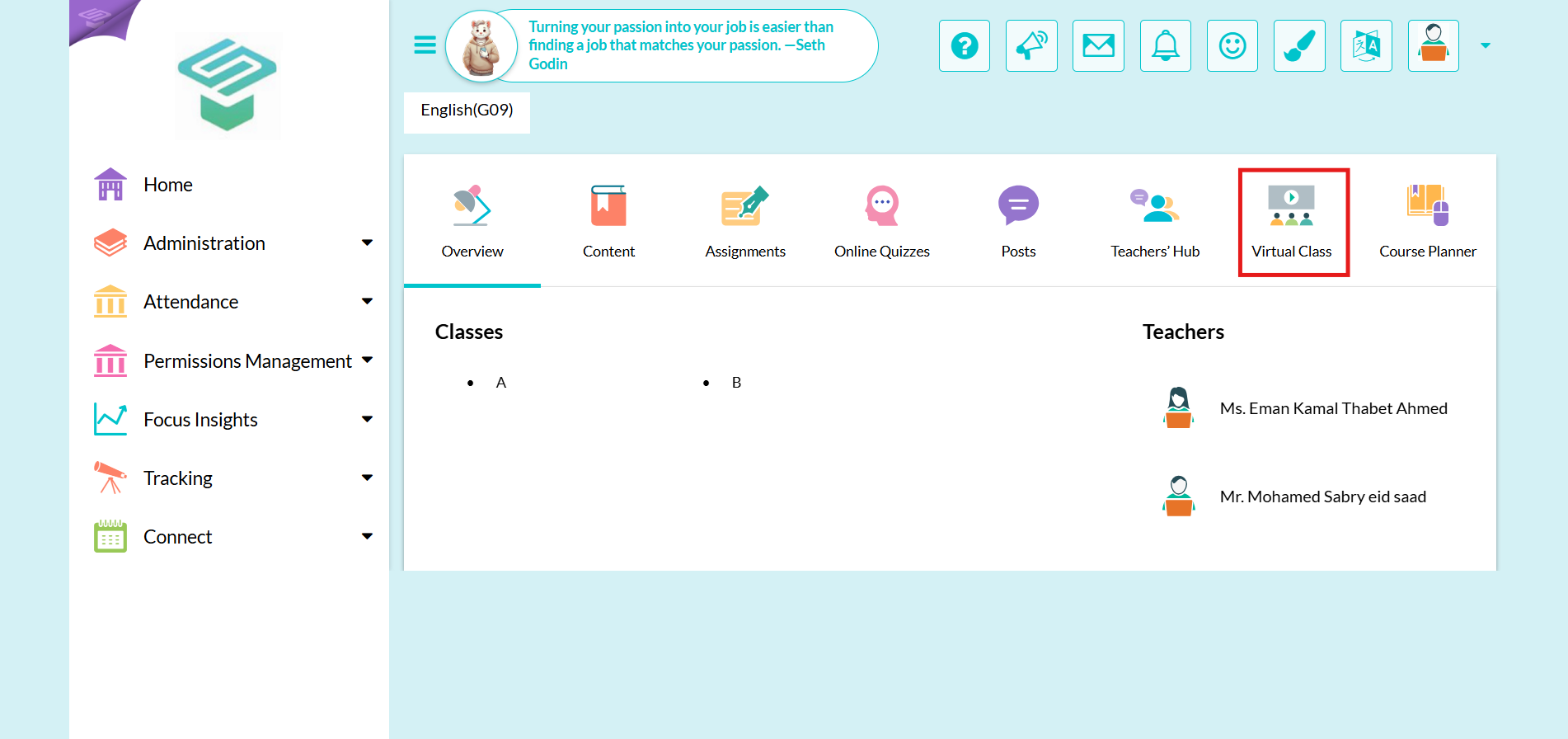
Step3: Click on Virtual class tab
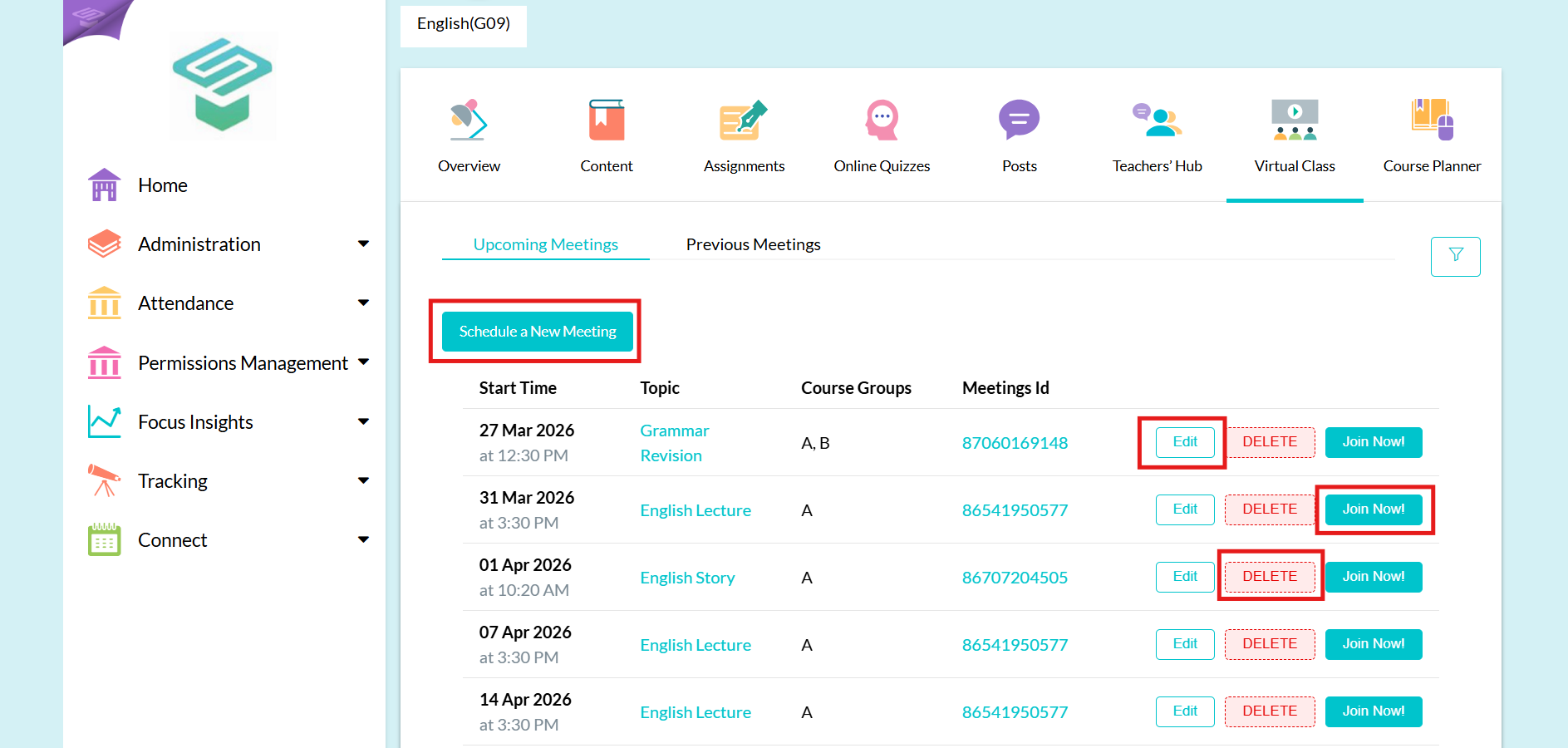
Step4: You can now view all scheduled meetings for this course, and you have the option to edit, delete, or join any of them. As an admin, you can also schedule a new meeting. ( You can't start the meeting using admin account)
⚠️Note: You can't edit in meetings that have (Recurrence: Weekly)
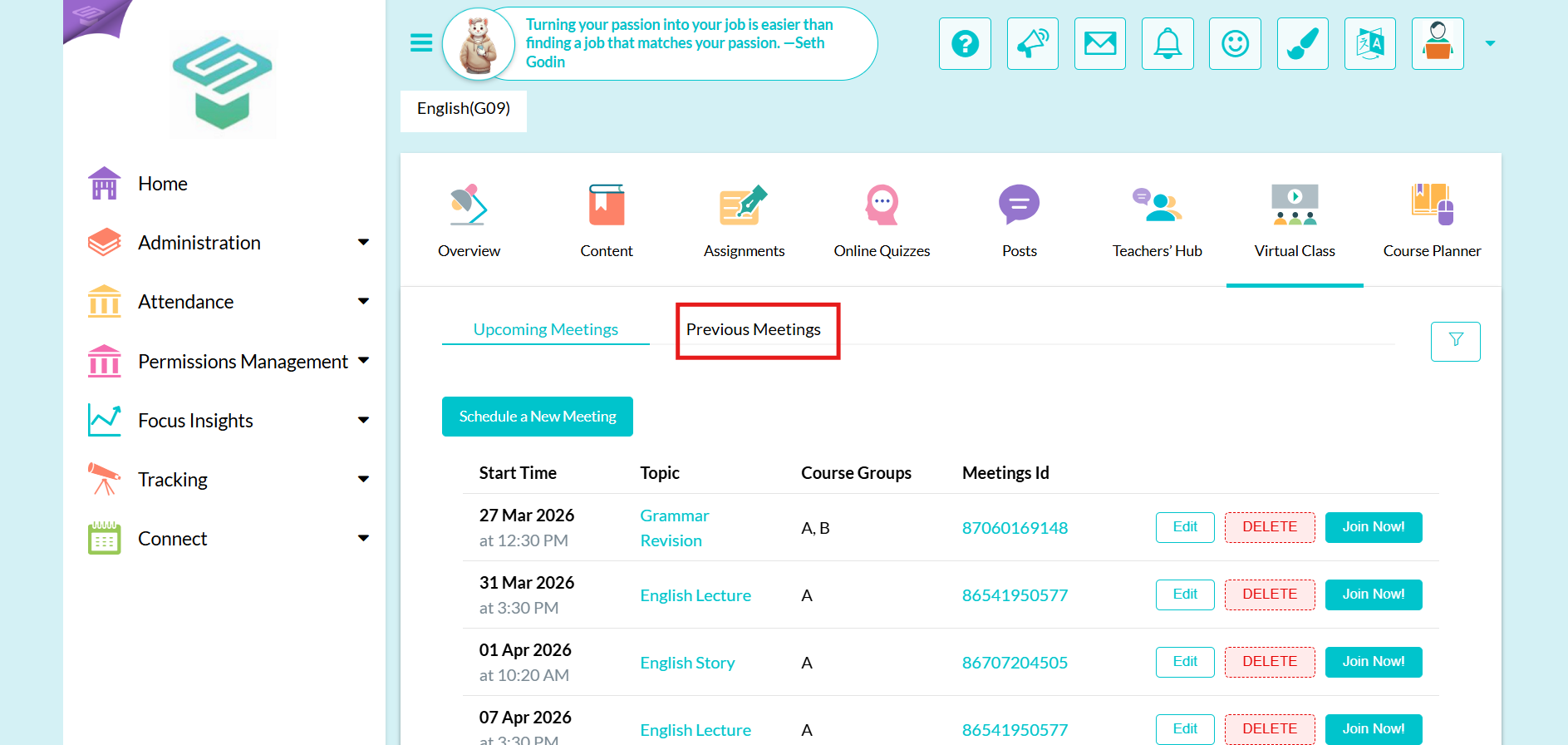
Step5: Click on previous meetings to view all details about any previous meeting
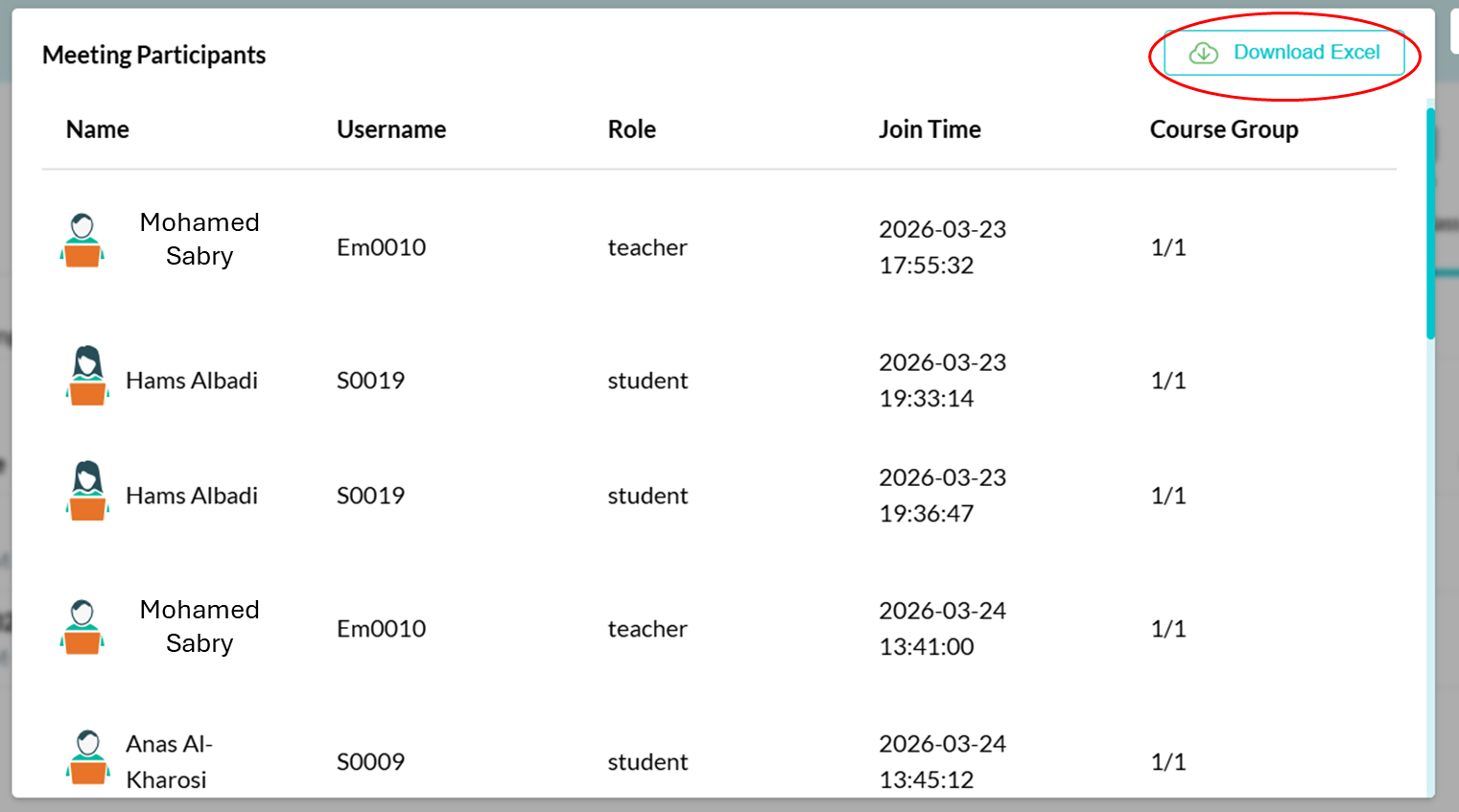
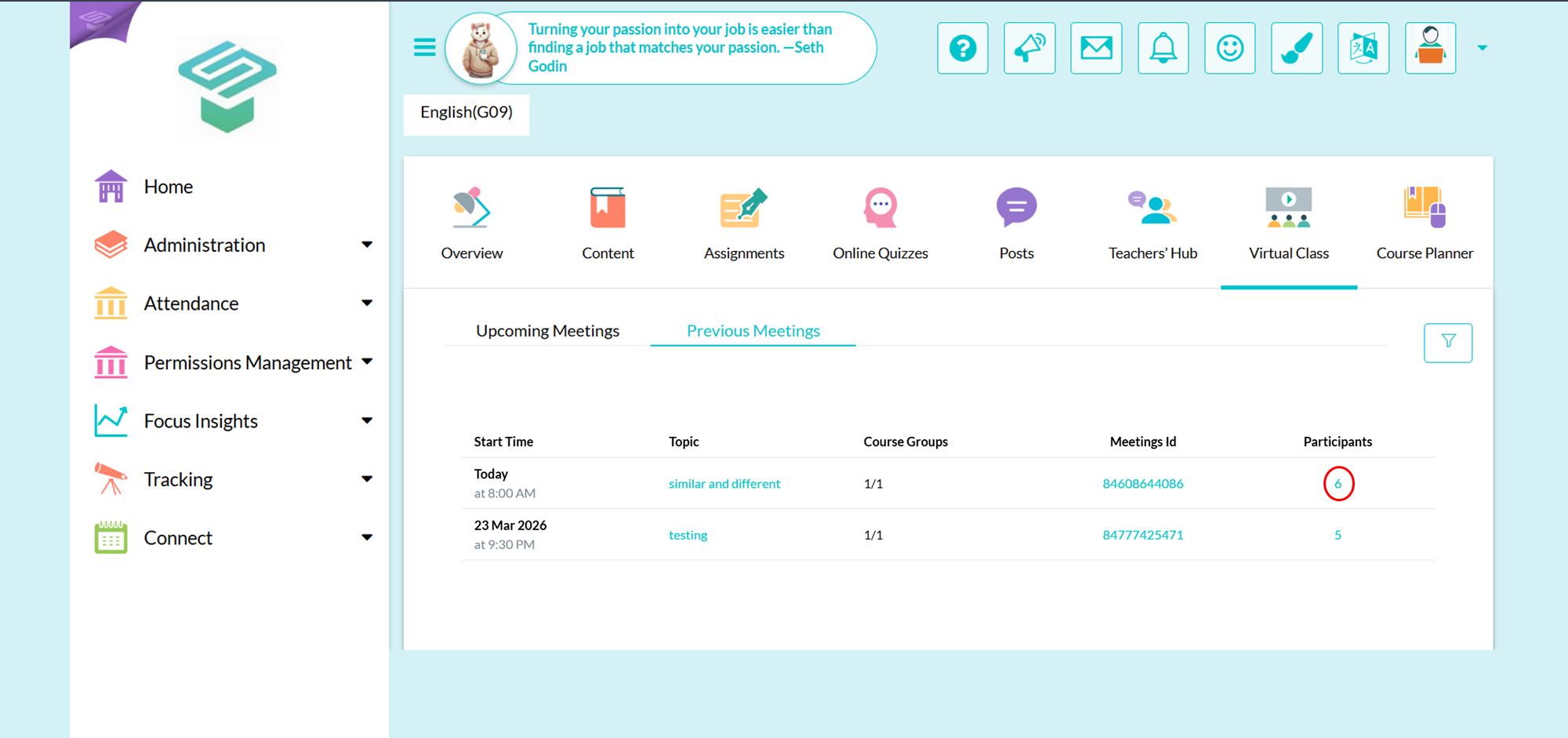
Step6: Click on the number below participants tab to show the meeting details
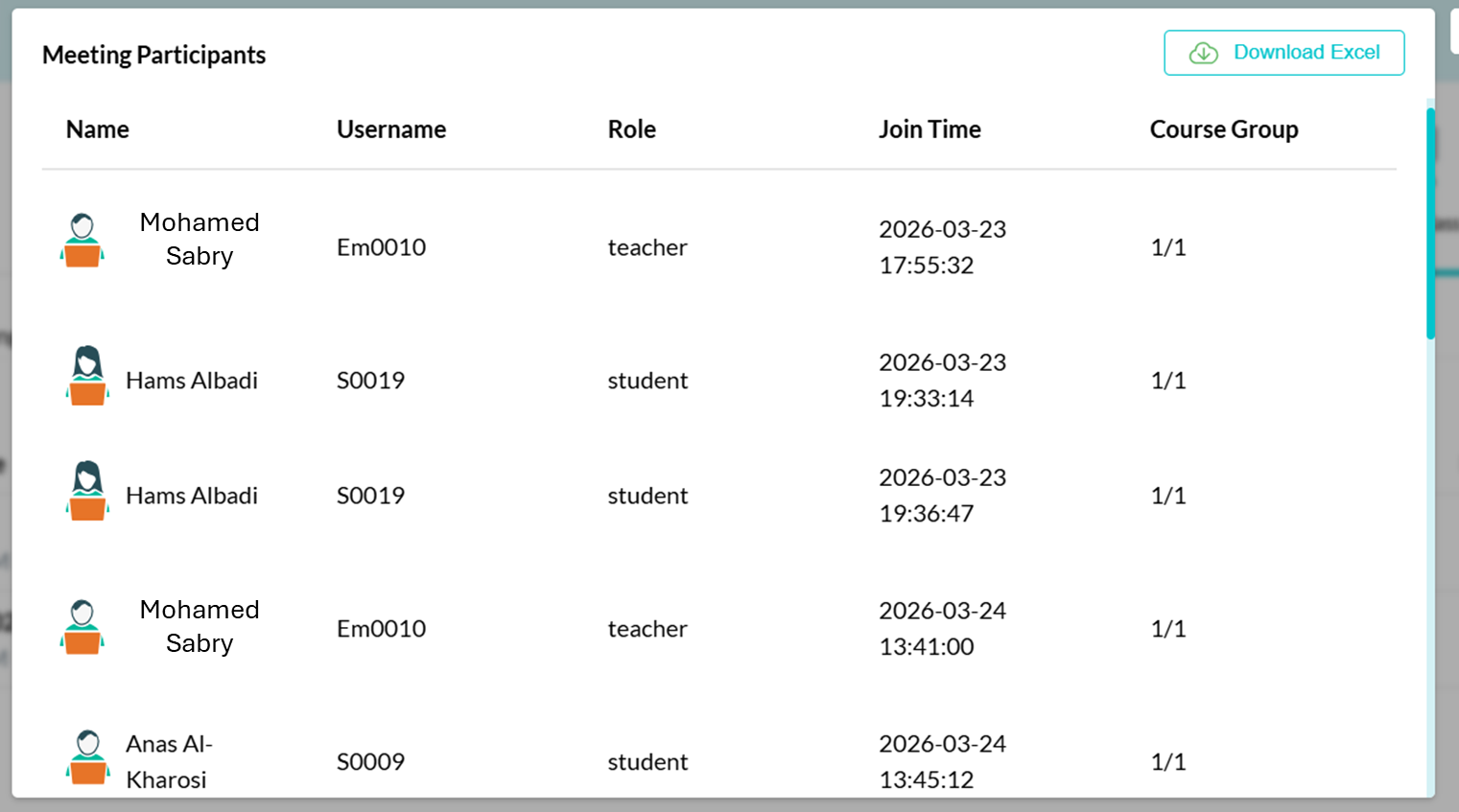
Step7: You can export all meetings details in an excel sheet