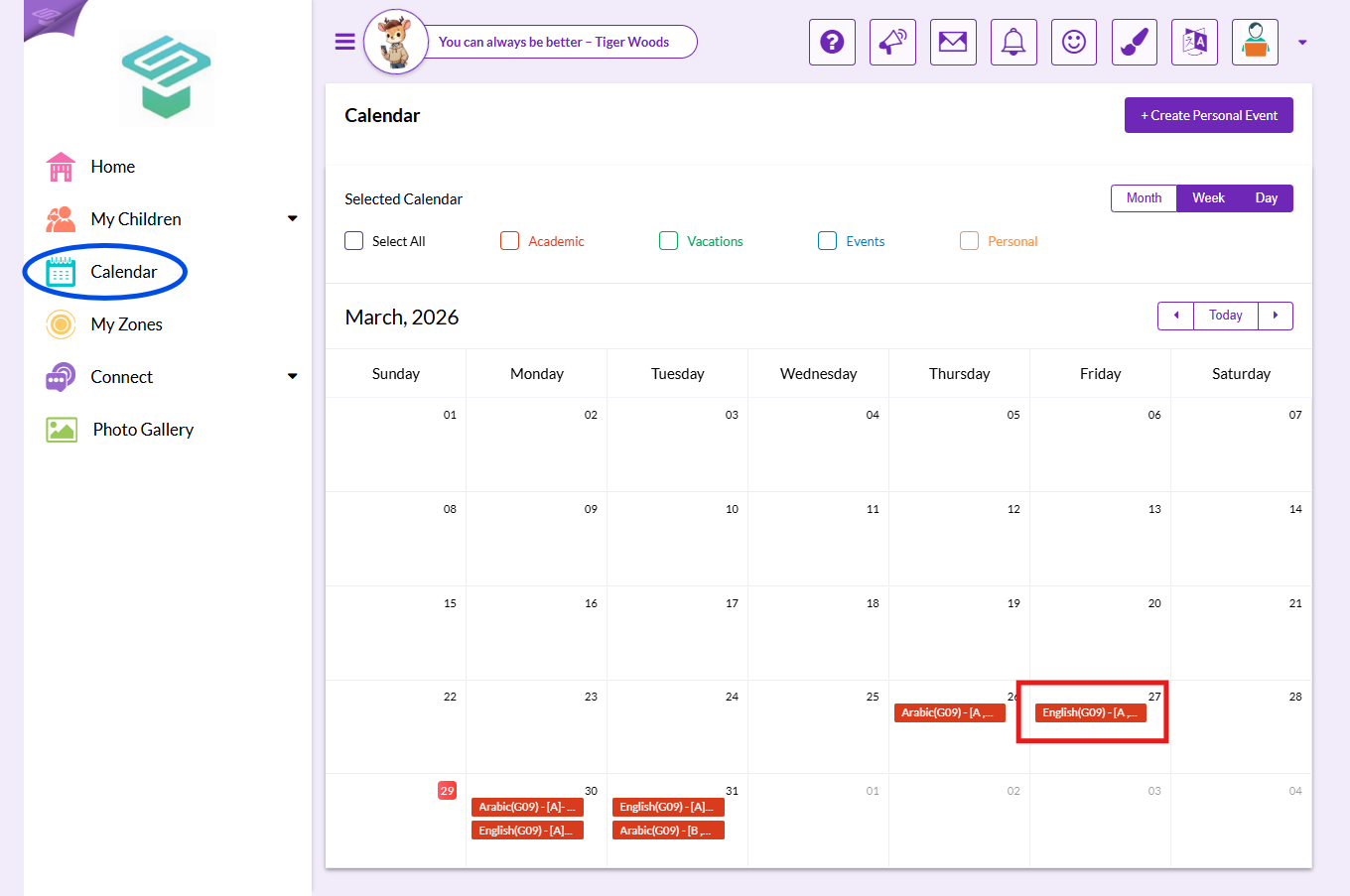
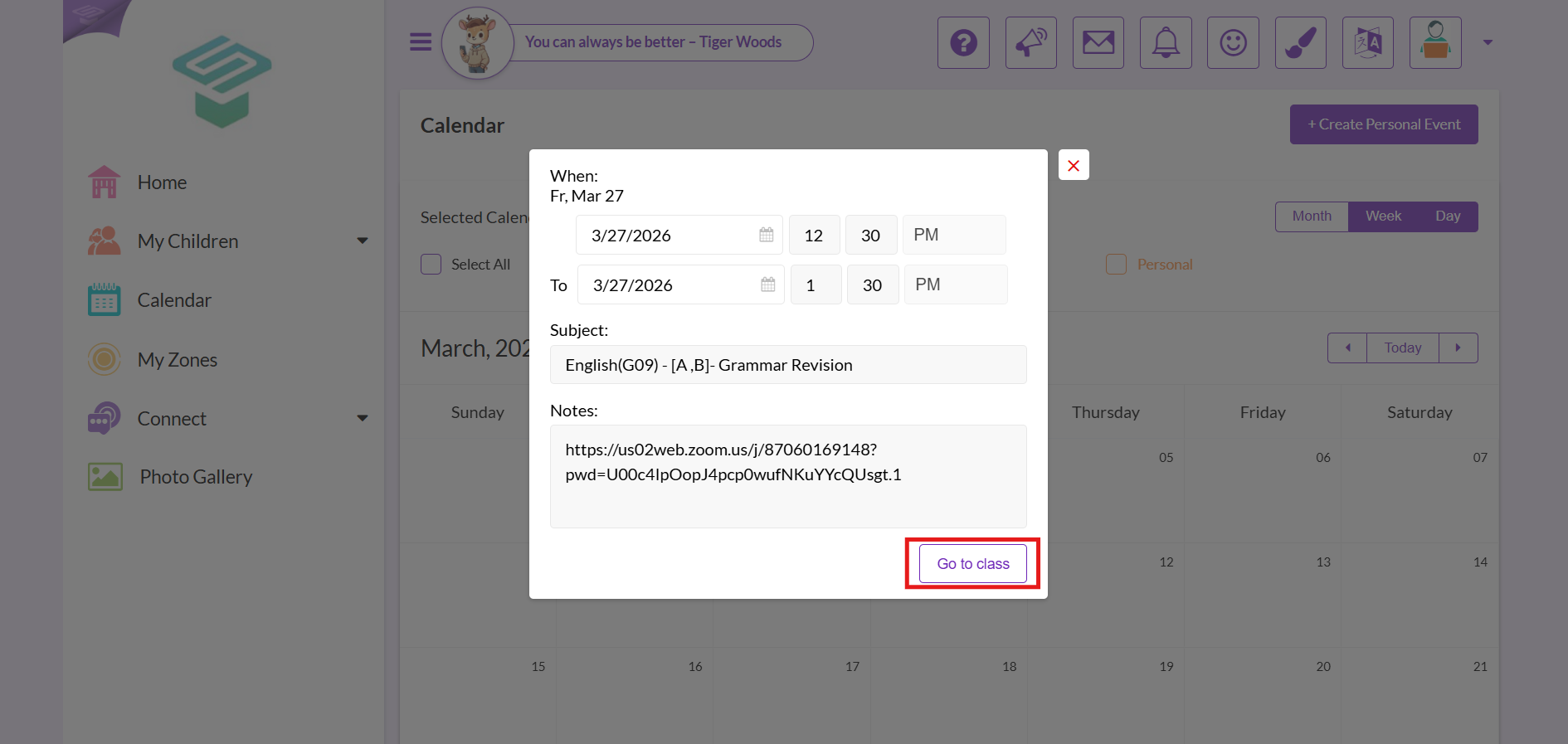
Use your Parent account to log in to your School LMS.
⚠️Note That: Parents are NOT allowed to join virtual classes, they can only view them. Joining a virtual class is available through the student account Only
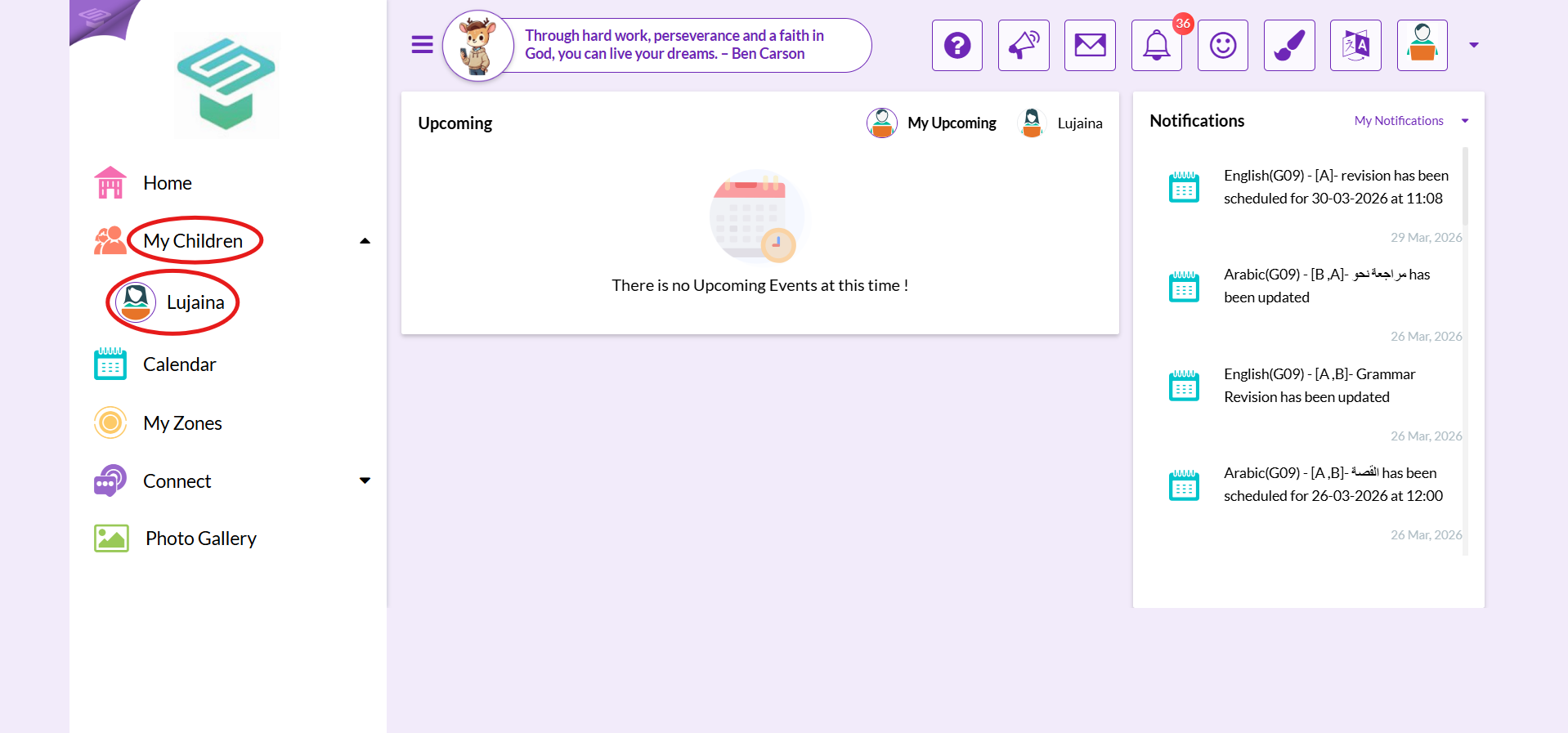
Step1: Login to your parent account  My Children
  Choose the child to track their virtual class
Step2: From the quick links menu on the right select courses
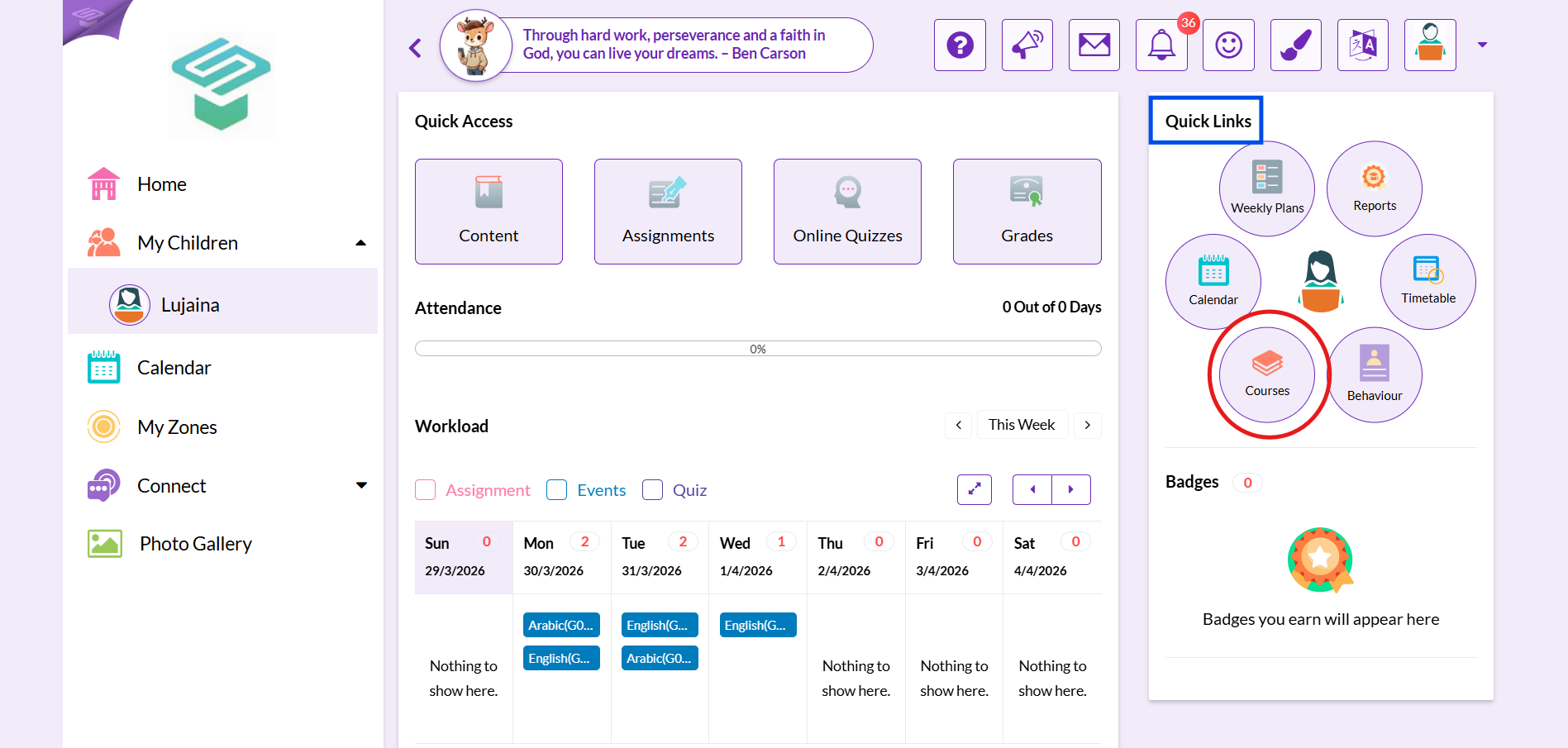
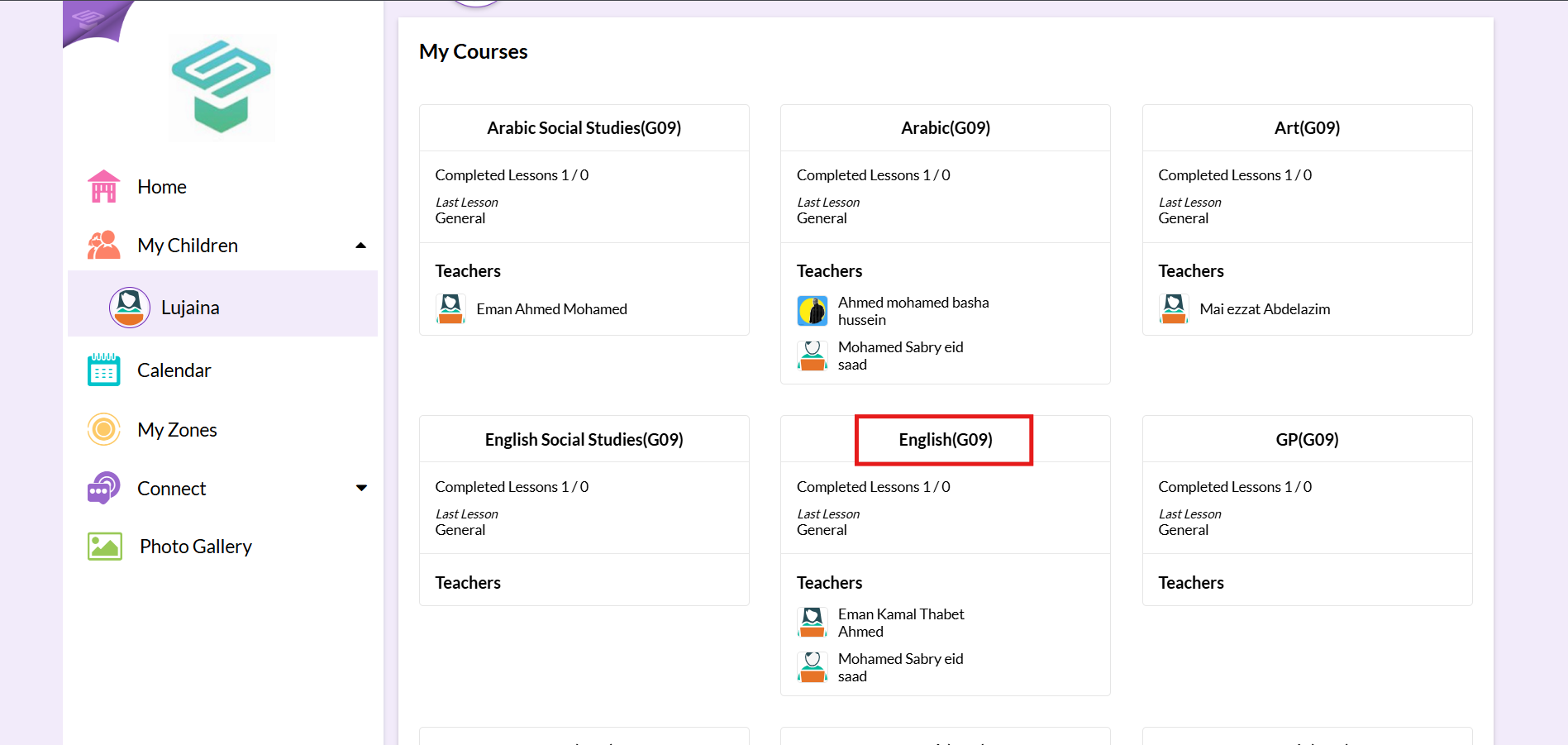
Step3: Click on the course you want to view its virtual class
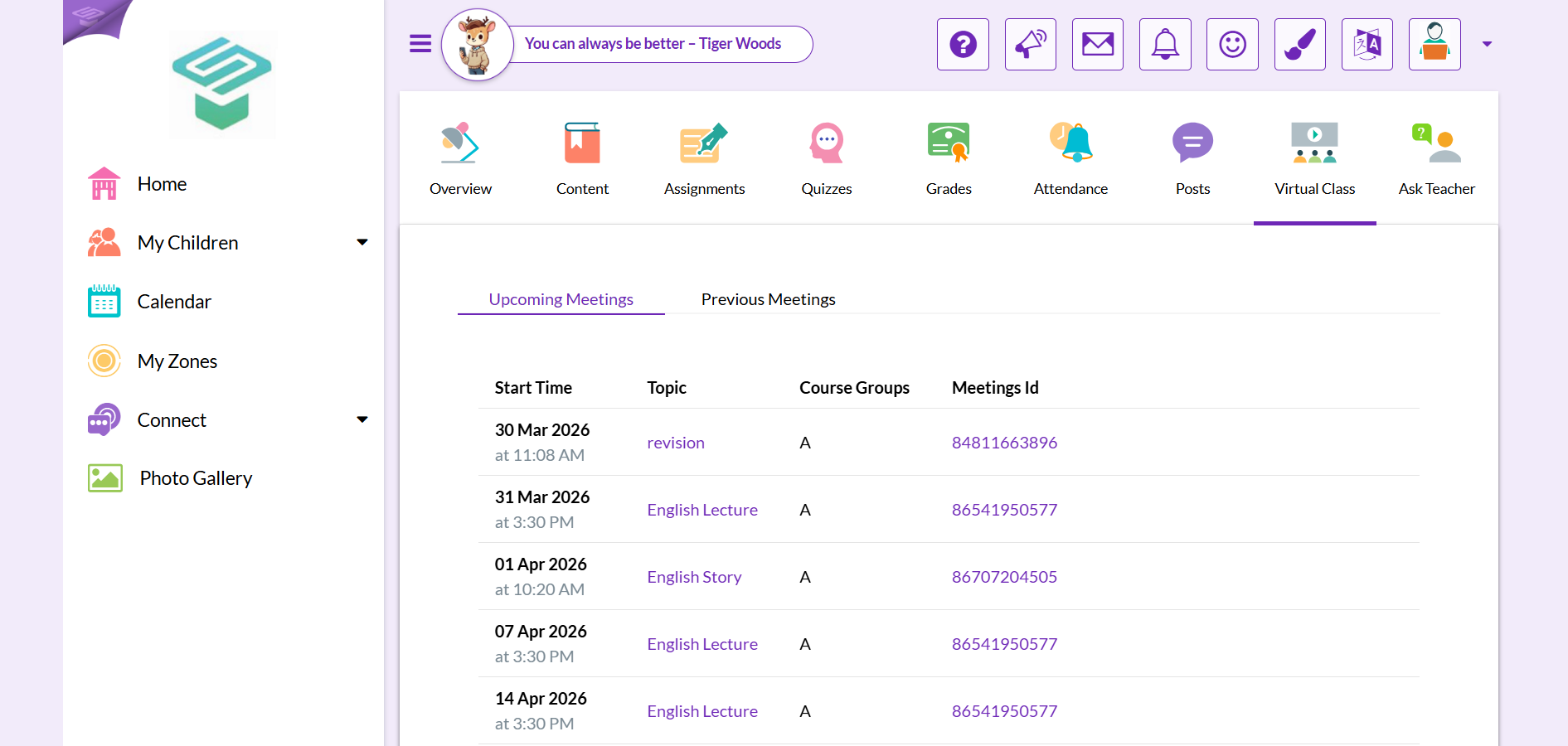
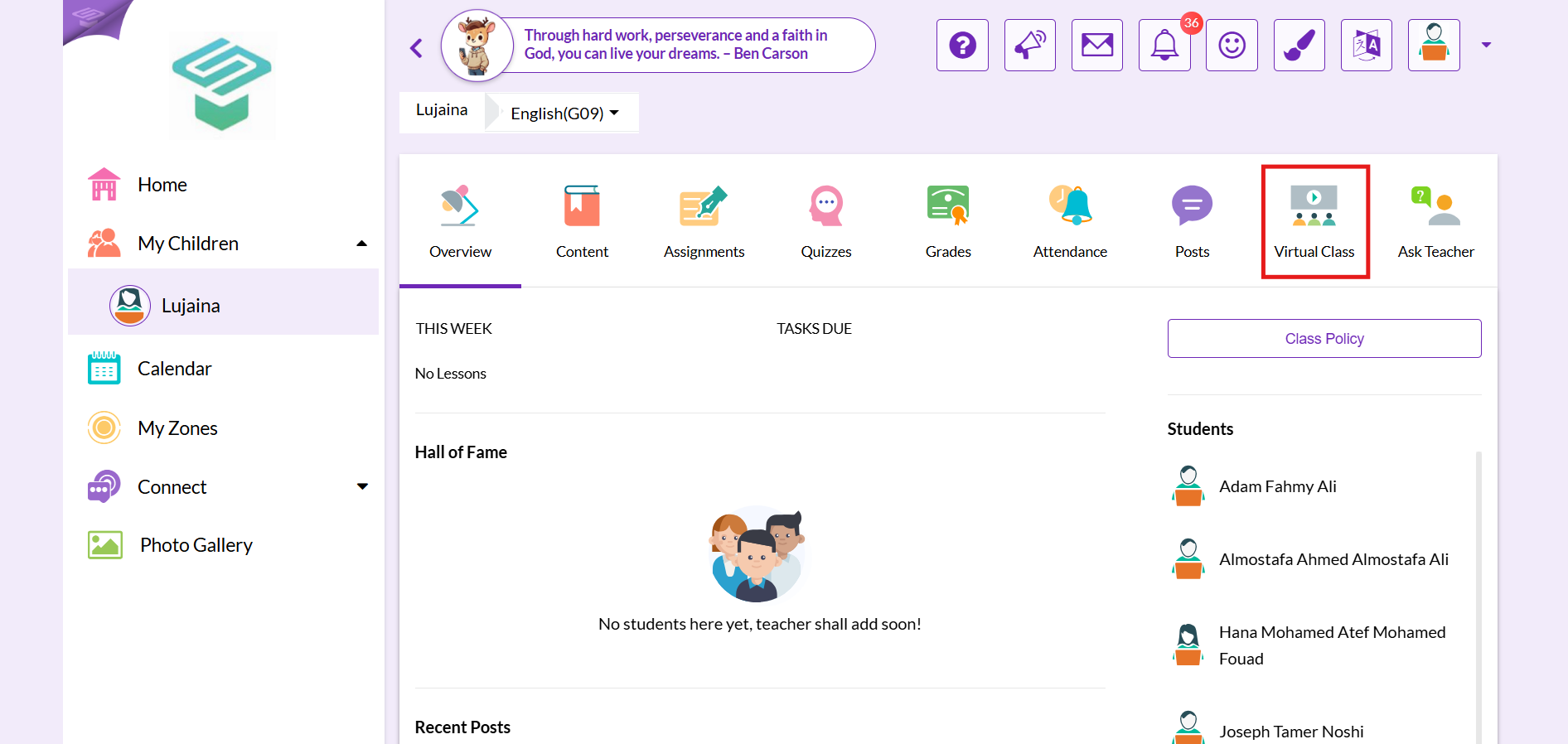
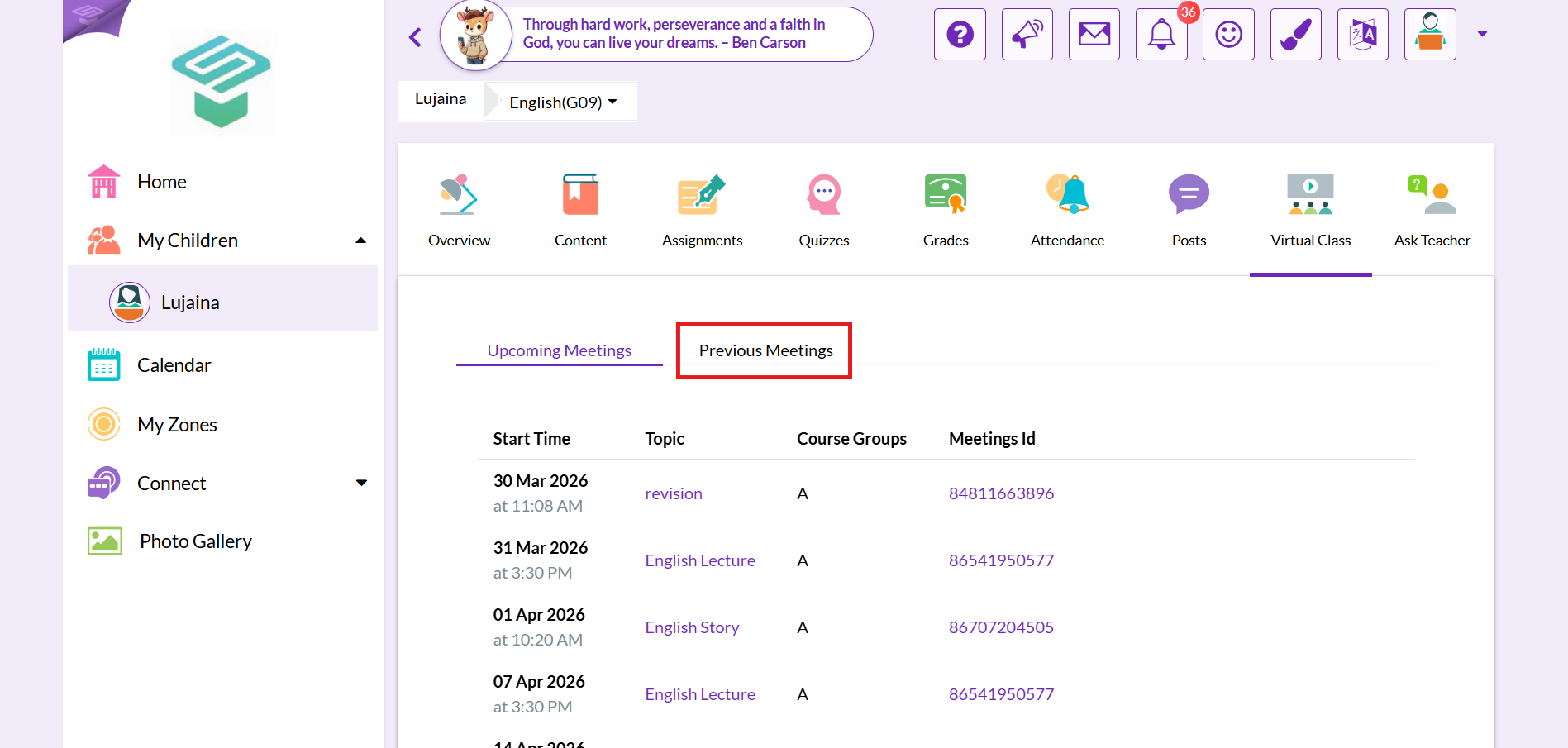
Step4: Choose virtual class tab
Step5: Now You can view only all meetings details and can't join the meetings
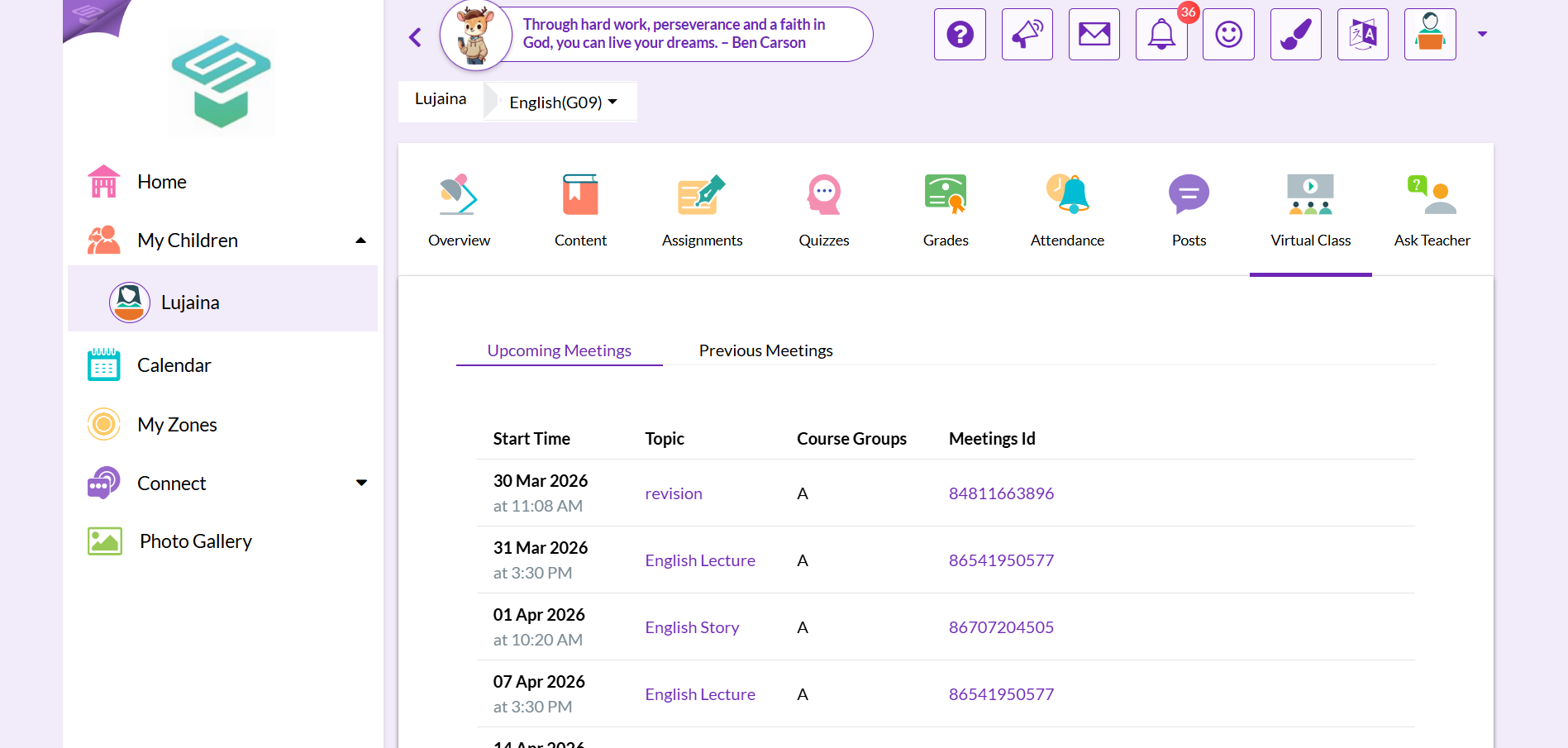
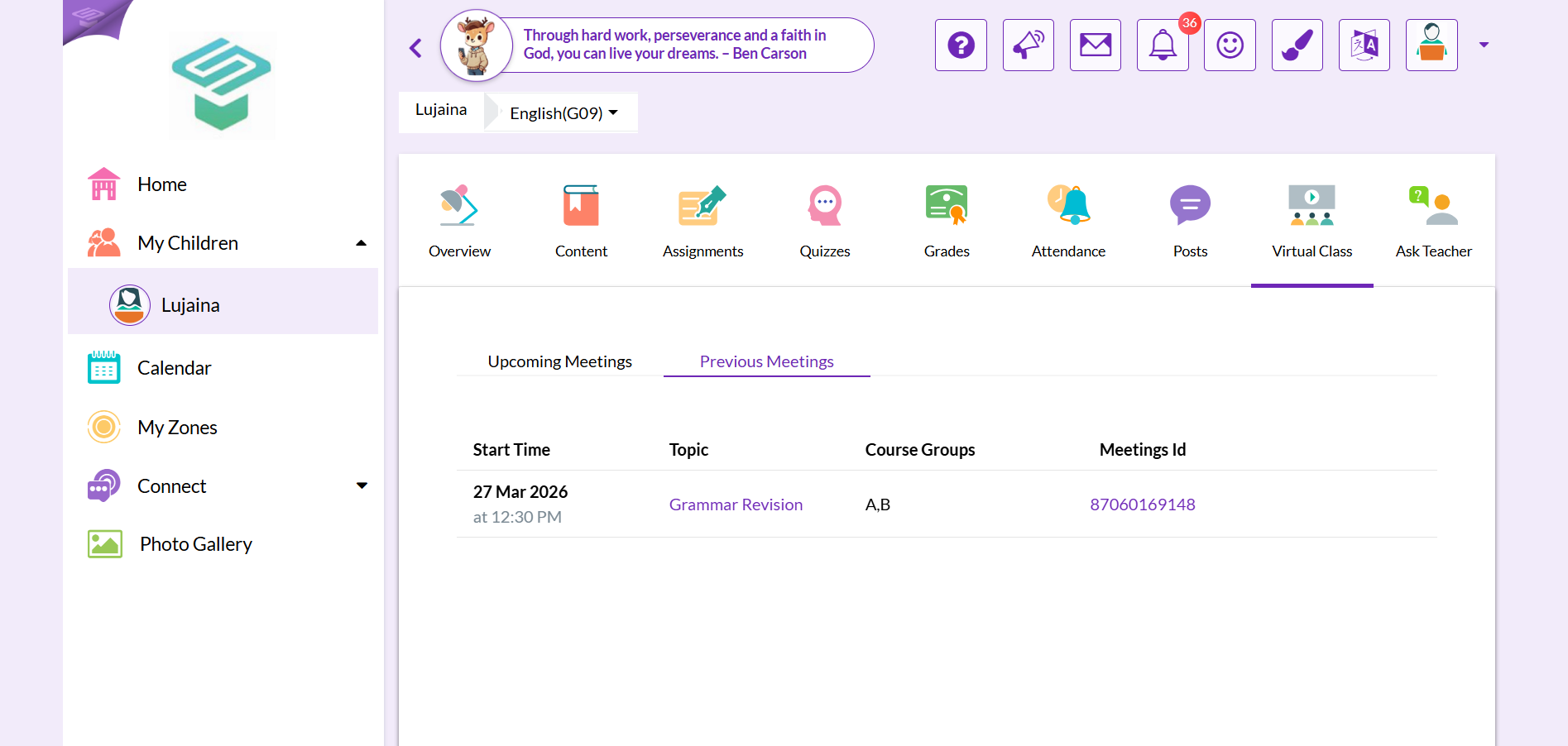
Step6: Click on Previous meetings tab to view details of any previous meetings
Other Ways to access a Specific meeting:
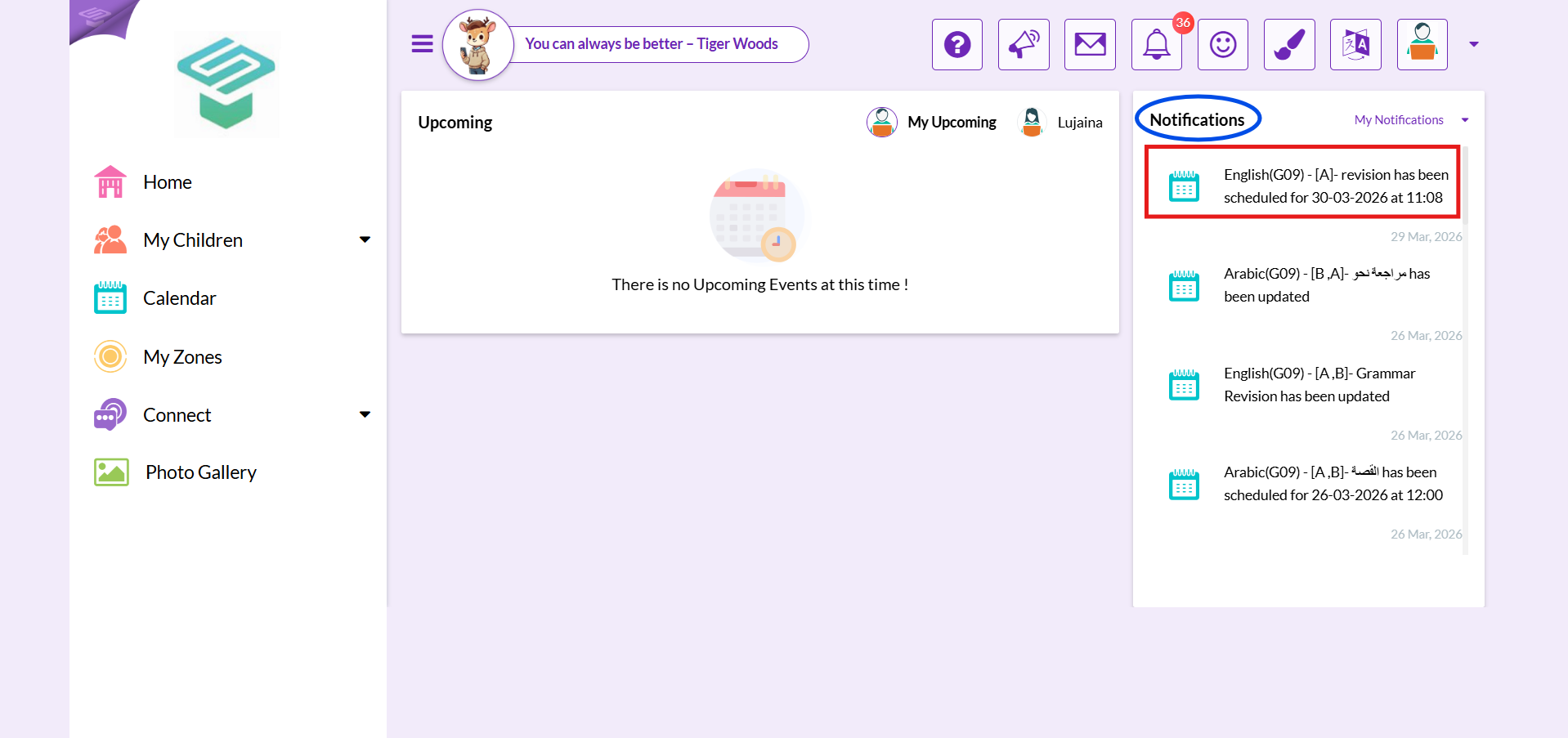
1. From Notifications menu on the right
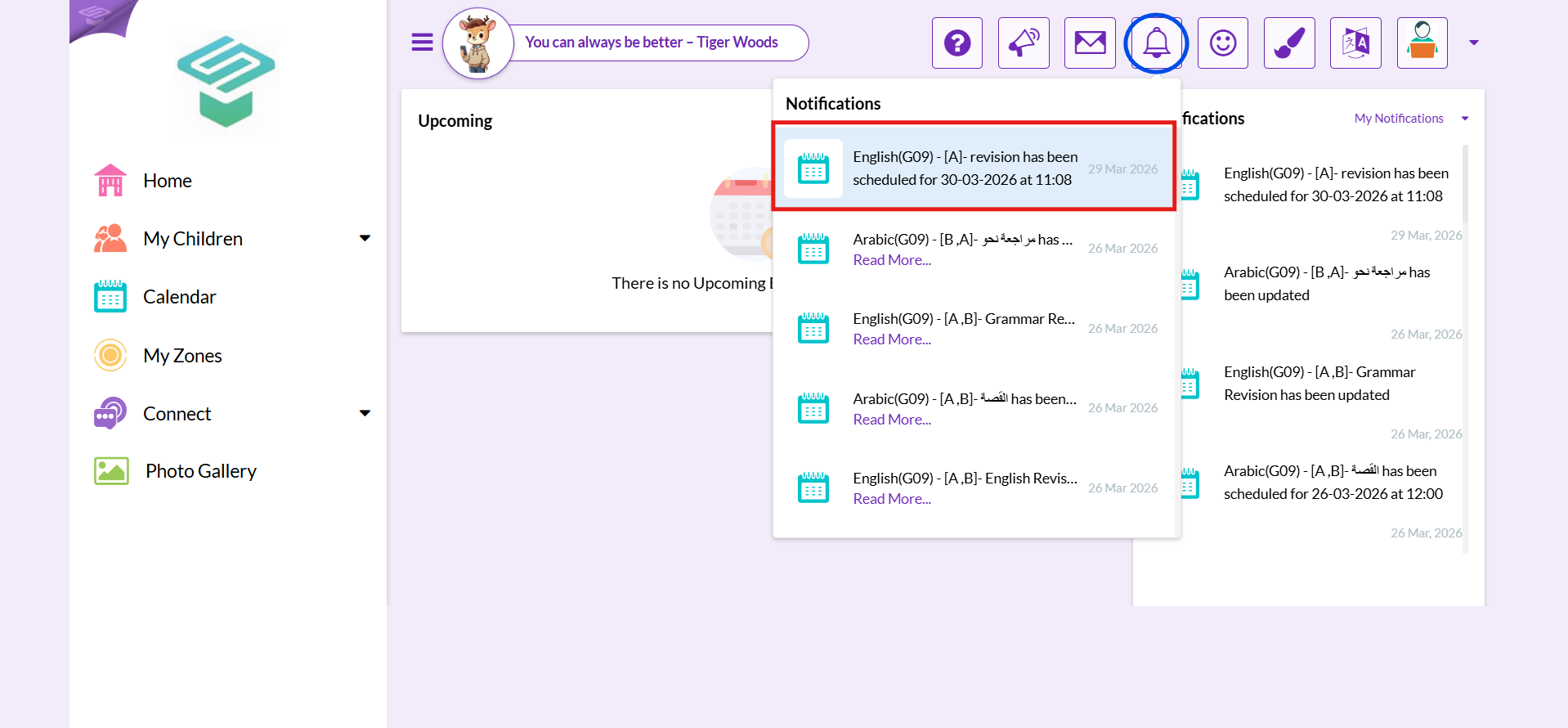
2. From Notifications button on the top
3. From Calendar