1-Go to SIS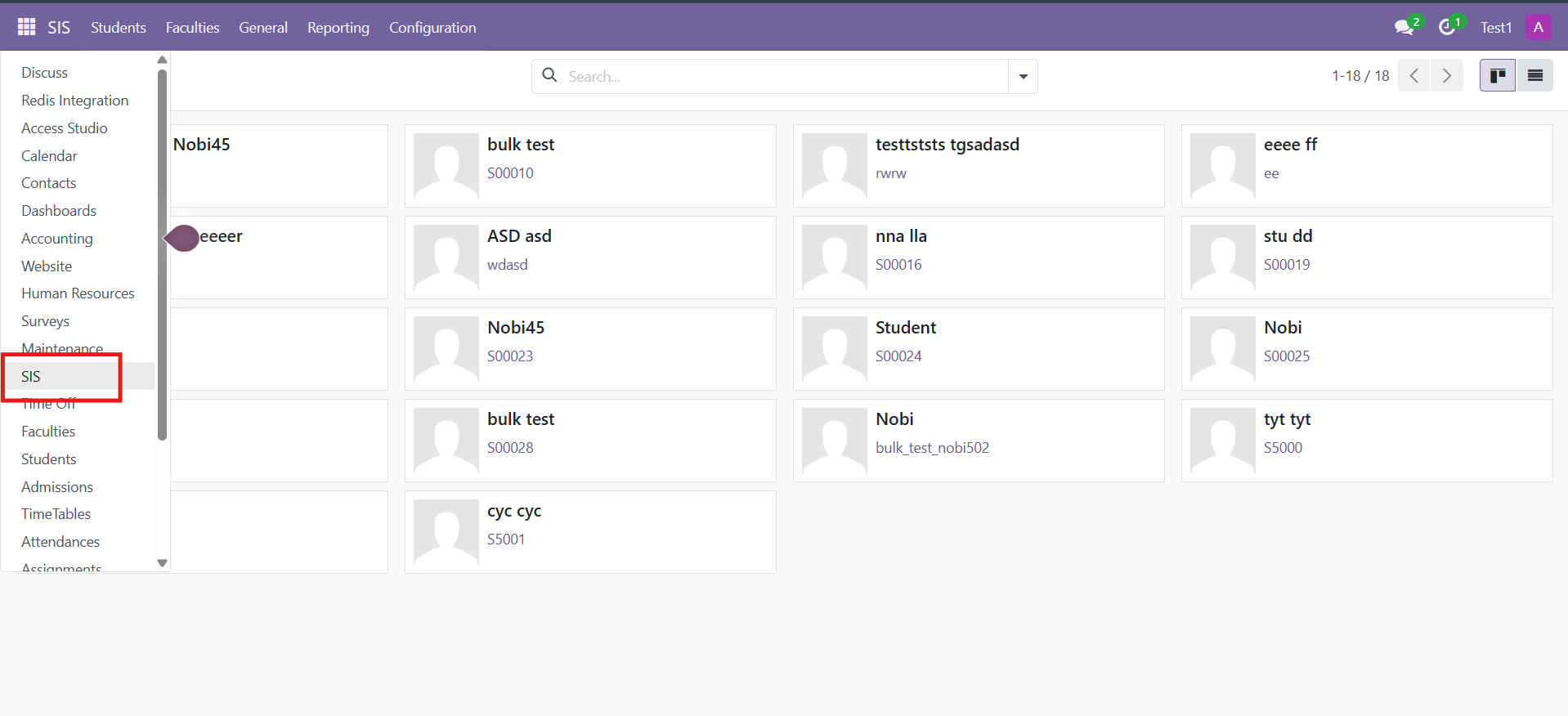
2-Select the student and go to the Education tab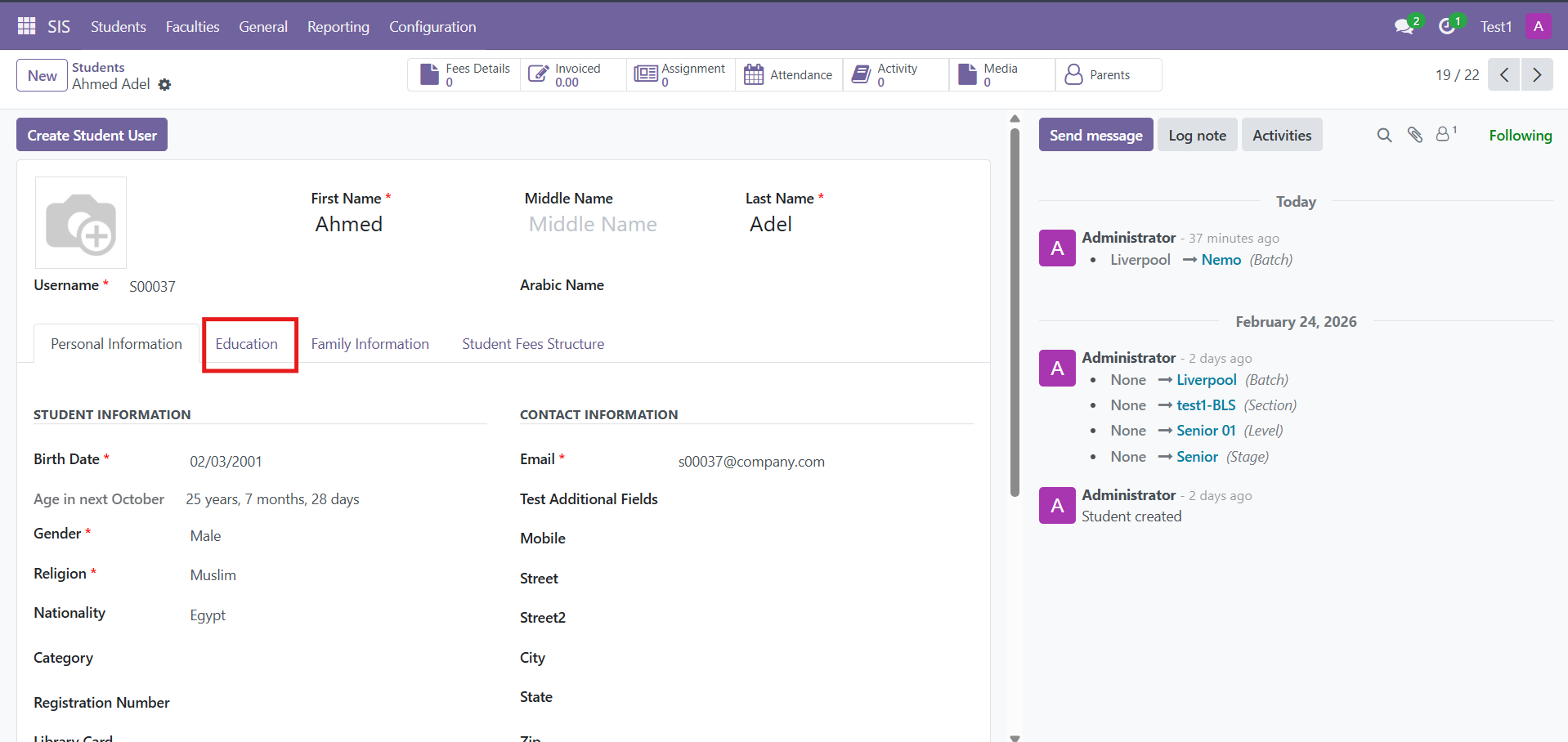
3-Open education details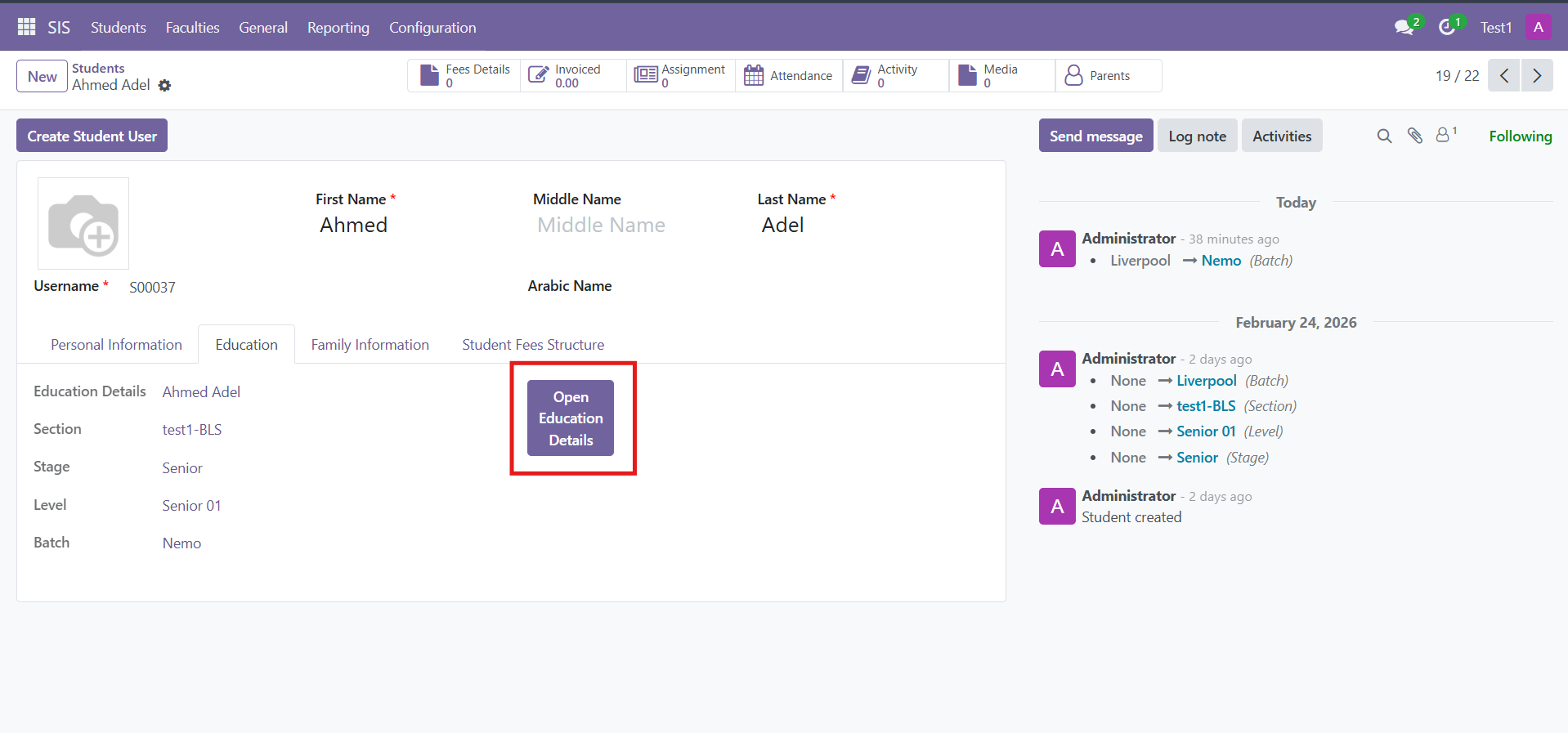
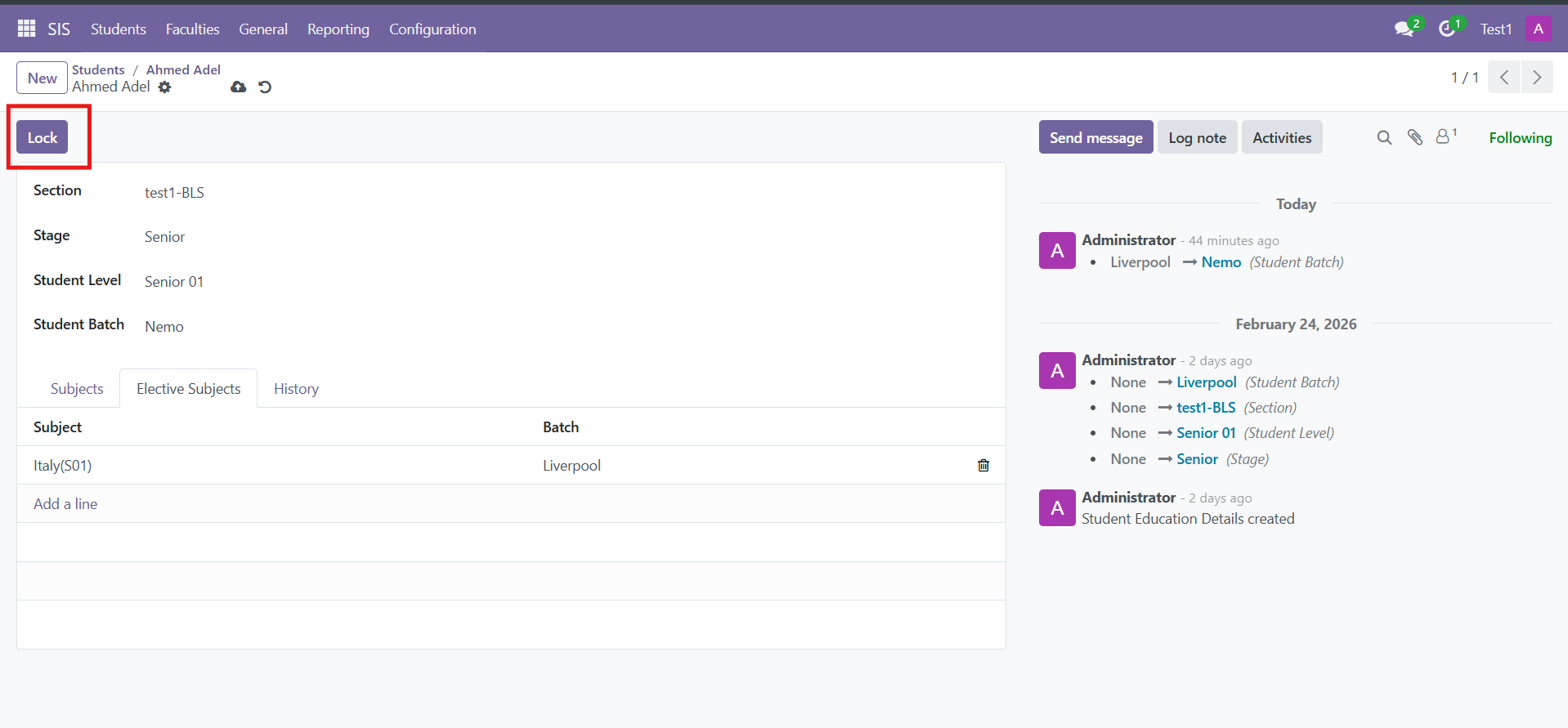
4-Unlock to allow updating the student’s educational information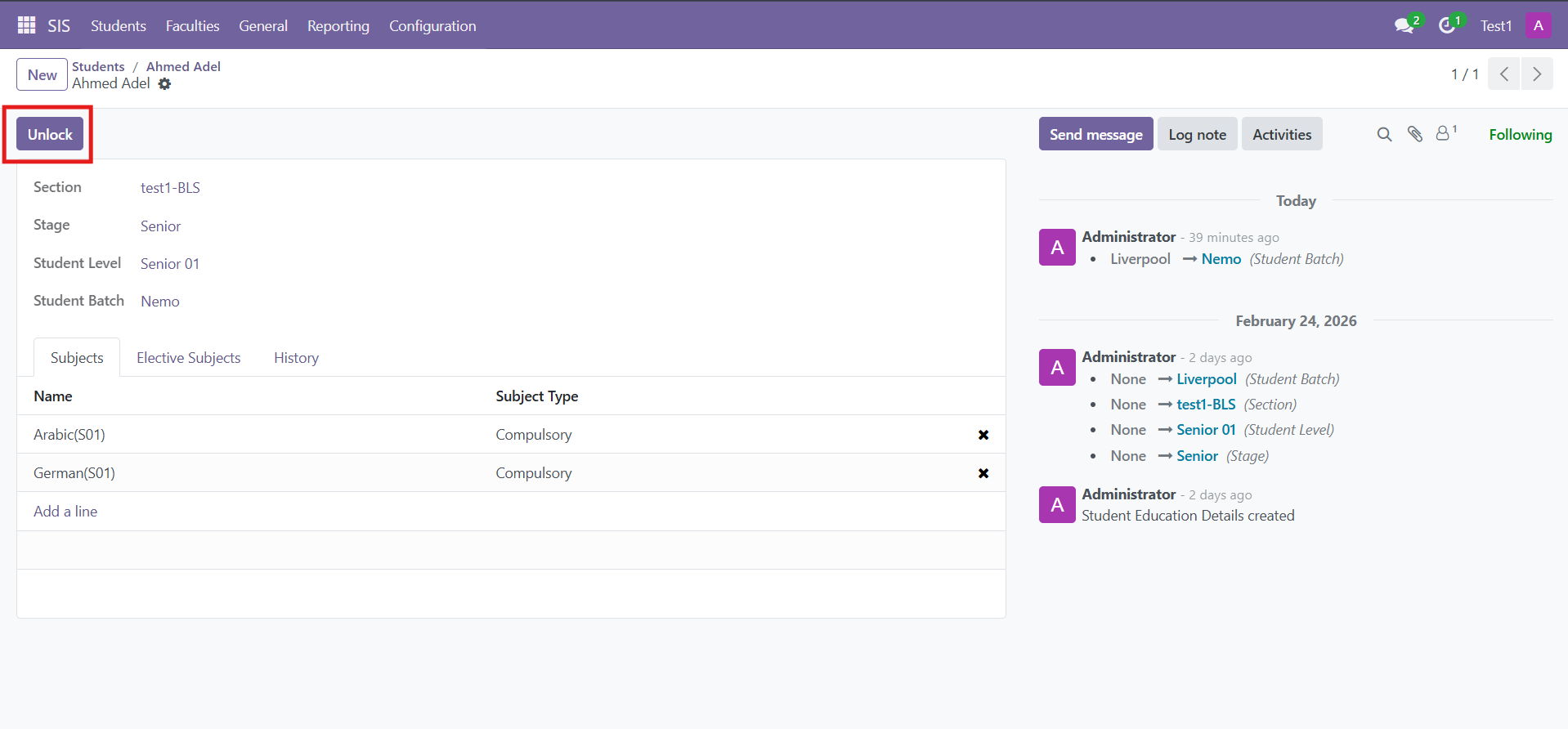
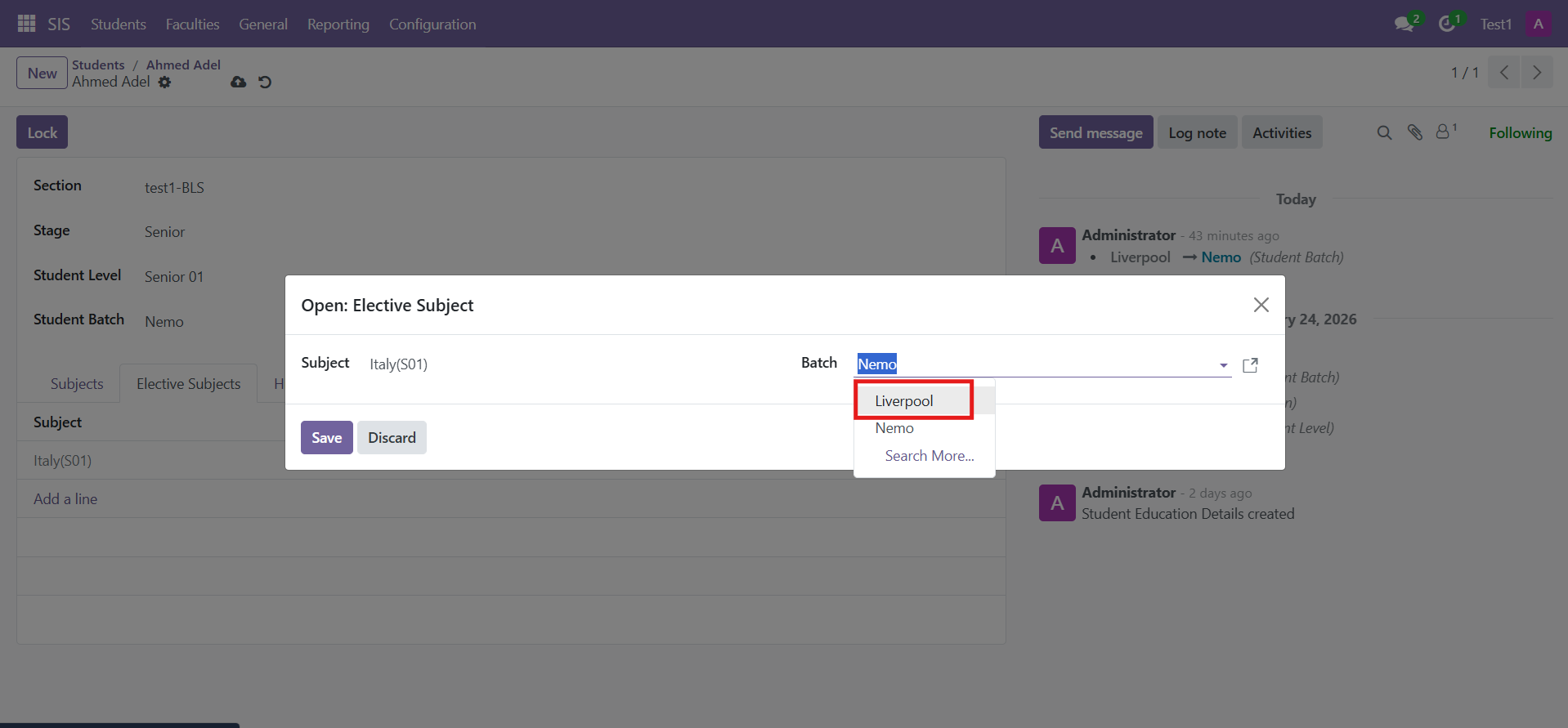
5-Choose the new batch or new level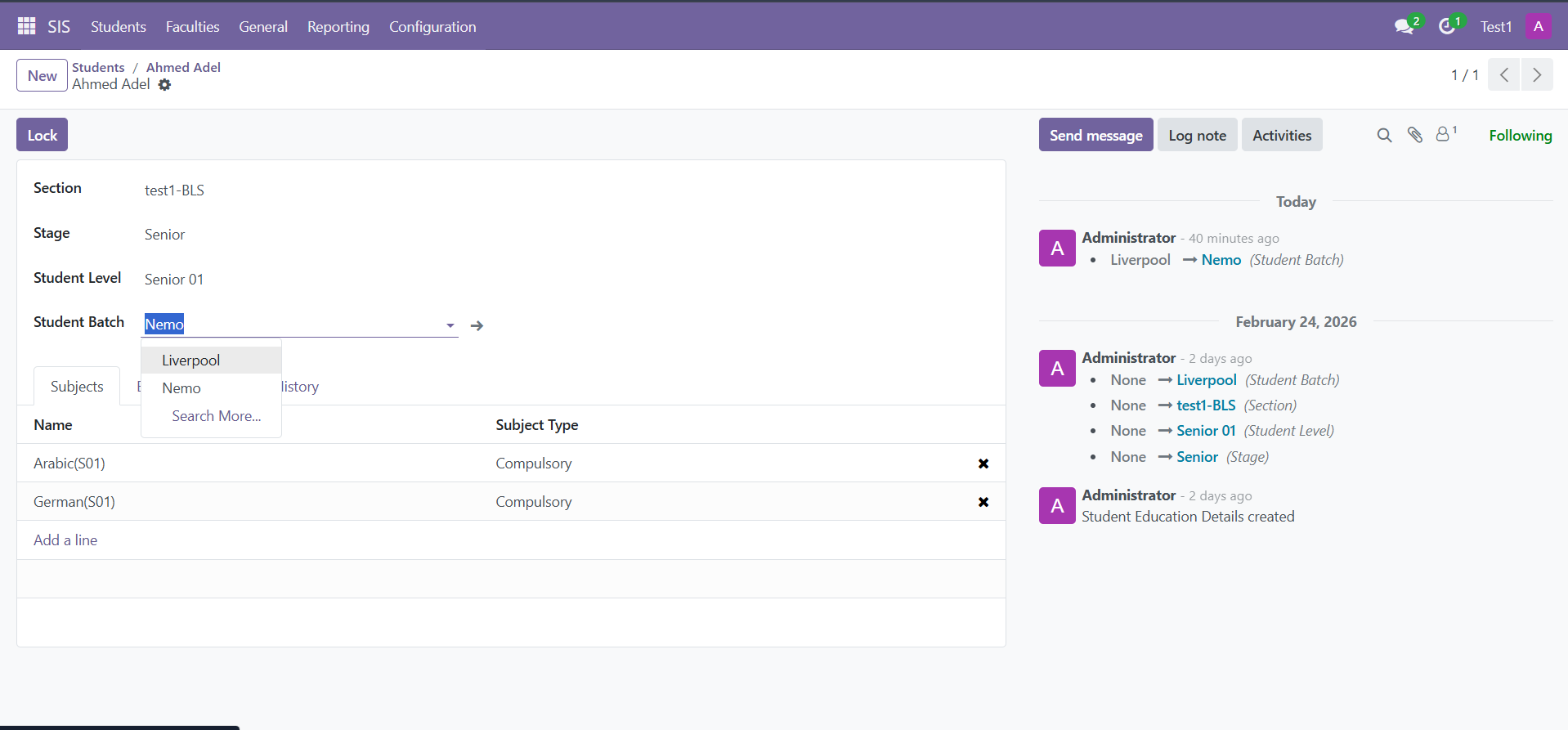
6-Change the elective subjects to fit the new batch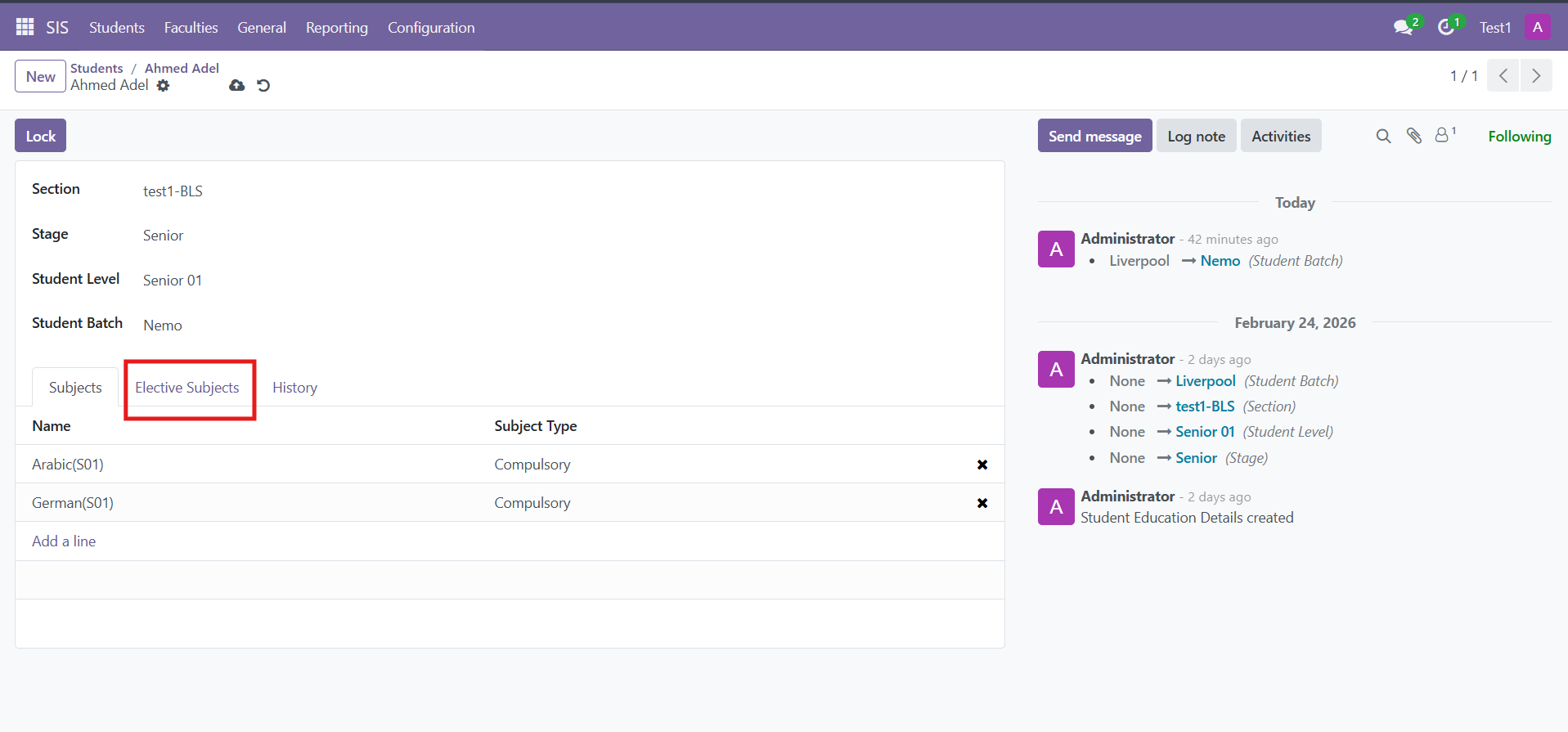
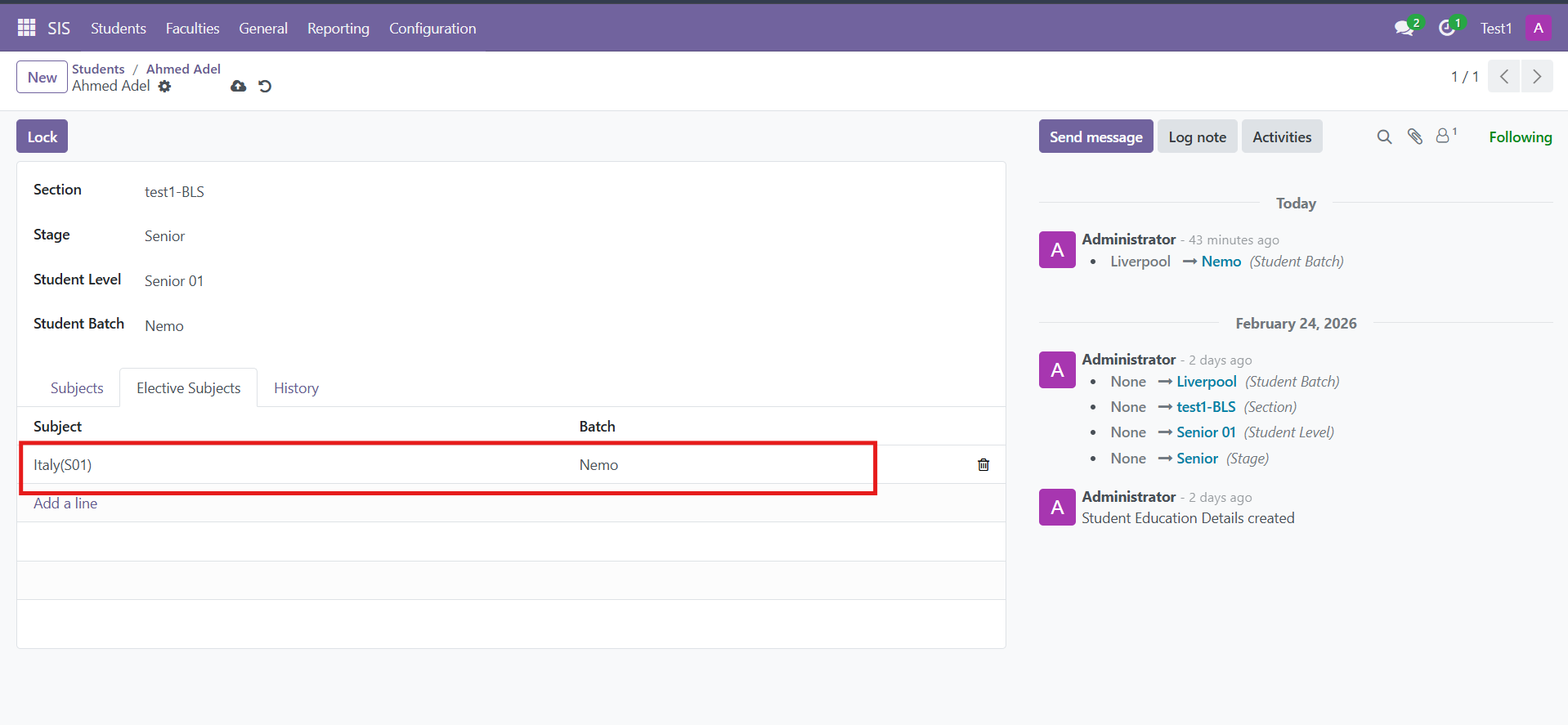
7-Click Lock and the changes will be saved automatically