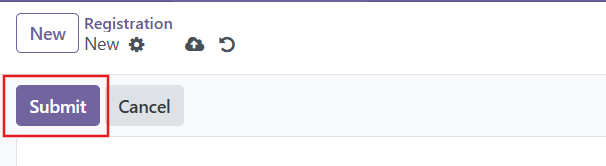
Applications can be created in two ways:
1. By Parents (Online Application):
Parents can submit the application through the online admission form.
Steps:
Fill in the required student and parent information.
Ensure all required fields are completed.
Submit the application.
2. By Admission Officer:
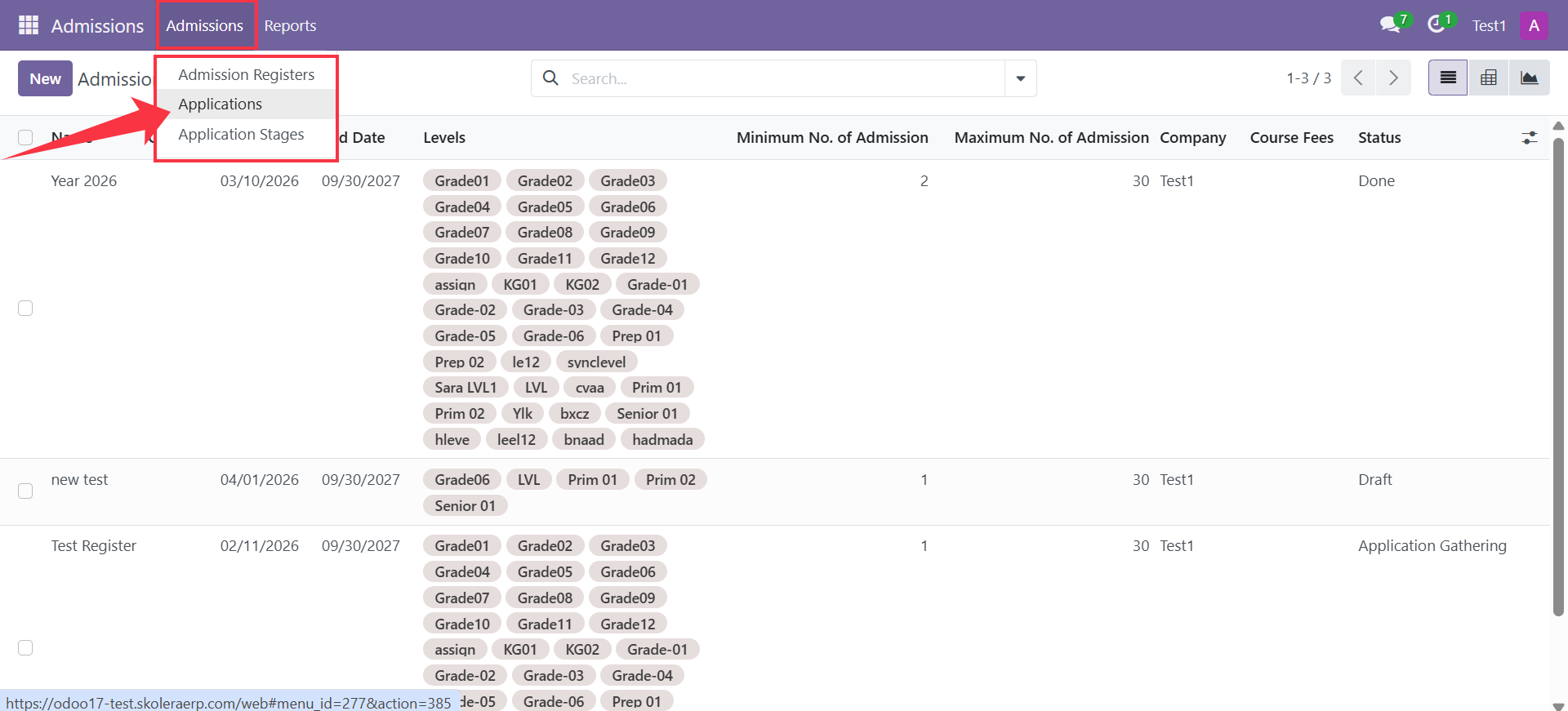
Admission officers can create applications manually from the system.
Steps
Go to Admissions → Applications.
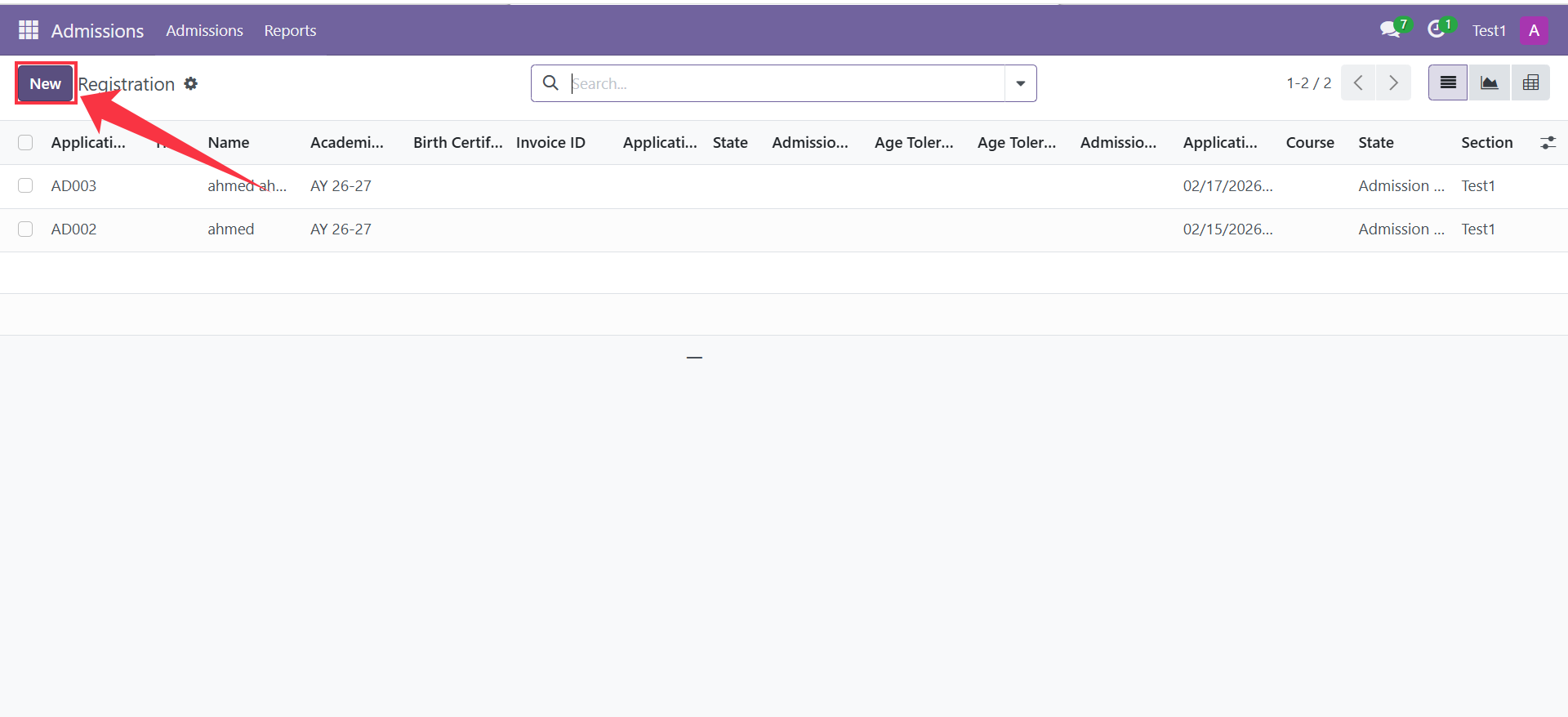
Click New.
Fill in the required information in the following sections.
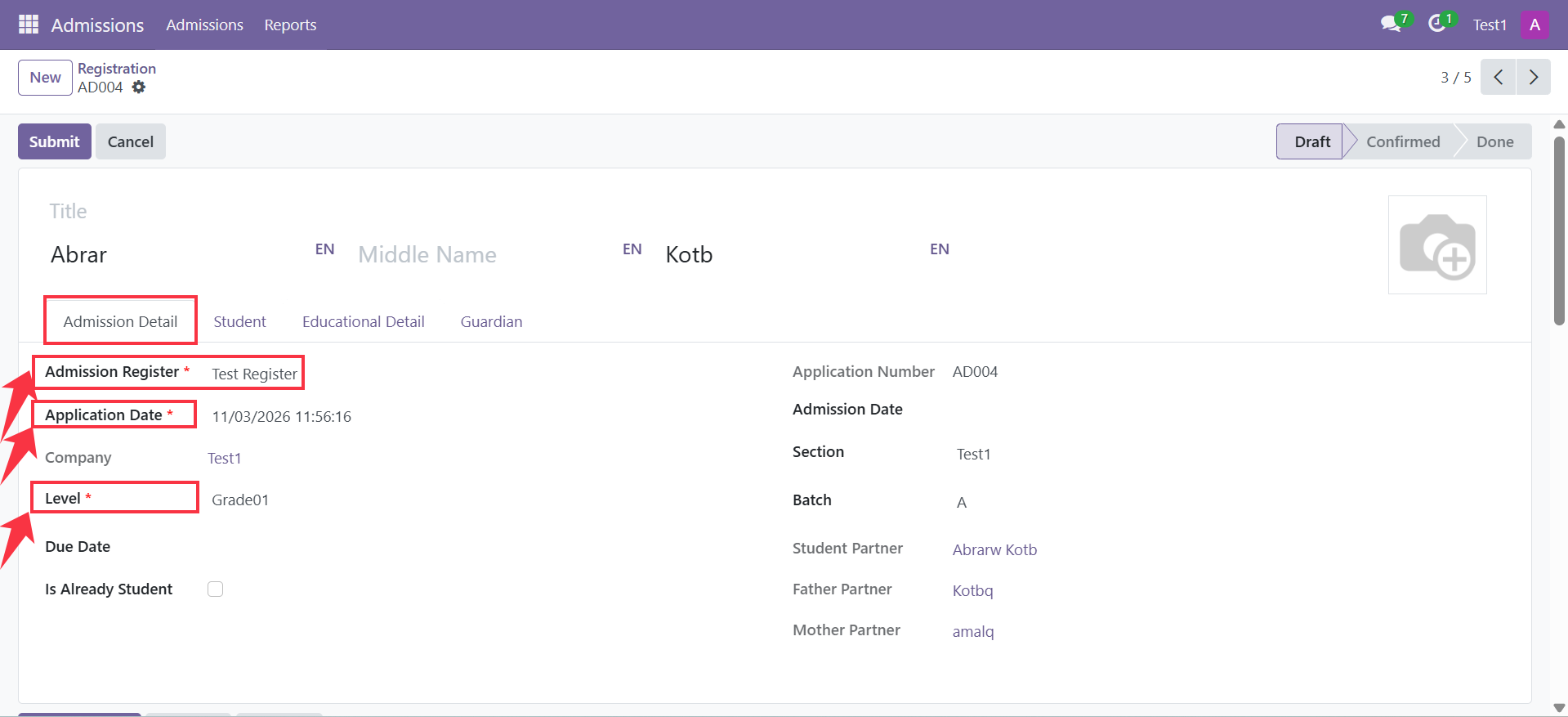
Admission Tab
Contains information related to the application and admission details.
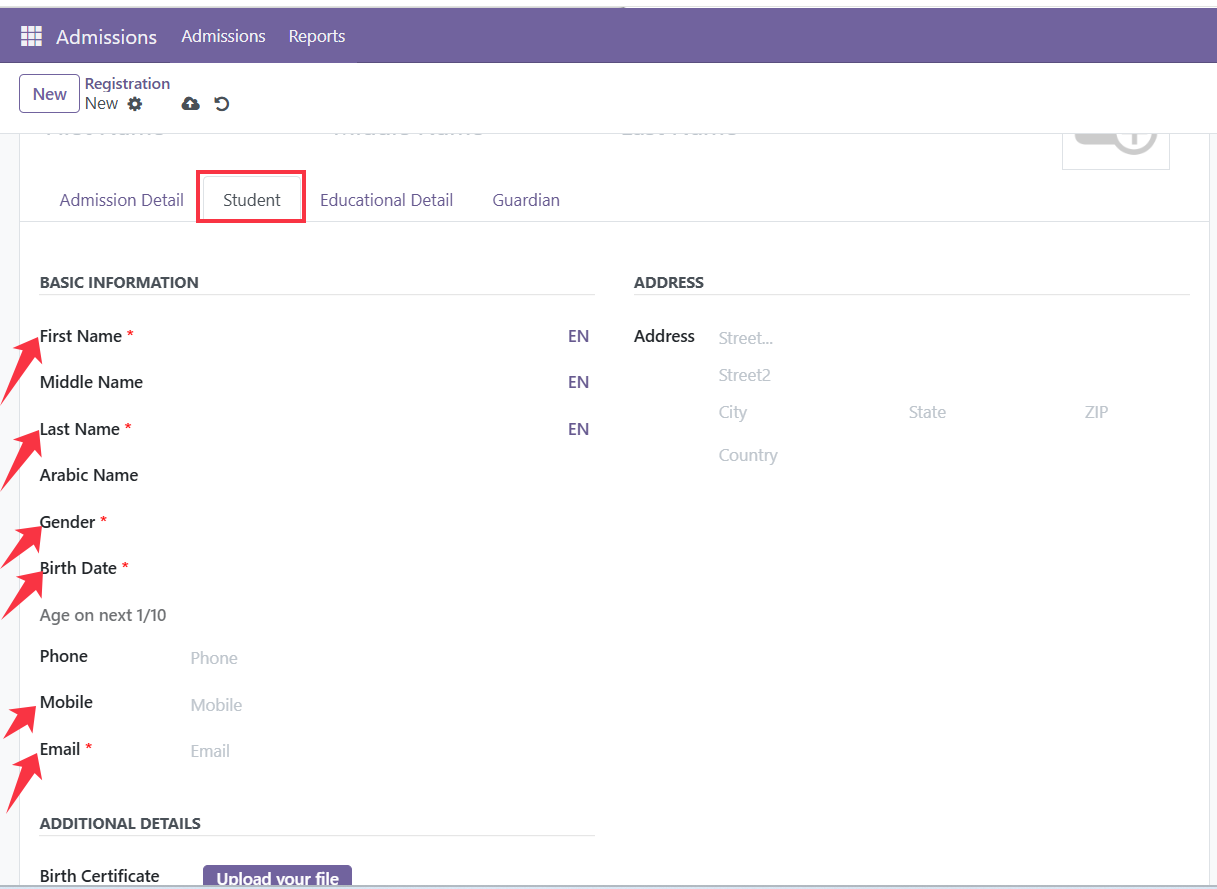
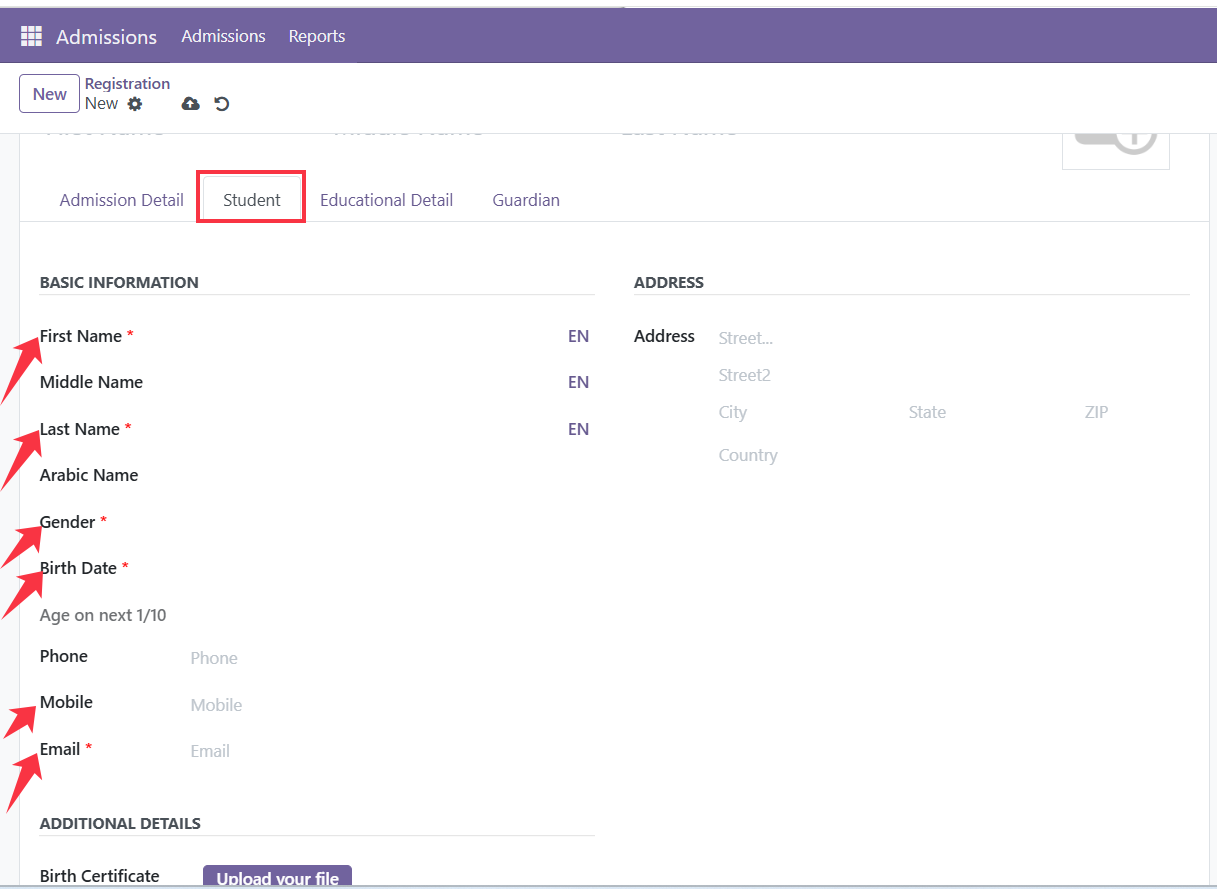
Student Tab
Includes the student's personal information.
Guardians Tab
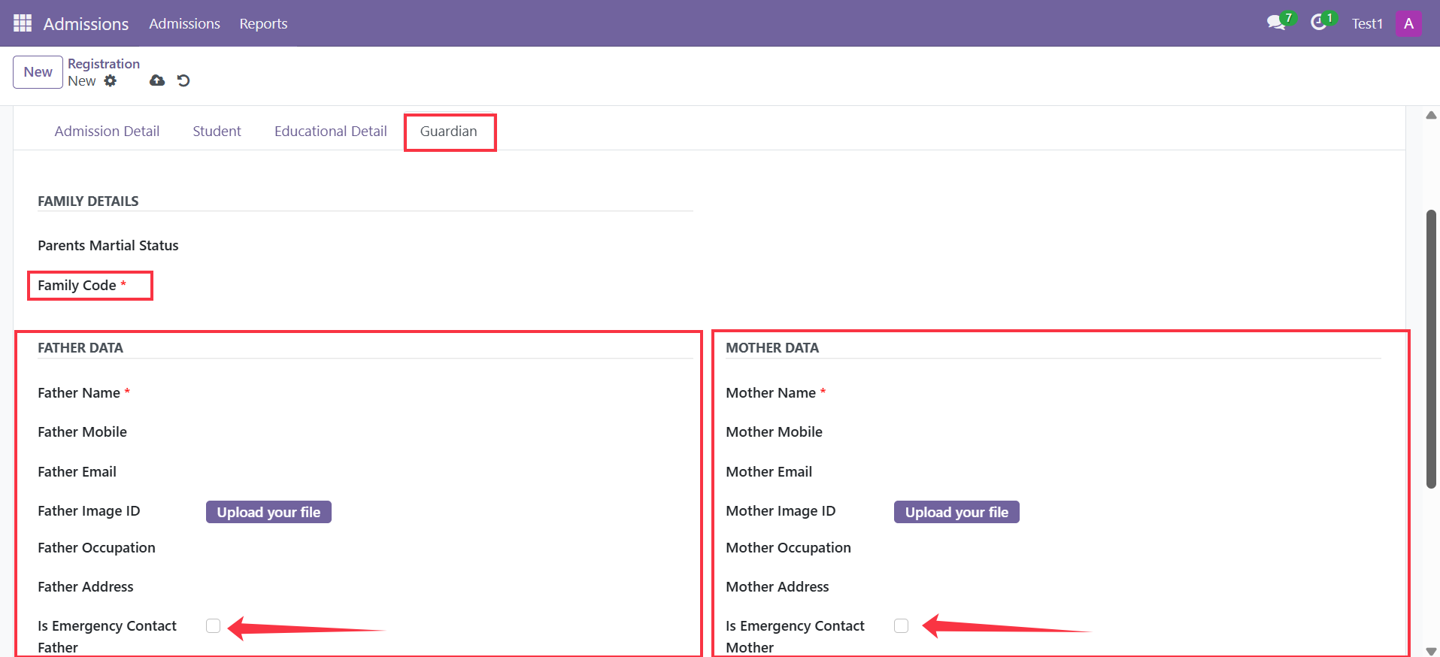
Contains parent or guardian information.
Important notes:
Select only one Emergency Contact (Father or Mother).
Add a Family Code:
New code for new parents
Existing code for families already in the system.
Then Submit